At a glance
- Direct QR content cannot be rewritten after printing.
- A redirect can change its target if the provider offers that control.
- Tracking and editable destinations are separate capabilities.
Compare the two paths
| Question | Direct static QR | Service redirect QR |
|---|---|---|
| What is encoded? | Final URL or payload | An intermediate URL |
| Can the printed payload change? | No | No; the redirect target may change |
| Can the destination be edited? | Generate a new QR for a new encoded URL | Only if supported by the service |
| Scan statistics? | Not supplied by the QR image itself | Possible through the redirect service |
| What must stay available? | The destination, for a URL QR | Both redirect service and destination |
| Internet needed? | For web URLs, yes; plain text, no | Yes, to resolve the web redirect |
Where the flexibility comes from
A direct website QR takes the scanner to the URL stored in the image. A service QR takes it to an intermediate address that forwards the request. Editing a redirect changes the forwarding rule; it does not rewrite the printed squares.
You can update content at a stable URL you own while keeping a direct QR unchanged. That is often enough for a menu or information page. Changing the encoded URL itself requires a replacement QR.
What Scanfolk offers
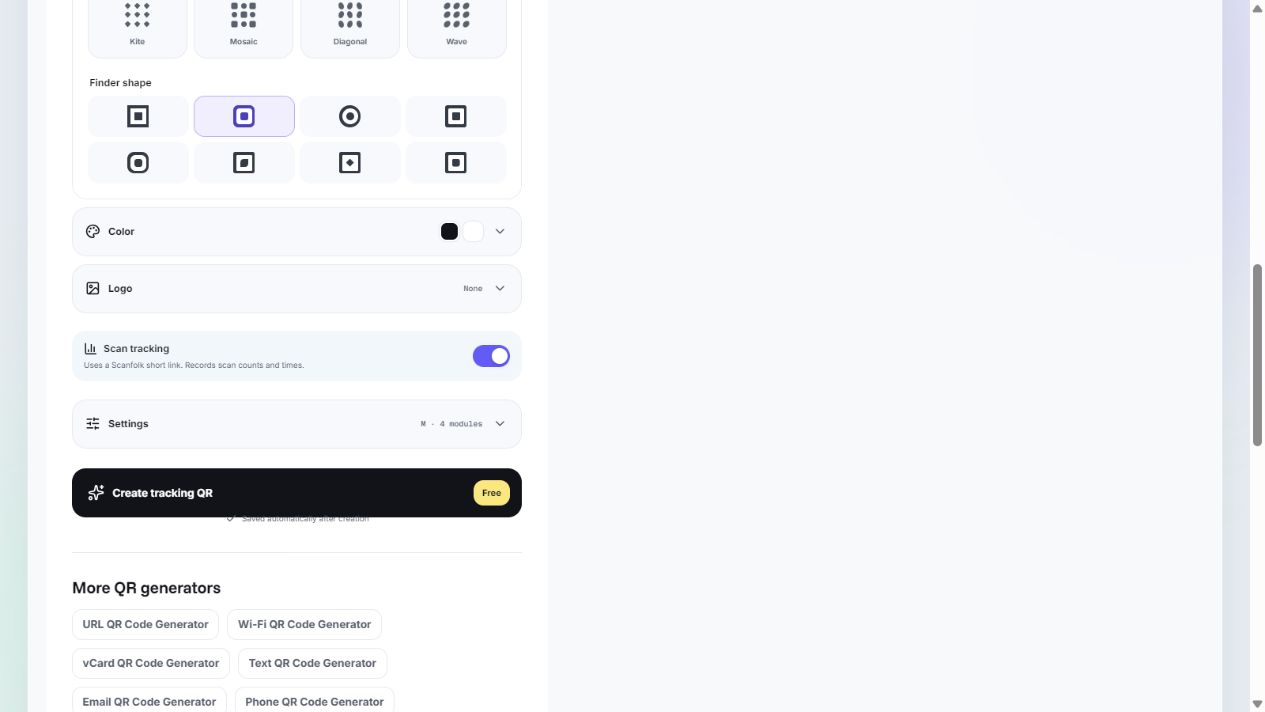
With Scan tracking off, Standard creates a direct QR in your browser and offers free PNG and SVG downloads without signing up. With tracking on, the interface uses a Scanfolk short link to record scan counts and times; complete its creation flow before sharing.
Do not assume a tracking switch includes editable destinations. Confirm the available management controls before printing a campaign that depends on changing its target. These guides do not promise destination editing or a service lifetime guarantee.
Choose for your use case
Use a direct QR when you have stable content and want fewer service dependencies: a public website, contact details, or a Wi-Fi payload. Treat sensitive payloads as visible to anyone who can scan the image.
Choose a redirect service when its verified features justify the dependency, such as scan reporting or a supported destination-management workflow. Check account requirements, retention, domain ownership, cancellation terms, and recovery options before a large print run.
Check the actual encoded link
Read the scanned URL before opening it. Compare it with your intended final URL. An intermediate domain indicates another hop, even if the QR was described as free or static.
Then open the link and check the final page. QR decoding, redirect resolution, and page availability are three separate checks. Scan counts describe requests observed by a service; they are not automatically a count of unique people.
Sources and review
Reviewed by the Scanfolk editorial team on October 4, 2026. Interface examples were captured from the public Standard generator with a public Scanfolk URL. Technical references explain the quiet zone and the general redirect principle. Test your own finished QR in its intended setting.