GET STARTED · 5 min read
How to create a QR code
Create a free QR code in Scanfolk: choose your content, check the destination, customize, download PNG or SVG, and test before printing.
Read the guide →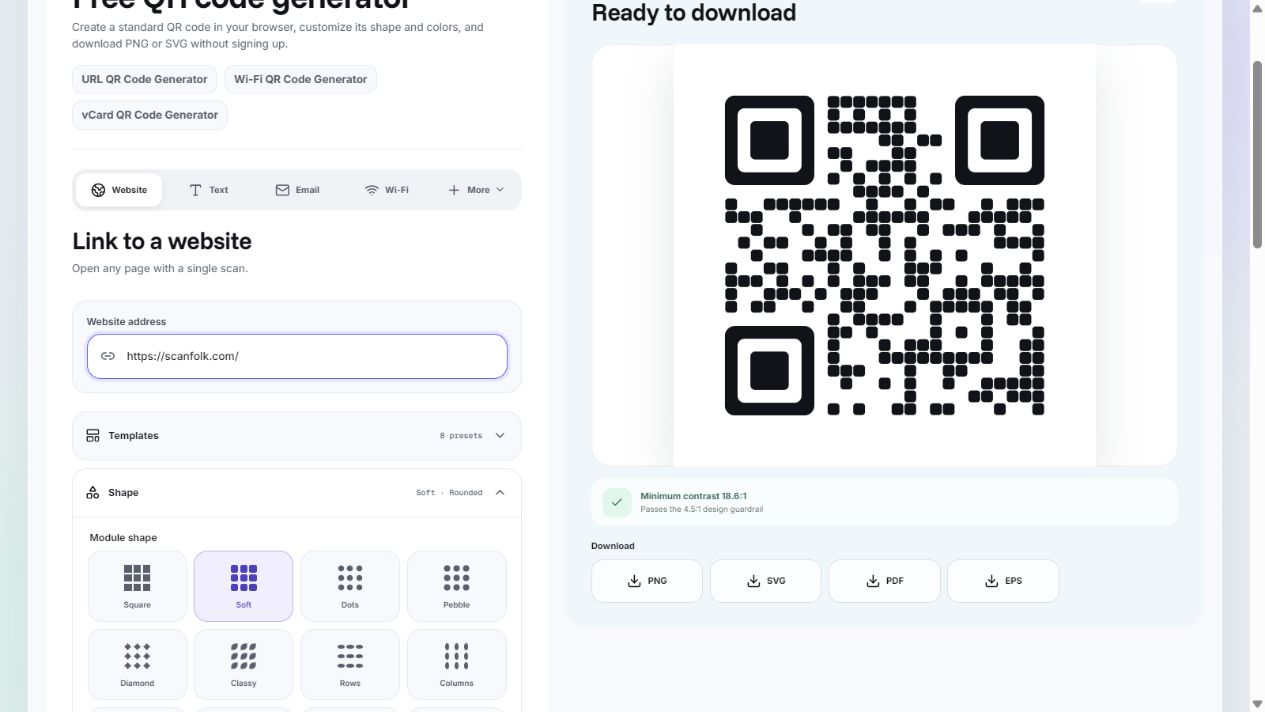
Start with the workflow, choose how your link behaves, and keep the finished QR useful after you share it.
GET STARTED · 5 min read
Create a free QR code in Scanfolk: choose your content, check the destination, customize, download PNG or SVG, and test before printing.
Read the guide →CHOOSE YOUR QR · 4 min read
Compare direct static QR codes and dynamic redirect links: destination changes, scan analytics, internet access, and service dependencies.
Read the guide →KEEP IT WORKING · 4 min read
QR images do not expire by themselves. Learn how broken URLs, service redirects, expiring access, and damaged prints affect QR code lifespan.
Read the guide →DOWNLOAD & PRINT · 6 min read
Choose PNG or SVG for your QR code. Compare resolution, transparency and print placement with original Scanfolk examples, then create and download a free Standard QR.
Read the guide →CUSTOMIZE & TEST · 7 min read
Create a custom QR code with colors, shapes and a logo. Follow original before-and-after examples, a digital scan comparison and a practical design checklist.
Read the guide →LINKS & DESTINATIONS · 6 min read
Turn a website link into a QR code: prepare the full URL, choose direct or tracking mode, download your file and check the destination. Includes original Scanfolk examples.
Read the guide →TEST & PUBLISH · 7 min read
Test the exact data, destination and final placement of your QR code. Use a downloadable pre-publish checklist, a device test log and original digital pass/failure examples.
Read the guide →CUSTOMIZE · 6 min read
Add a logo in Scanfolk: upload your image, preview its protected center, export and test. See a recorded digital logo-size experiment and its limits.
Read the guide →GET STARTED · 6 min read
Create a Wi-Fi QR code with the right network name, security and password. Follow the Scanfolk walkthrough, protect guest access and test joining.
Read the guide →DESIGN & TESTING · 7 min read
Choose QR error correction L, M, Q or H. Compare density, understand codeword recovery and see reproducible digital damage tests with failures retained.
Read the guide →PRINT & TESTING · 7 min read
Calculate QR print dimensions from module size, border and density. Download calibrated A4 or Letter test sheets and plan a real print check.
Read the guide →PRINT & SHARING · 6 min read
Choose a contact or website QR for your business card, prepare the layout and export, and check a proof before ordering a print run.
Read the guide →Start with a direct QR in Standard, or explore a Creative direction.
Use Standard free · Explore Creative templates