%22%2F%3E%3Cmask%20id%3D%22qr-eye-1%22%3E%3Crect%20x%3D%2222%22%20y%3D%224%22%20width%3D%227%22%20height%3D%227%22%20rx%3D%220.8%22%20fill%3D%22white%22%2F%3E%3Crect%20x%3D%2223%22%20y%3D%225%22%20width%3D%225%22%20height%3D%225%22%20rx%3D%220.55%22%20fill%3D%22black%22%2F%3E%3Crect%20x%3D%2224%22%20y%3D%226%22%20width%3D%223%22%20height%3D%223%22%20rx%3D%220.38%22%20fill%3D%22white%22%2F%3E%3C%2Fmask%3E%3Crect%20x%3D%2222%22%20y%3D%224%22%20width%3D%227%22%20height%3D%227%22%20mask%3D%22url(%23qr-eye-1)%22%2F%3E%3Cmask%20id%3D%22qr-eye-2%22%3E%3Crect%20x%3D%224%22%20y%3D%2222%22%20width%3D%227%22%20height%3D%227%22%20rx%3D%220.8%22%20fill%3D%22white%22%2F%3E%3Crect%20x%3D%225%22%20y%3D%2223%22%20width%3D%225%22%20height%3D%225%22%20rx%3D%220.55%22%20fill%3D%22black%22%2F%3E%3Crect%20x%3D%226%22%20y%3D%2224%22%20width%3D%223%22%20height%3D%223%22%20rx%3D%220.38%22%20fill%3D%22white%22%2F%3E%3C%2Fmask%3E%3Crect%20x%3D%224%22%20y%3D%2222%22%20width%3D%227%22%20height%3D%227%22%20mask%3D%22url(%23qr-eye-2)%22%2F%3E%3C%2Fg%3E%3C%2Fsvg%3E)
STANDARD CUSTOM
Brand-controlled and deterministic
Choose modules, finder shapes, colors, gradients, a logo, and export settings while keeping the QR structure visually explicit.
Keep customizingCustomize QR colors, module and finder shapes, backgrounds, gradients, and logos. The live contrast guard helps you keep the result readable before download.
Open any page with a single scan.
Applies a scan-safe palette, logo, shapes, and H correction. You can customize everything after.
The protected center removes QR modules; it does not add a white box behind the logo. Test the final placement before publishing.
CHOOSE THE OUTCOME
Both examples encode the same short link. Choose the treatment that matches the job instead of forcing every QR into one style.
Choose modules, finder shapes, colors, gradients, a logo, and export settings while keeping the QR structure visually explicit.
Keep customizing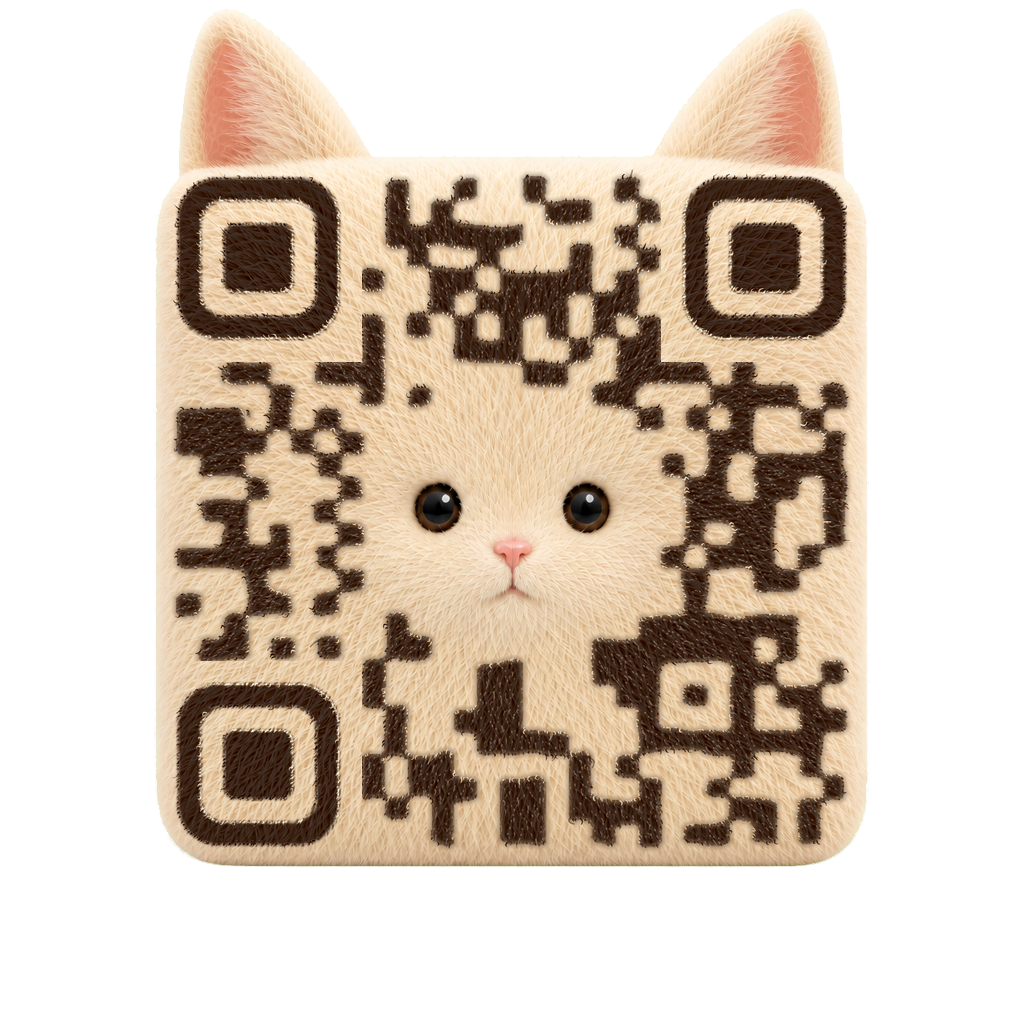
Describe a subject, material, mood, palette, or scene when the QR itself should become the visual concept.
Create with AIDESIGN SAFELY
Keep every foreground color clearly separated from every background color. The live guard checks the weakest pairing, including gradients.
Leave at least four clear modules around the symbol so nearby artwork or print edges do not crowd it.
A logo removes data modules from the center, so Scanfolk switches to H error correction and keeps a padded clear zone.
Scan the exported QR at its real size and on the actual background before publishing or printing it.
Yes. Standard colors, shapes, gradients, logos, and static downloads are available in the generator without an account. Tracking uses a managed short link and asks you to sign in when you create it.
The guard requires a minimum 4.5:1 ratio across every selected QR and background color pairing. Real-world scanning also depends on size, material, lighting, camera, and placement.
Use Creative when you want the QR to become part of an illustration, character, material, or scene. Use Standard when precise brand control and a conventional QR structure matter more.
Choose a specific payload, keep customizing in Standard, or move into a scan-tested Creative direction.