Party invitations
Link to event details or your RSVP page.
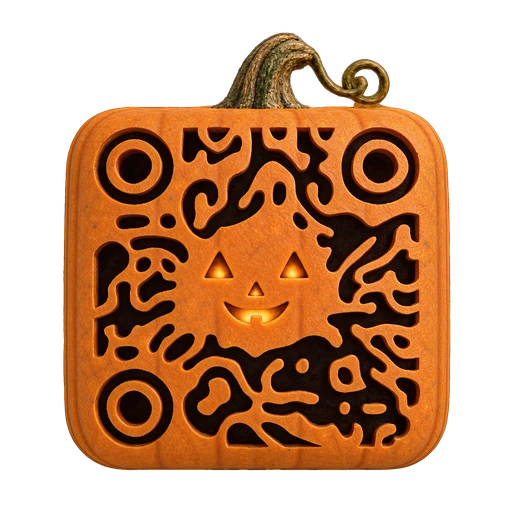
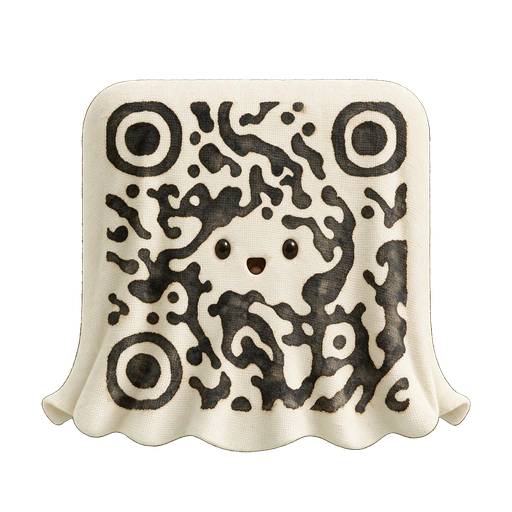
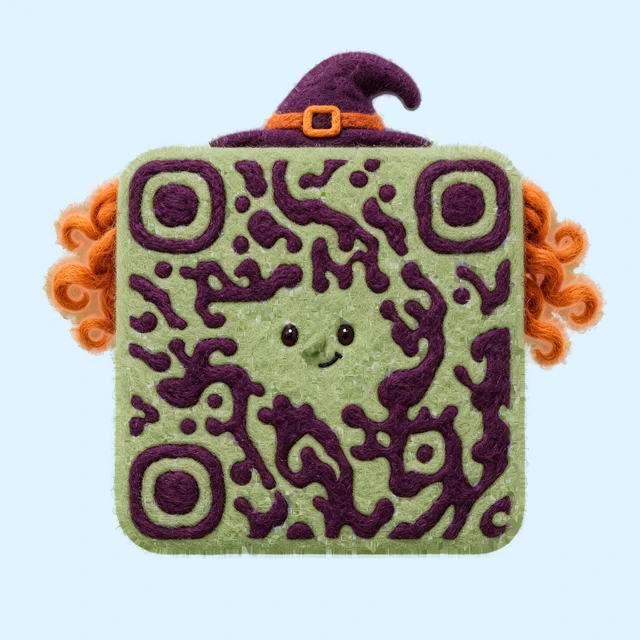
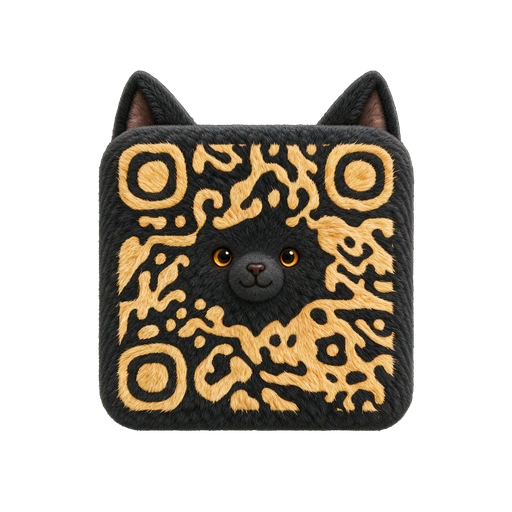
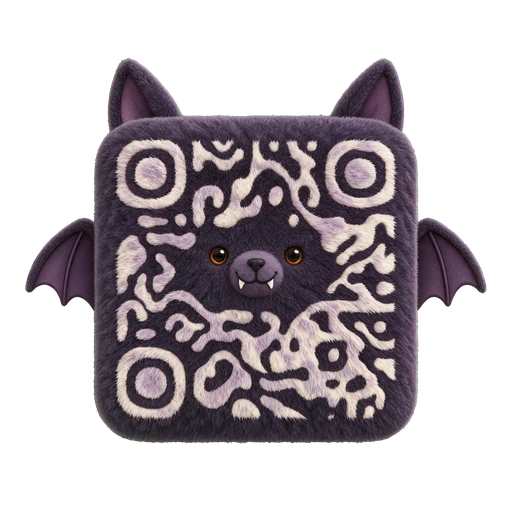
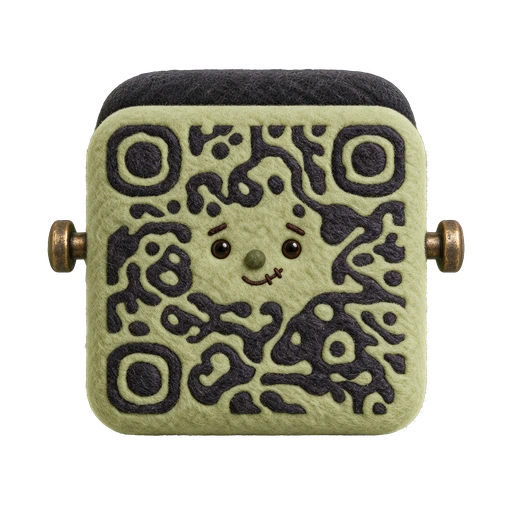
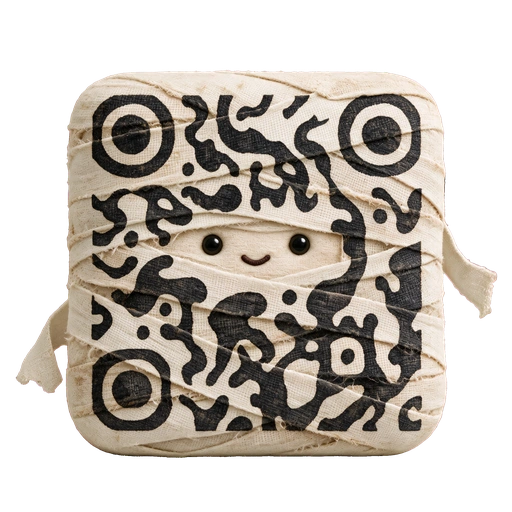
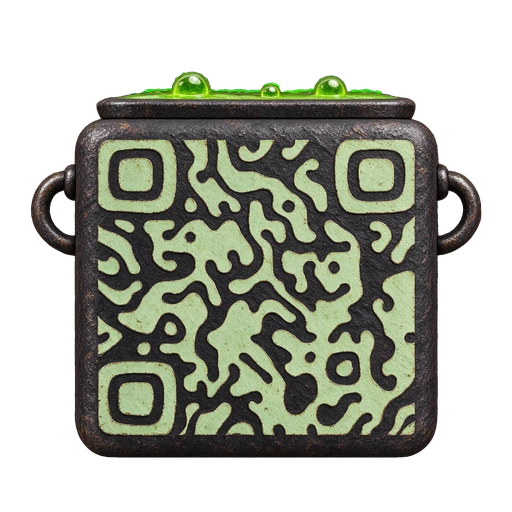
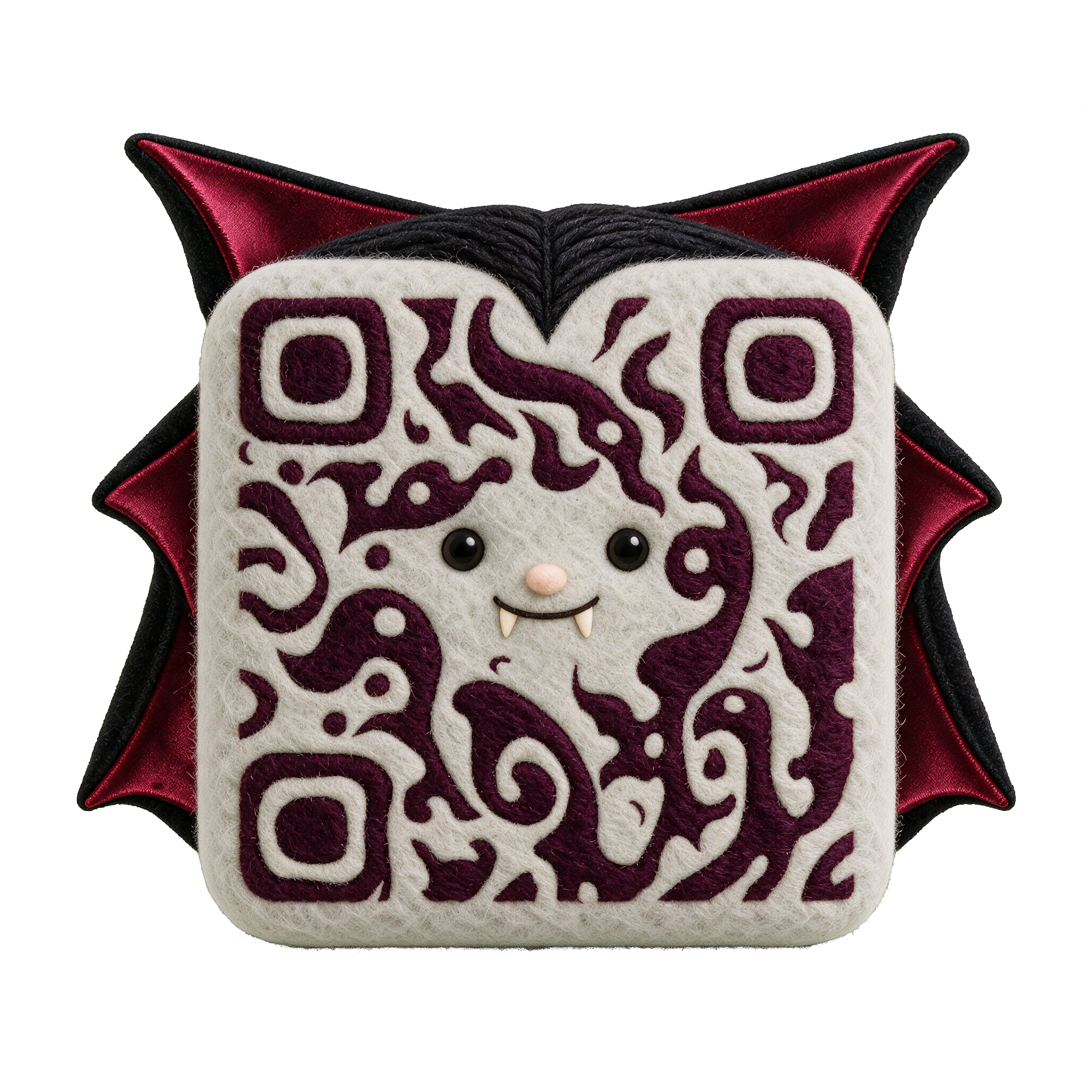
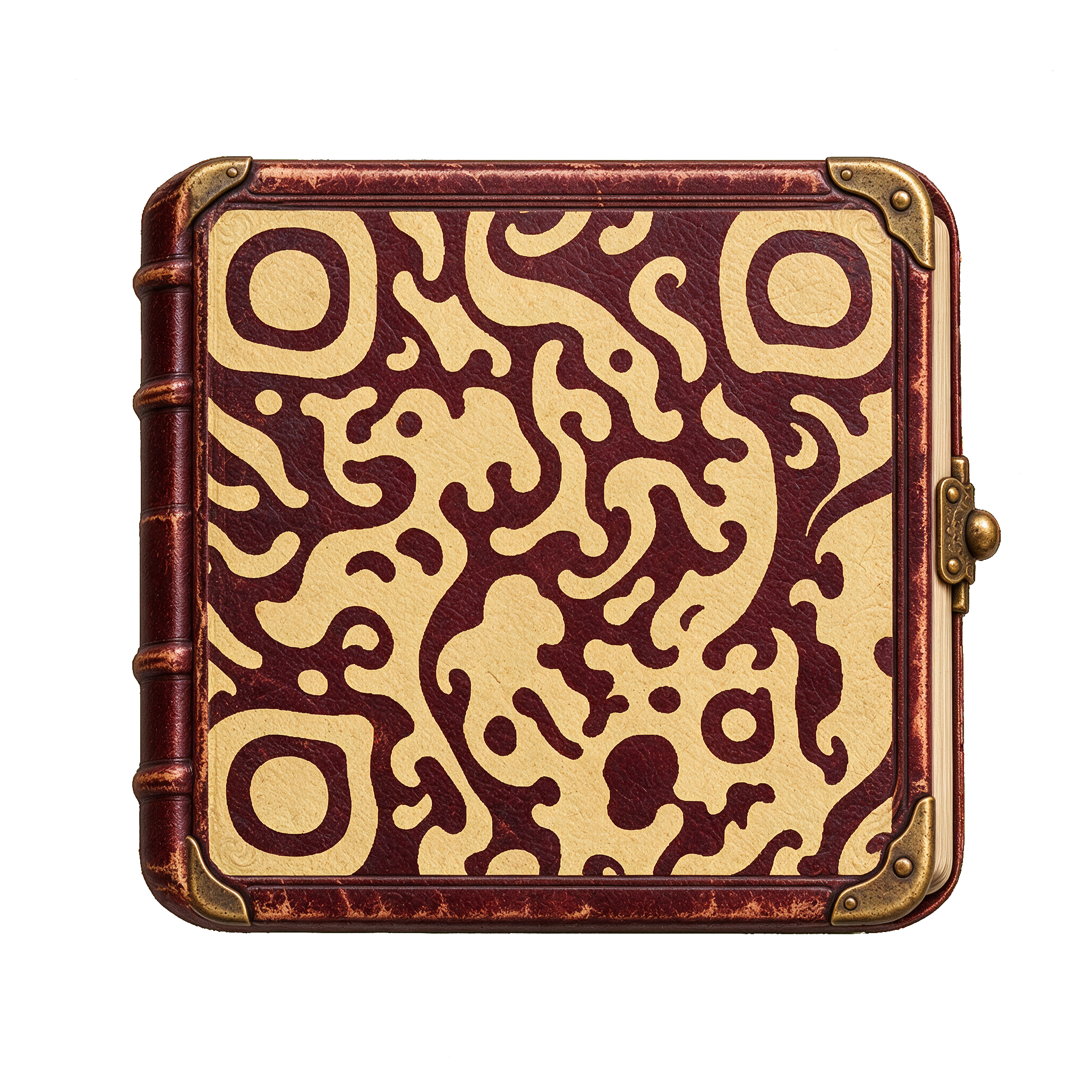
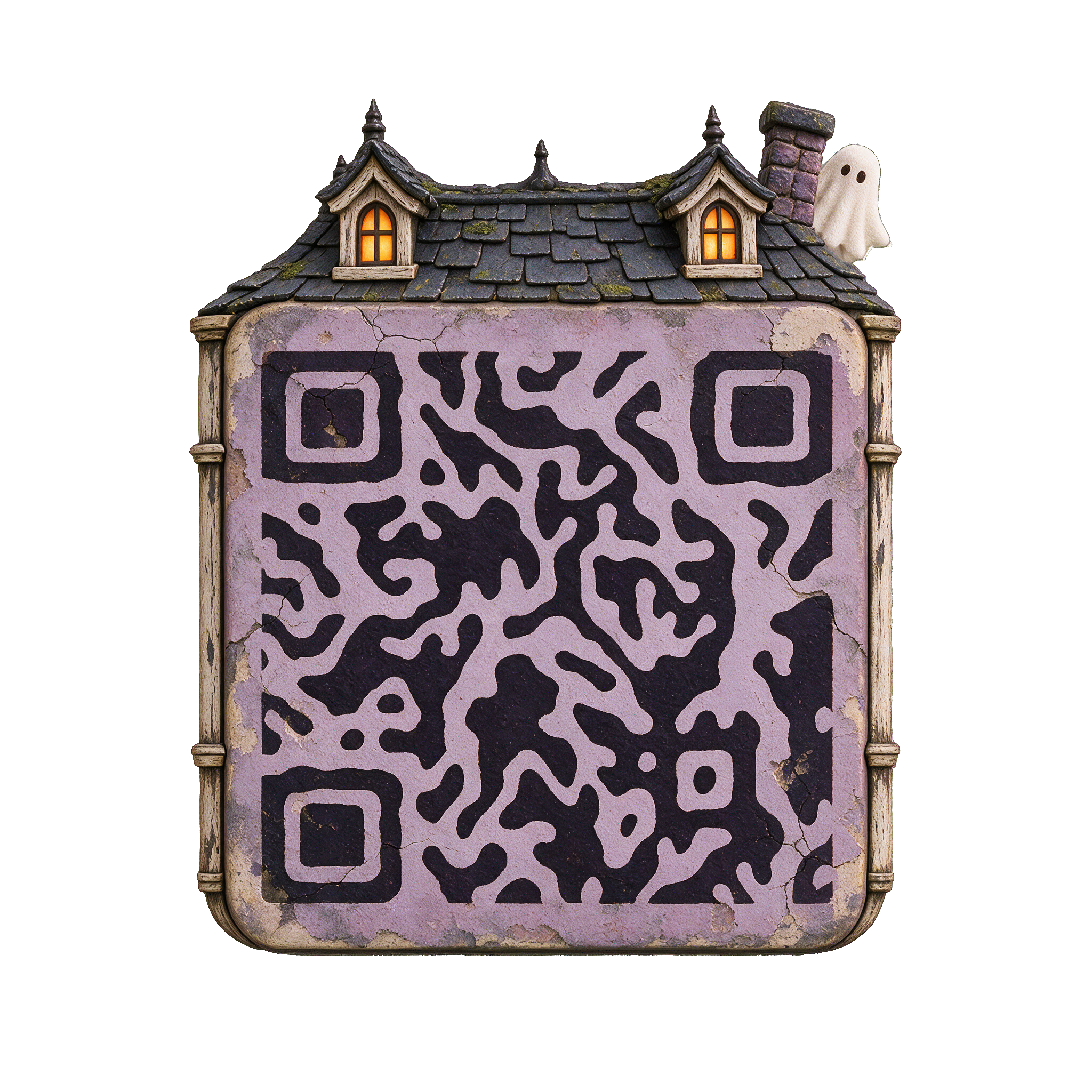
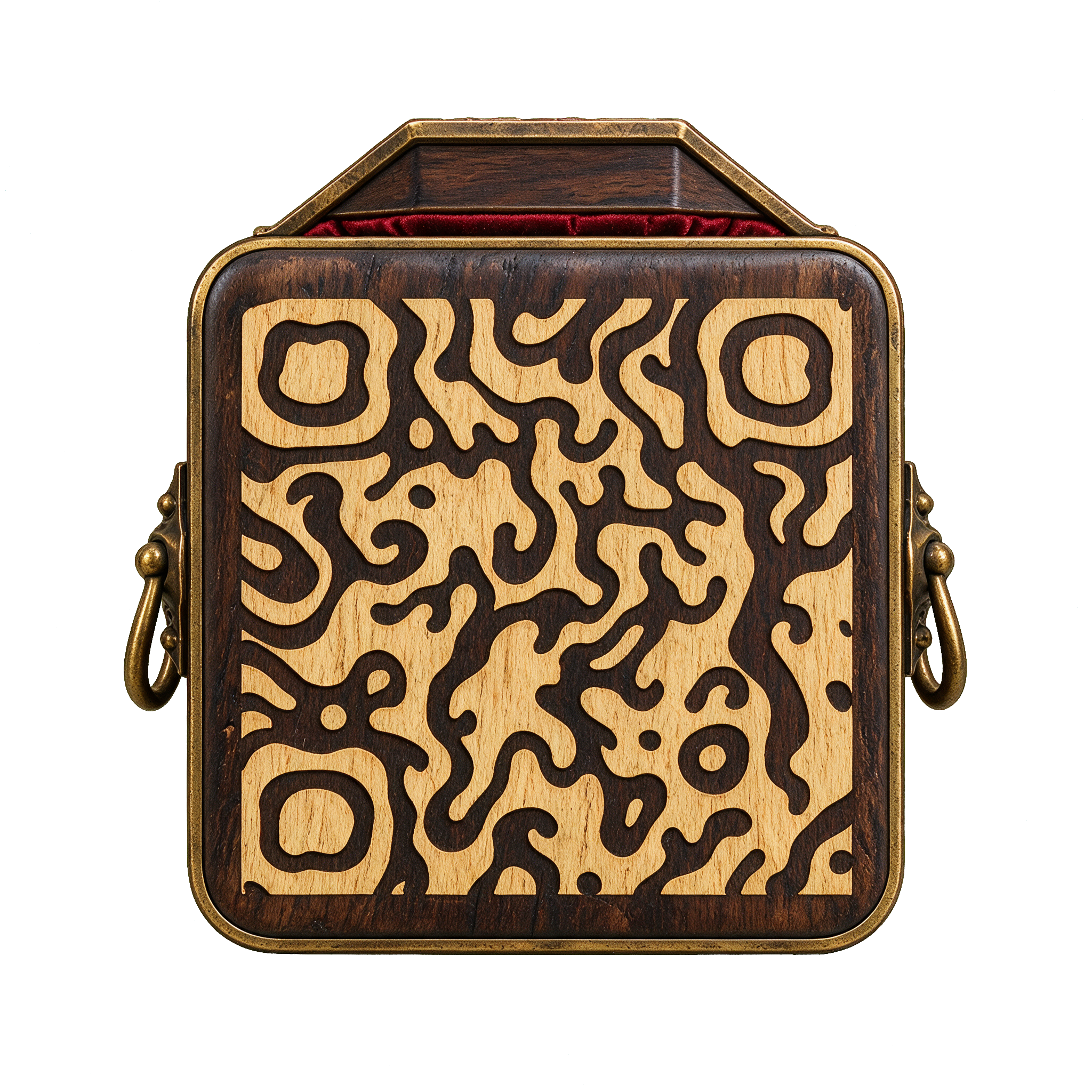
Create a Halloween QR code for a party invitation, a seasonal menu, or a trick-or-treat map. Pick one of sixteen characters and objects, then make it your own in Creative.
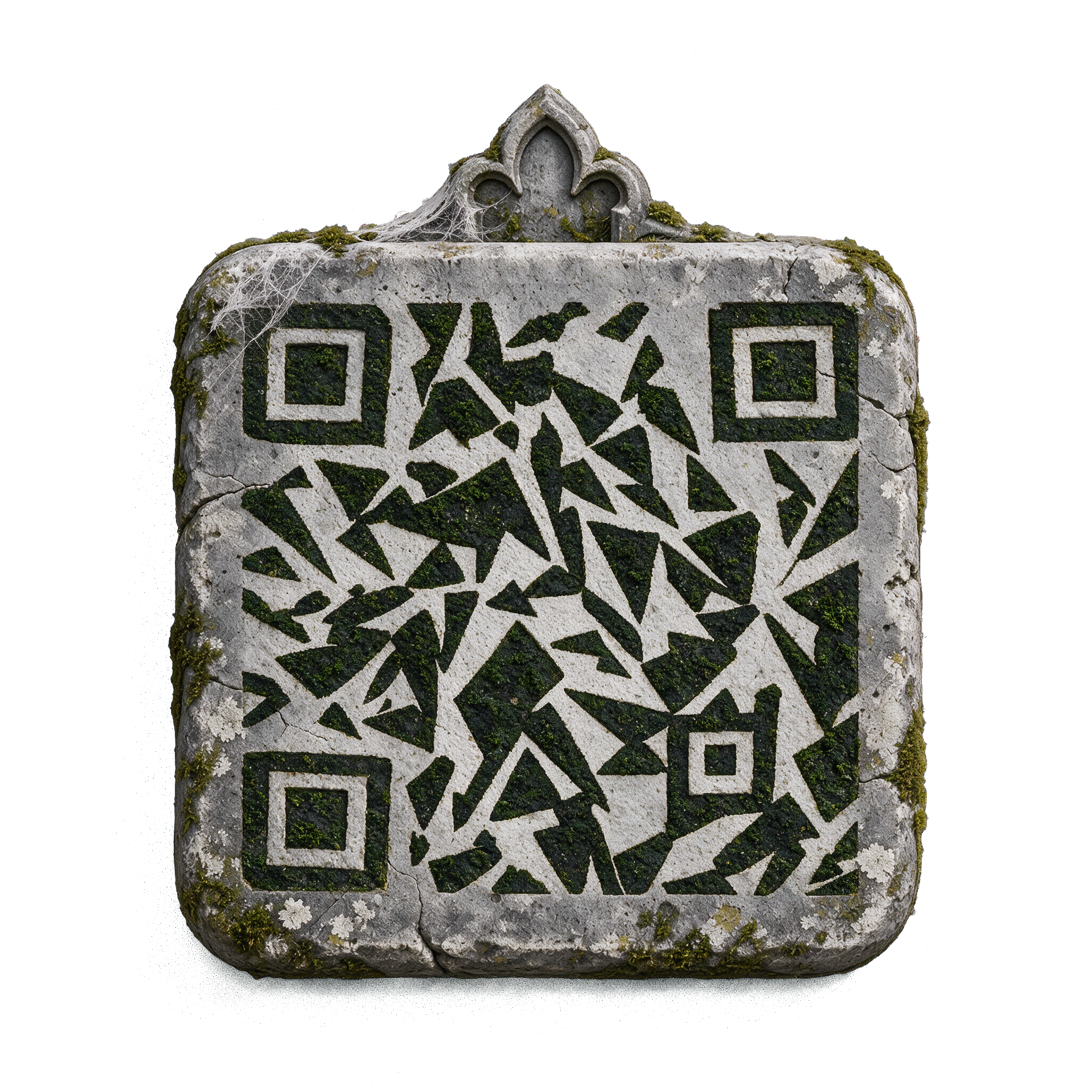
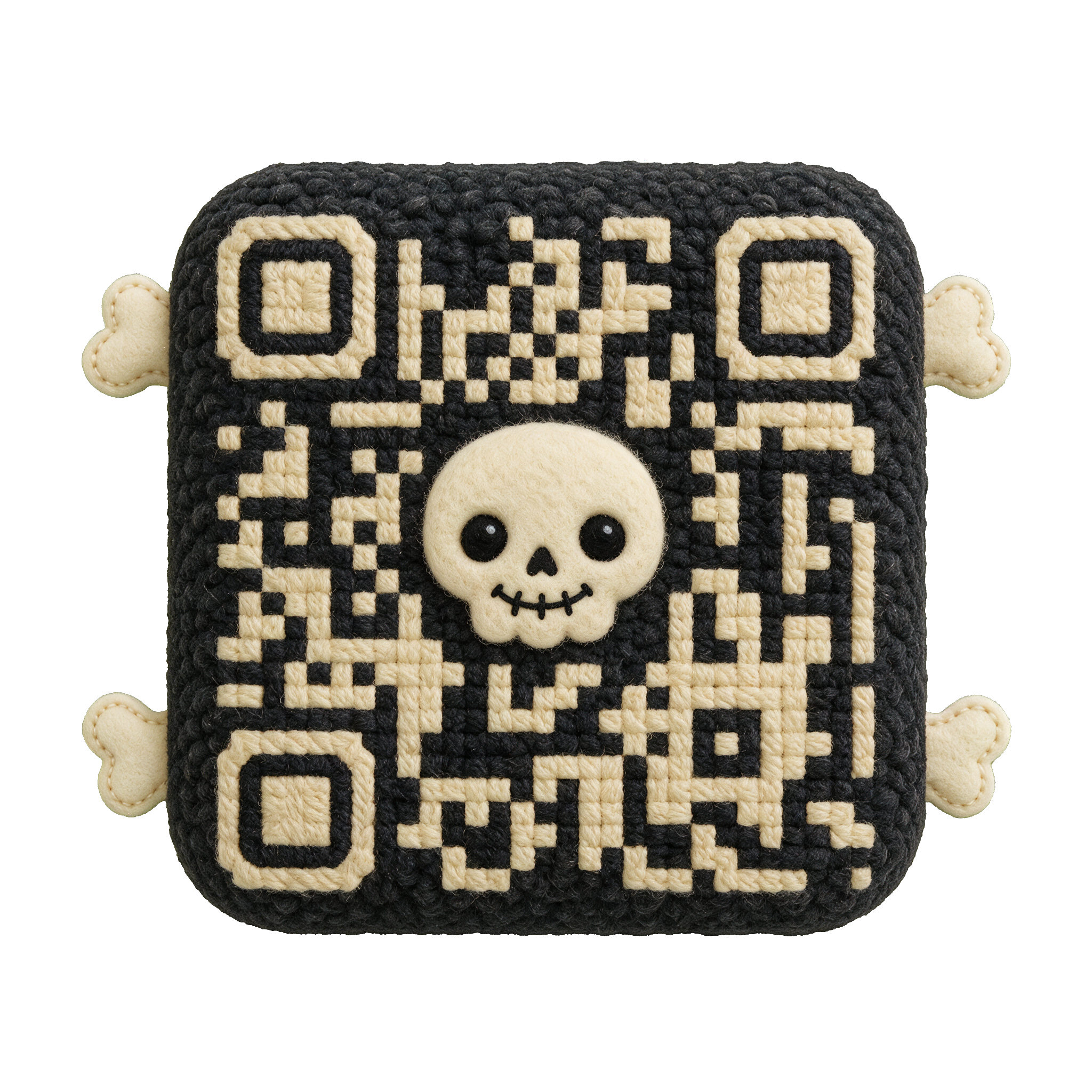
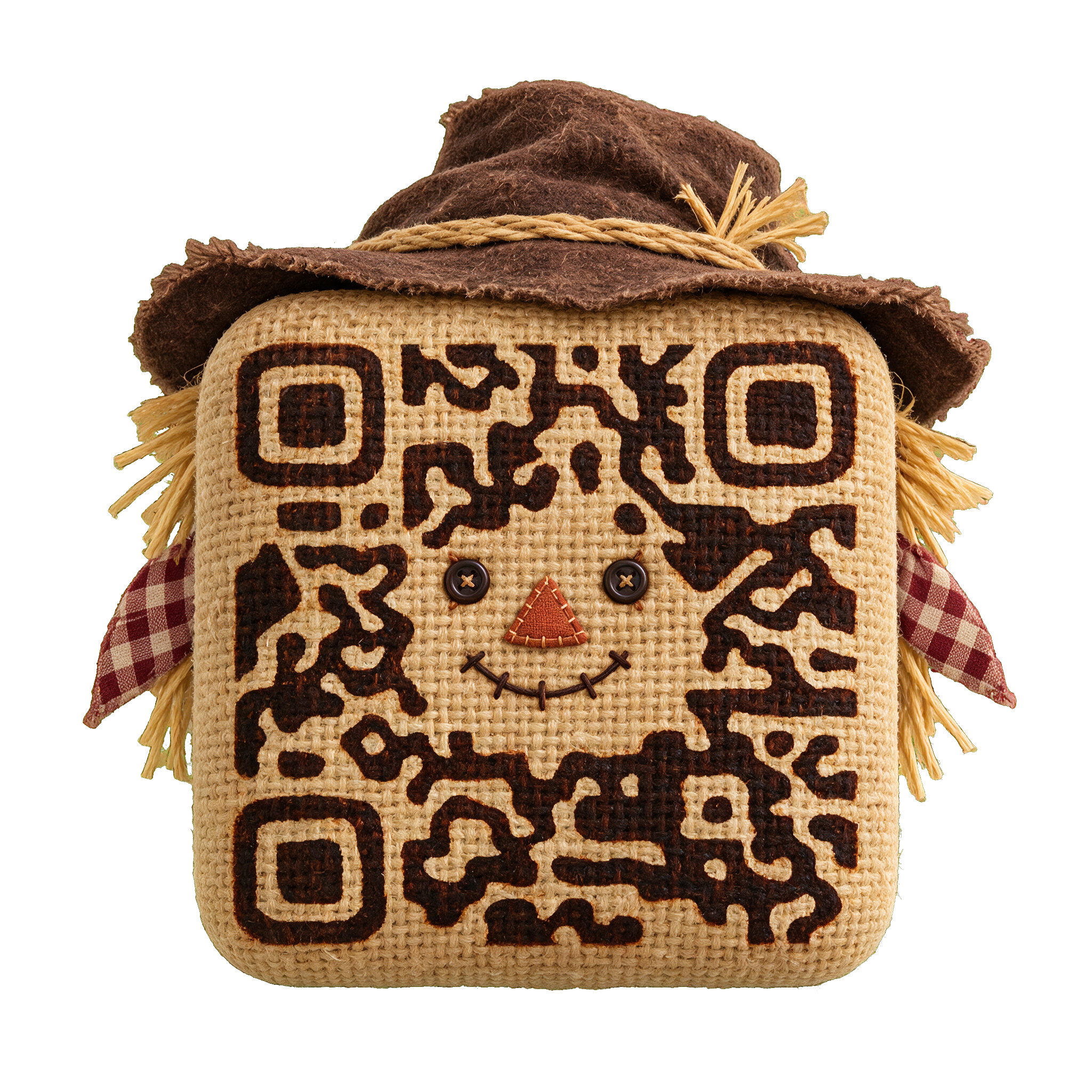
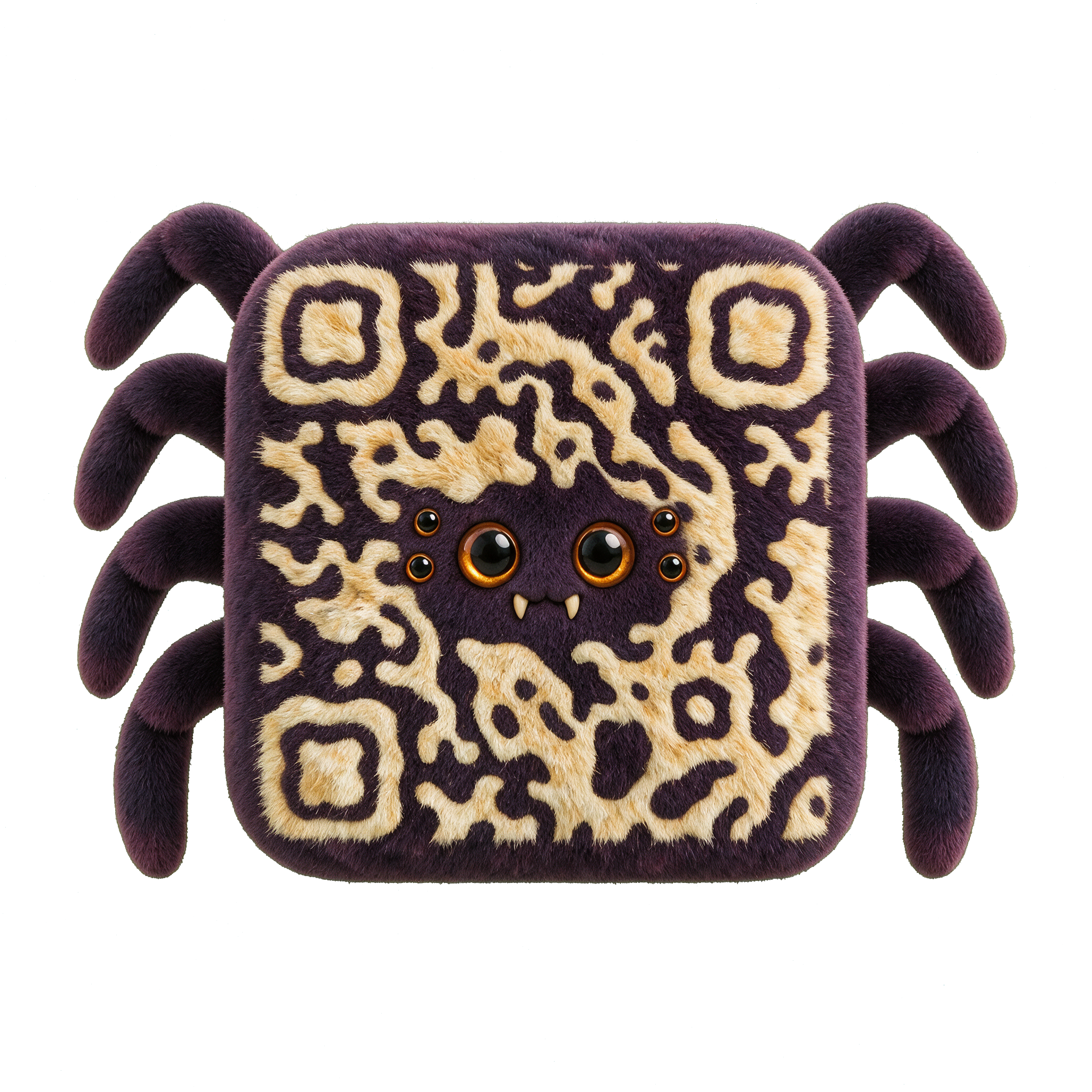
Carved pumpkin rind, soft woven ghosts, aged leather and textured stone give each design its own Halloween character.
Explore the Pumpkin template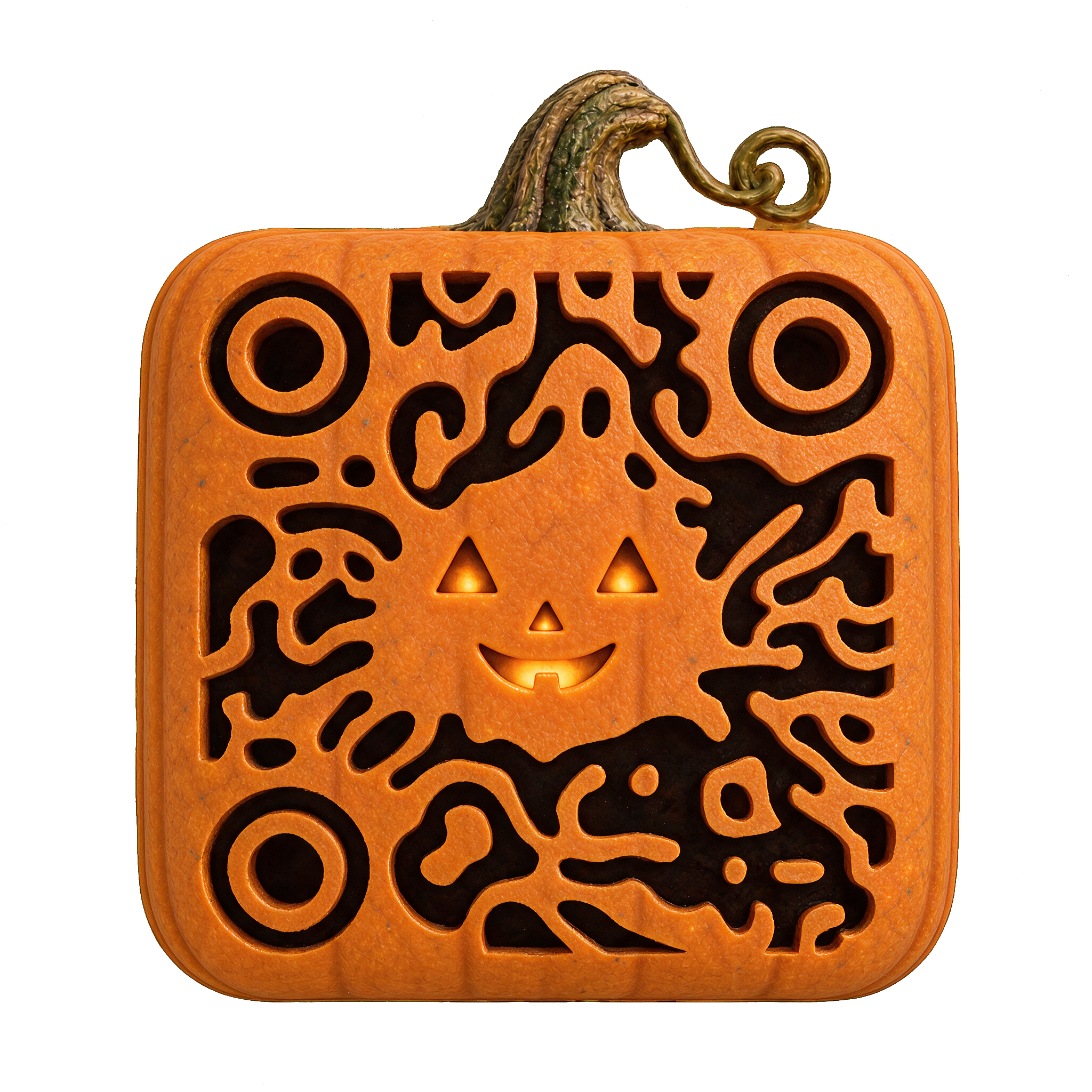
Flowing, irregular shapes.
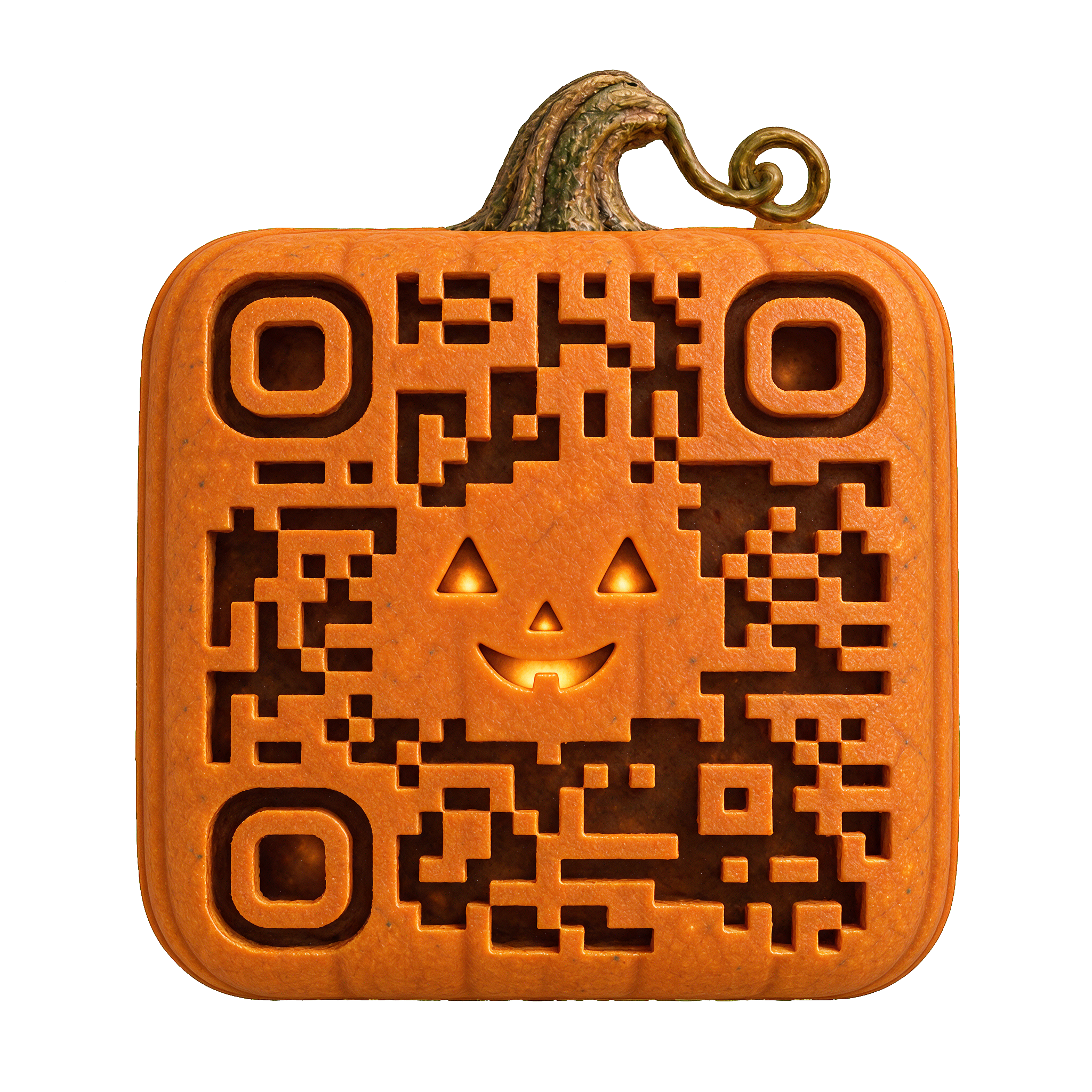
A crisp, geometric rhythm.
Link to event details or your RSVP page.
Send guests to your Halloween specials.
Share a route, activity map, or event schedule.
Choose a template, add your link, then generate and test the finished QR before printing or sharing.
Open a design above and compare its Organic and Squares patterns.
Enter your link, choose a background and output, then generate in Creative.
Scan your exported file with your phone. For print, test the actual size and material too.
All sixteen Halloween templates support Organic and Squares. Both keep the same character and material; the QR pattern changes.
Yes. Enter your destination in the selected template. The gallery image is a preview; your link is applied when you generate. Each returned QR is checked against its exact content before delivery.
Yes. Template generation uses Creative credits. Check pricing for the current plans and top-ups.