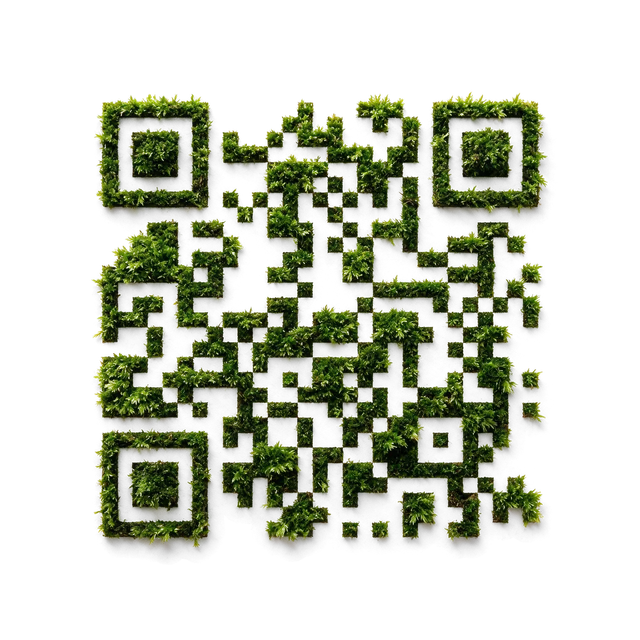
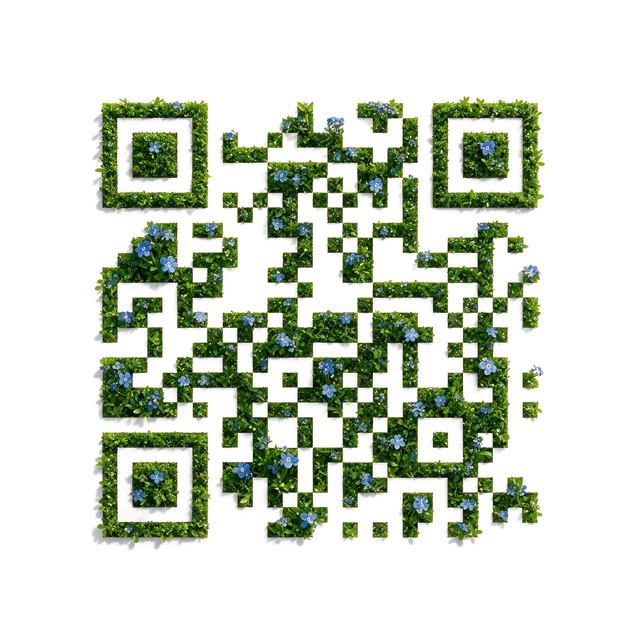
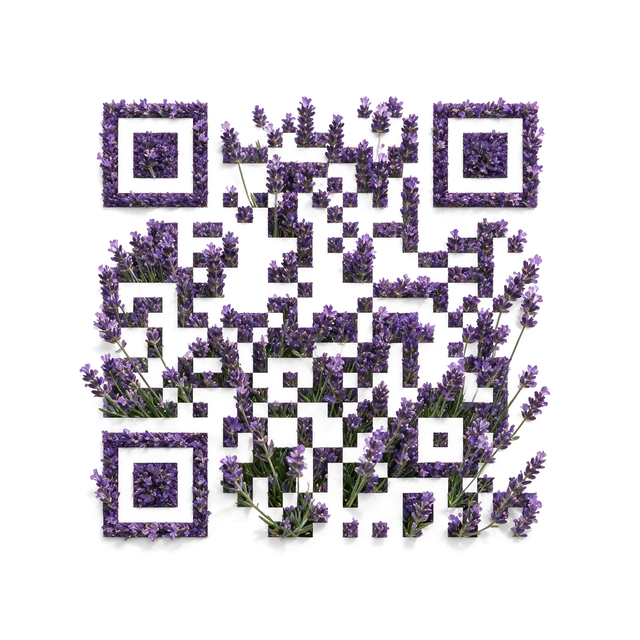
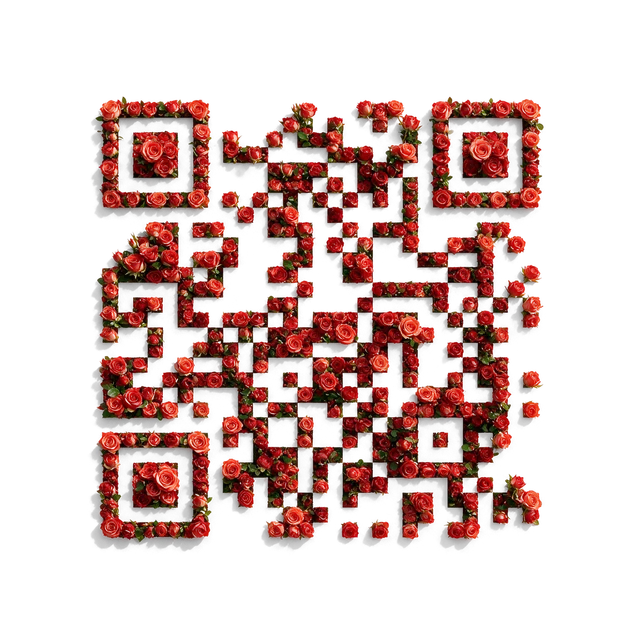
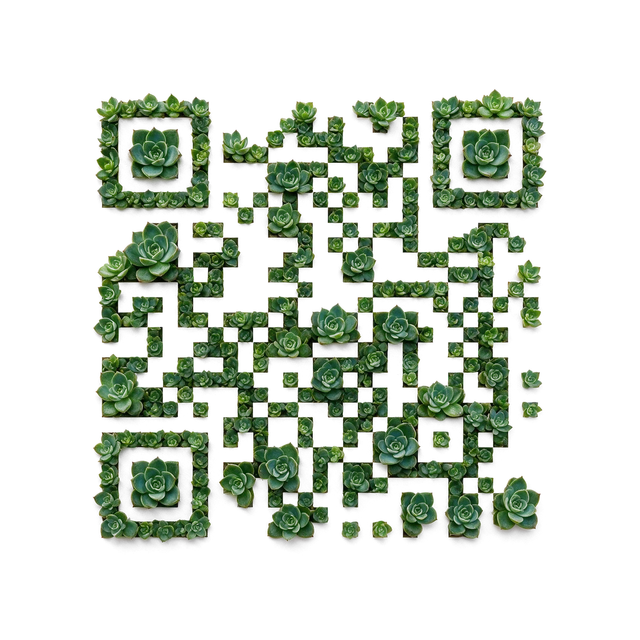
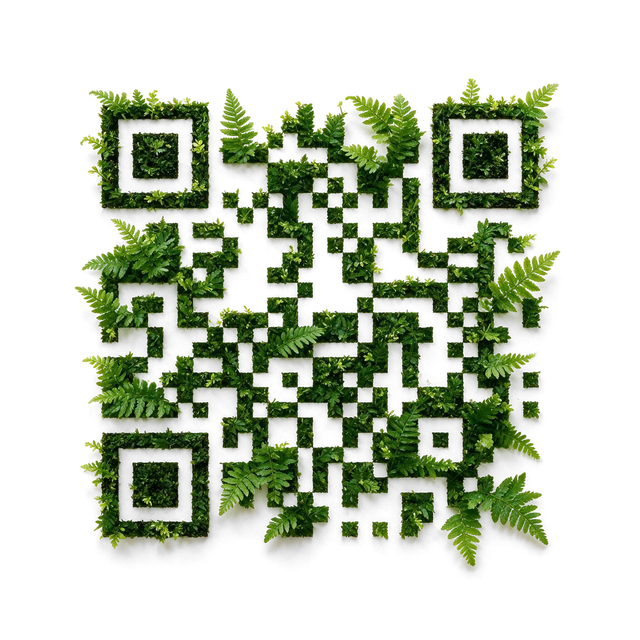
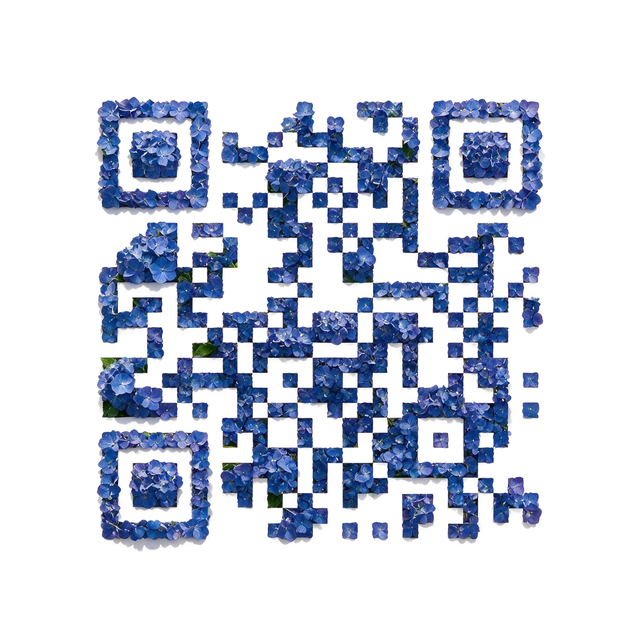
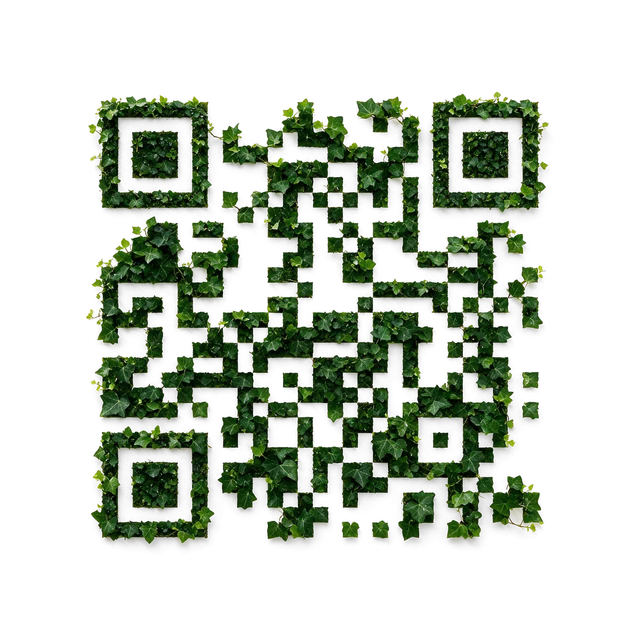
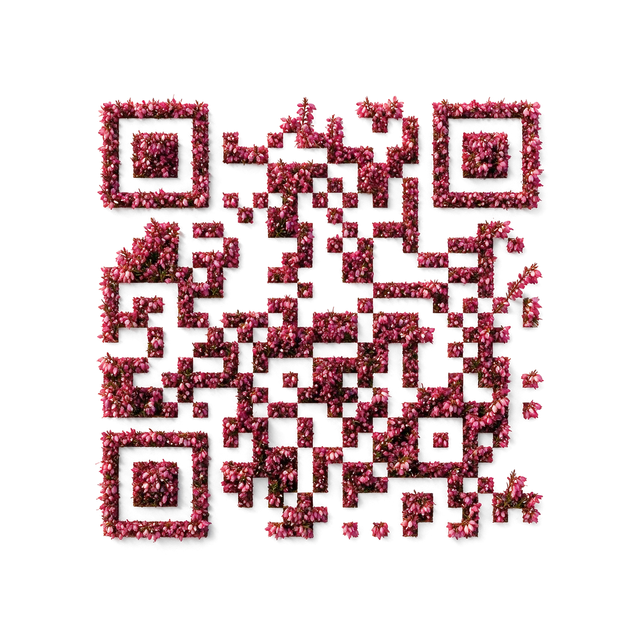
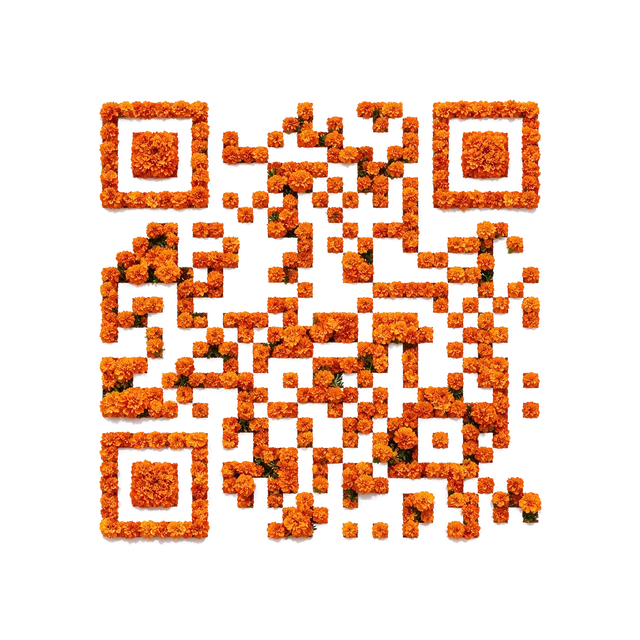
A floral focal point
Start with Roses for an occasion-led invitation or a florist information card.
Explore RosesChoose a plant-led QR for a floral, leafy, or textured direction. Compare the botanical material with your project: flowers can carry an occasion, while foliage or moss can support a quieter natural identity.
Botanical templates organize flowers, leaves, and plant textures around the QR structure. The material is part of the visual composition. A recognizable bloom and a dense leaf texture create different reading experiences, even when they lead to the same website.
Start with Roses for an occasion-led invitation or a florist information card.
Explore RosesExplore Fern when a leafy composition fits a garden visit or plant-care resource.
Explore FernCompare Moss for a natural material direction where a single flower would feel too prominent.
Explore MossDecide whether the plant should act as a focal bloom or as an overall material. Inspect the actual preview rather than choosing from a plant name alone. Keep the generated border intact and avoid placing busy foliage from the surrounding layout against the QR edge. For a texture without a literal plant subject, compare Abstract.
Accepted templates have already passed admission scan checks. Each newly generated result is checked against its exact payload before delivery. The preview is not your finished QR; check the returned artwork and scan your own file in the intended setting.
The visual family and payload are separate choices. Check the content types available in the Creative builder for the selected template. For a straightforward Wi-Fi or contact QR, use the dedicated Standard tool.
A template does not guarantee a result on every material. Test your generated file at the final size on the paper you will actually use, with representative lighting and phones.