A fruit direction
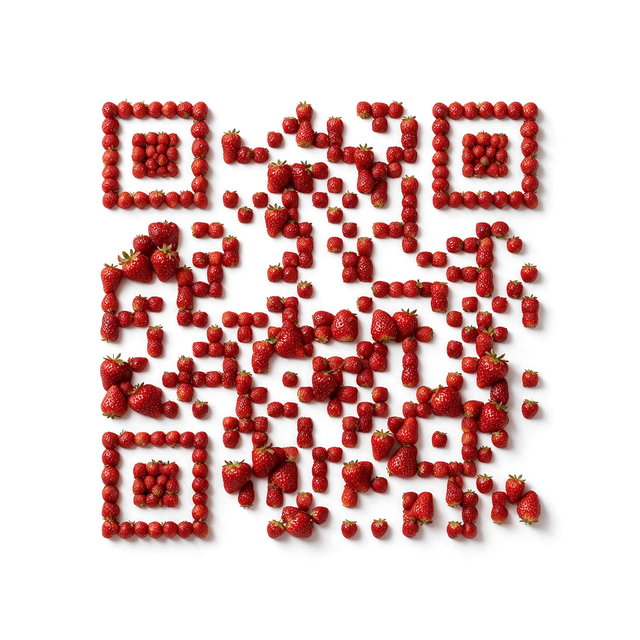
Compare Strawberry for a fruit-led menu or seasonal information page. This Food template is distinct from Candy Strawberry.
Explore StrawberryFOOD COLLECTION
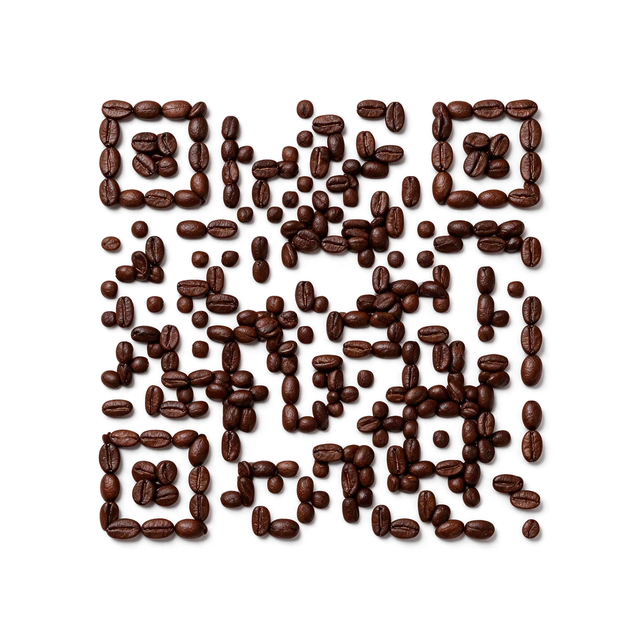
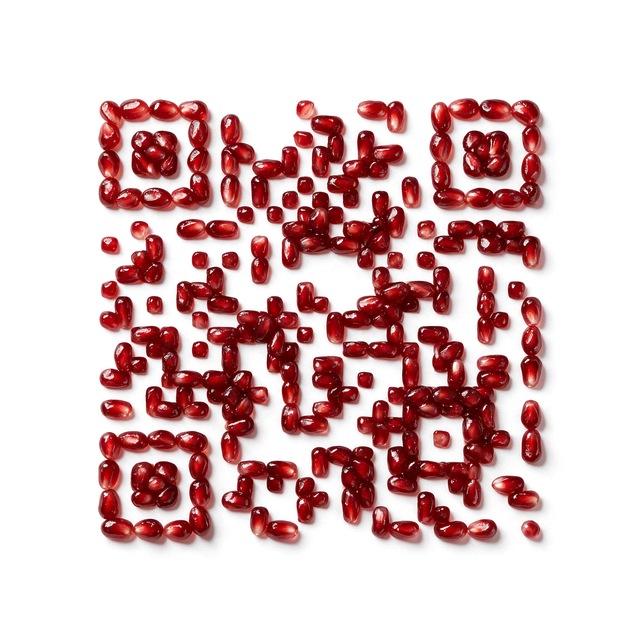
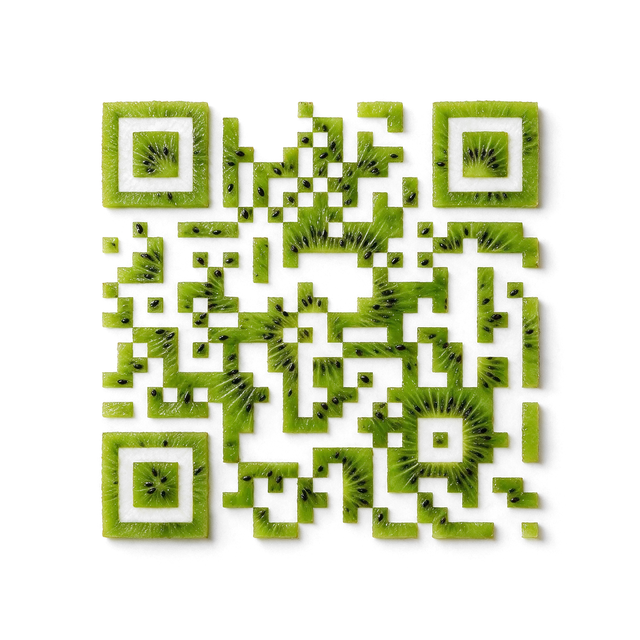
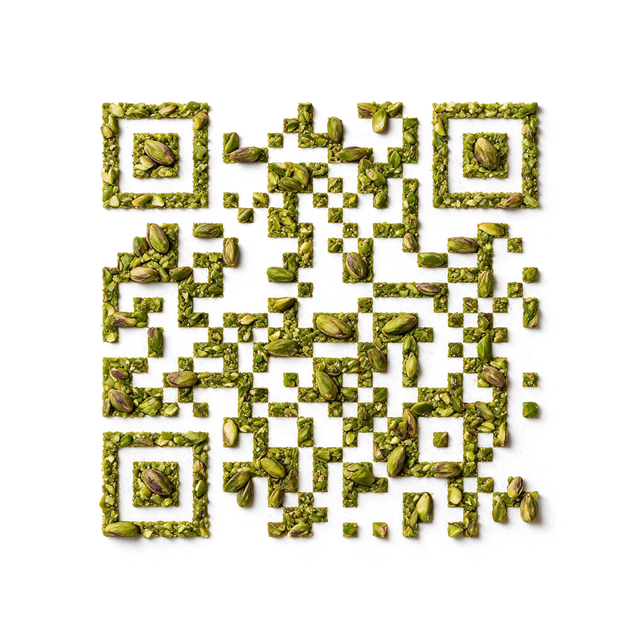
Fruit, nuts, coffee and chocolate shaped into QR patterns.
Start with the ingredient your QR should evoke: fruit, nuts, coffee, or chocolate. Food templates use ingredient-led textures; choose the material, enter your content, and generate the result in Creative.
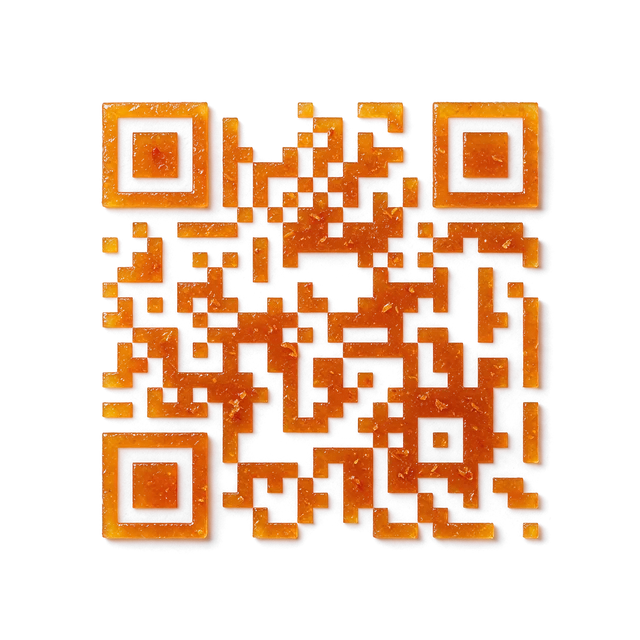
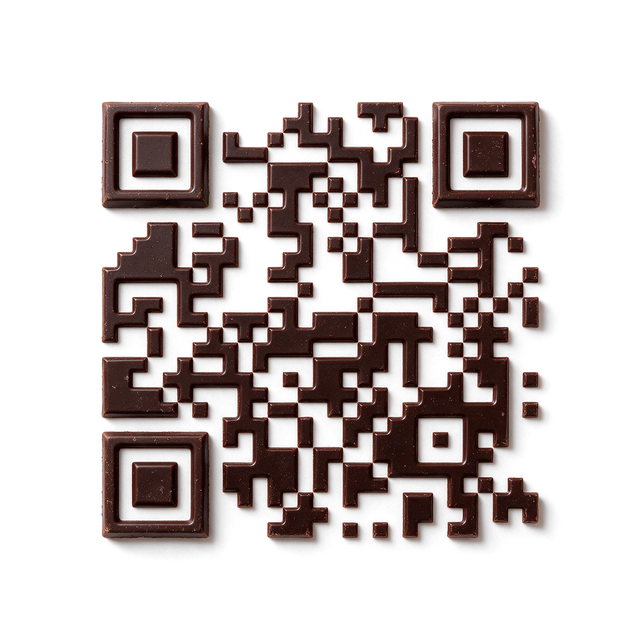
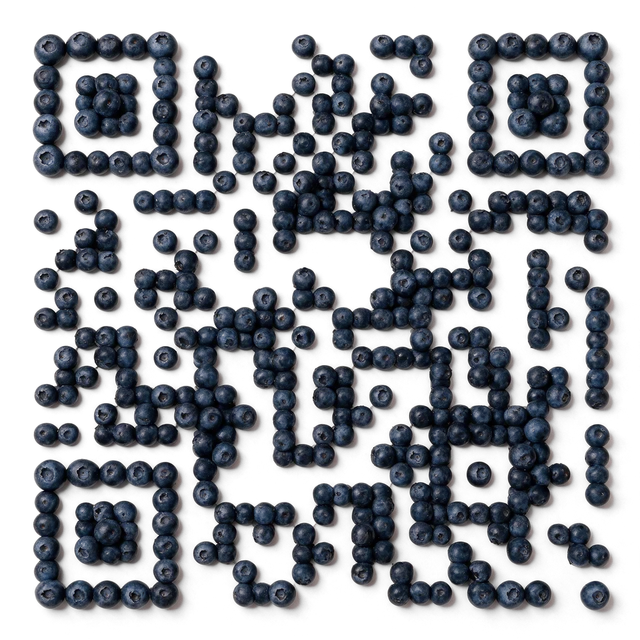
Food organizes the artwork around recognizable ingredients rather than candy characters. Fruit surfaces, coffee beans, nuts, and chocolate create different visual cues for menus and product information. The illustration does not communicate nutritional, allergen, or sourcing facts by itself.
Compare Strawberry for a fruit-led menu or seasonal information page. This Food template is distinct from Candy Strawberry.
Explore StrawberryExplore Coffee Beans for a café menu or brewing resource, with clear destination text nearby.
Explore Coffee BeansUse Pistachio as a visual starting point for an ingredient-led insert; keep allergen information explicit on the destination.
Explore PistachioSelect Food for an ingredient texture and Candy for a drop or gummy character. Names shared across the two collections open different templates. Check the family label before generating. Keep product claims and essential ingredient information outside the illustration, and test the completed QR in the final menu or packaging layout.
Accepted templates have already passed admission scan checks. Each newly generated result is checked against its exact payload before delivery. The preview is not your finished QR; check the returned artwork and scan your own file in the intended setting.
No. They belong to separate Creative families with different visual directions. Use the family name and preview to choose the intended one.
Yes: enter the public menu URL in the builder. Test the actual destination on a phone, including any login or access restrictions, before placing the QR on a table or menu.