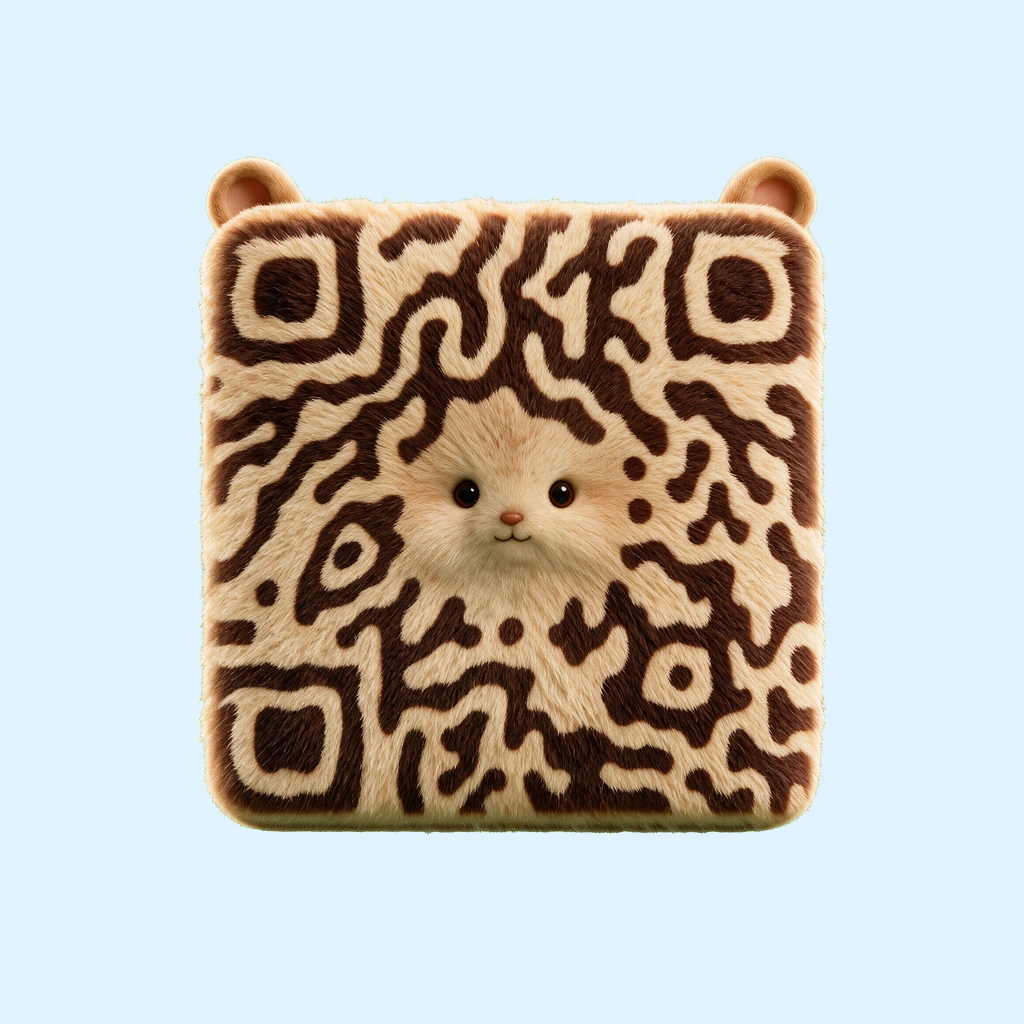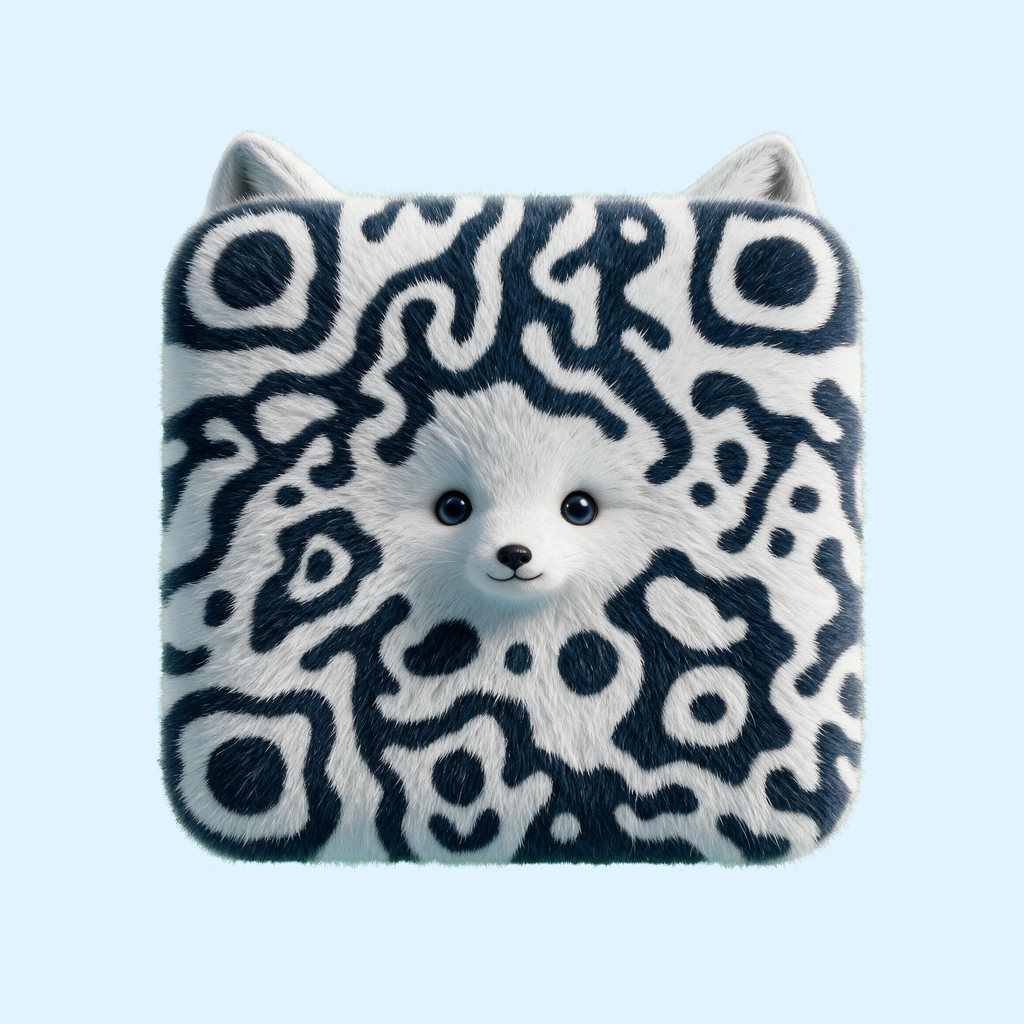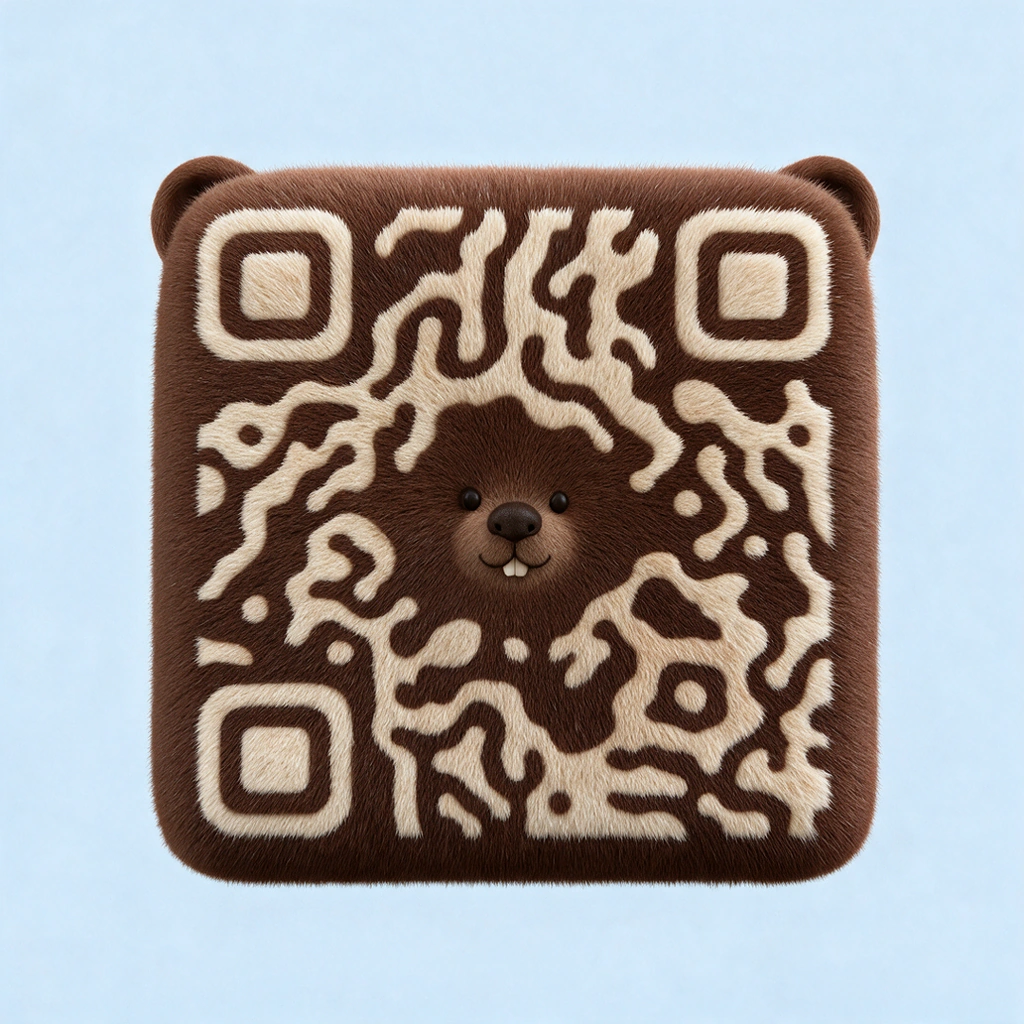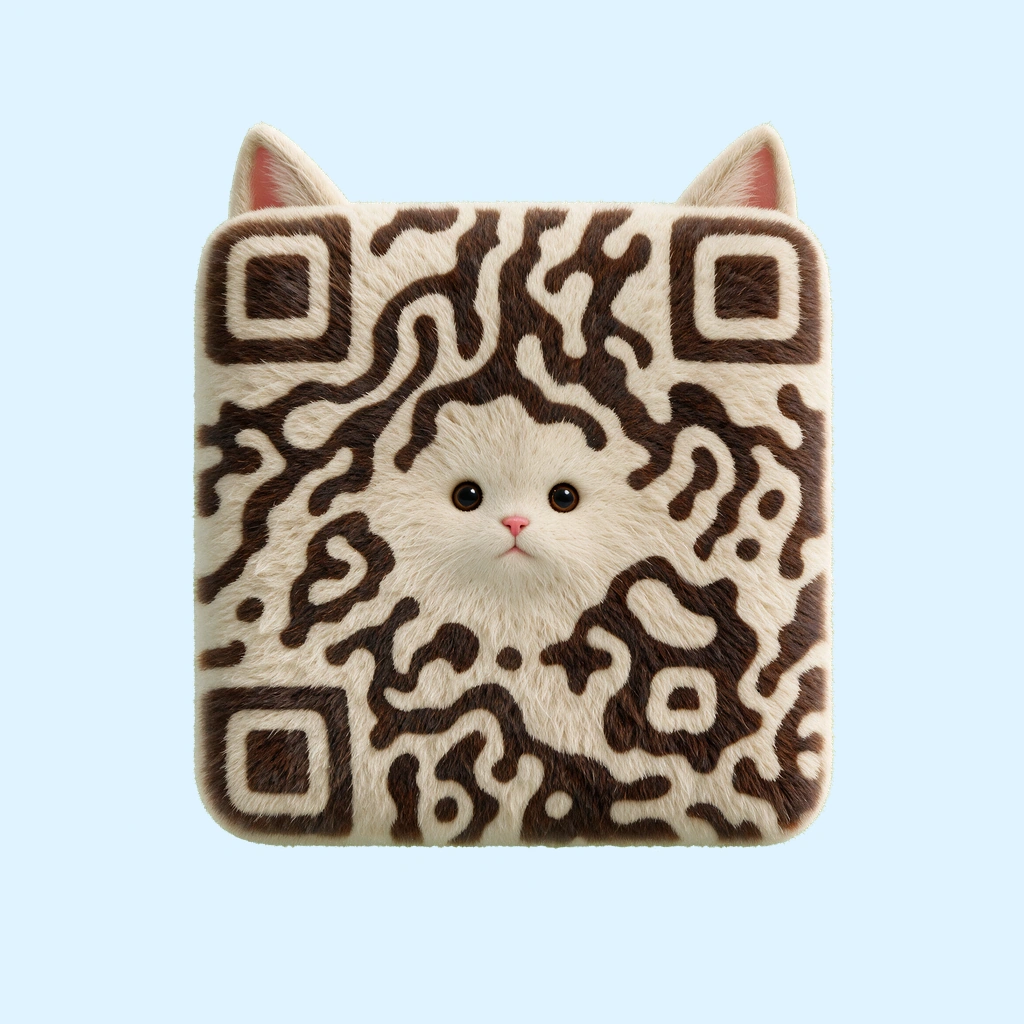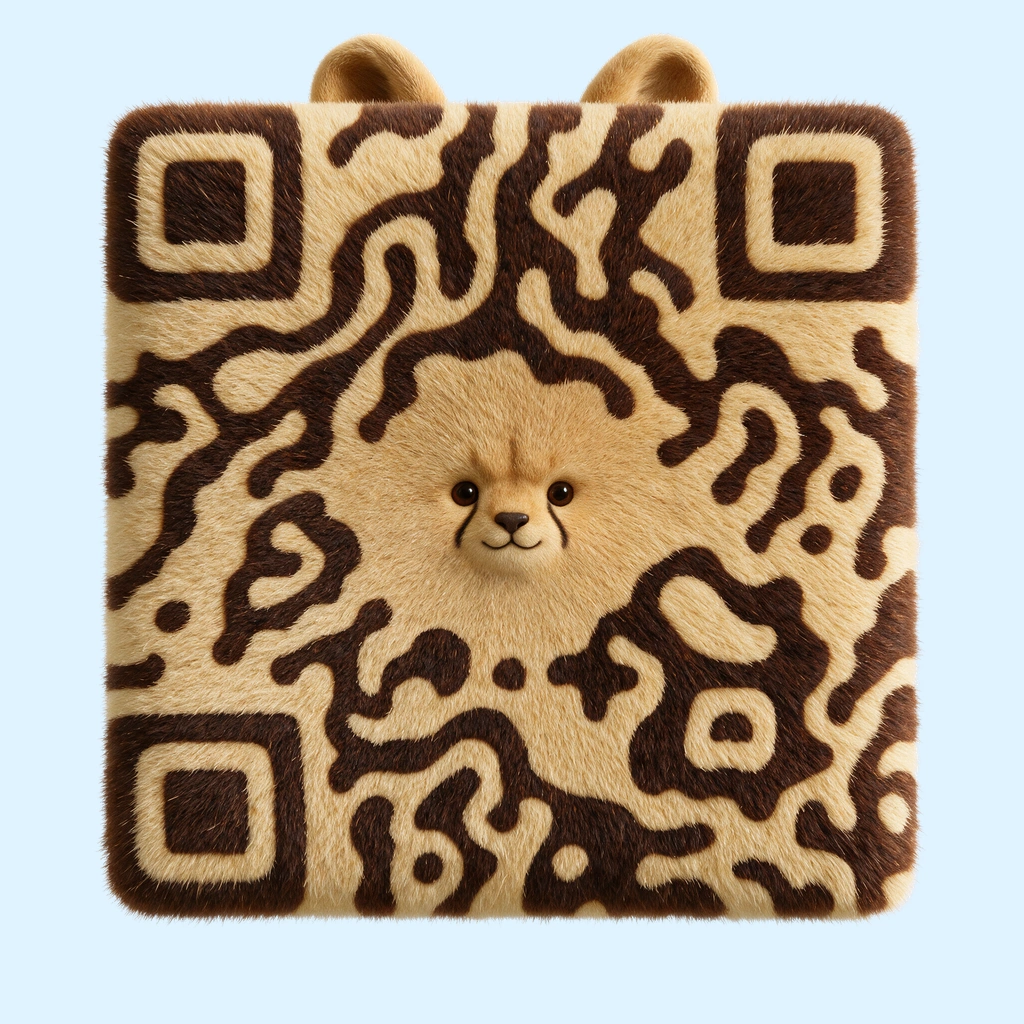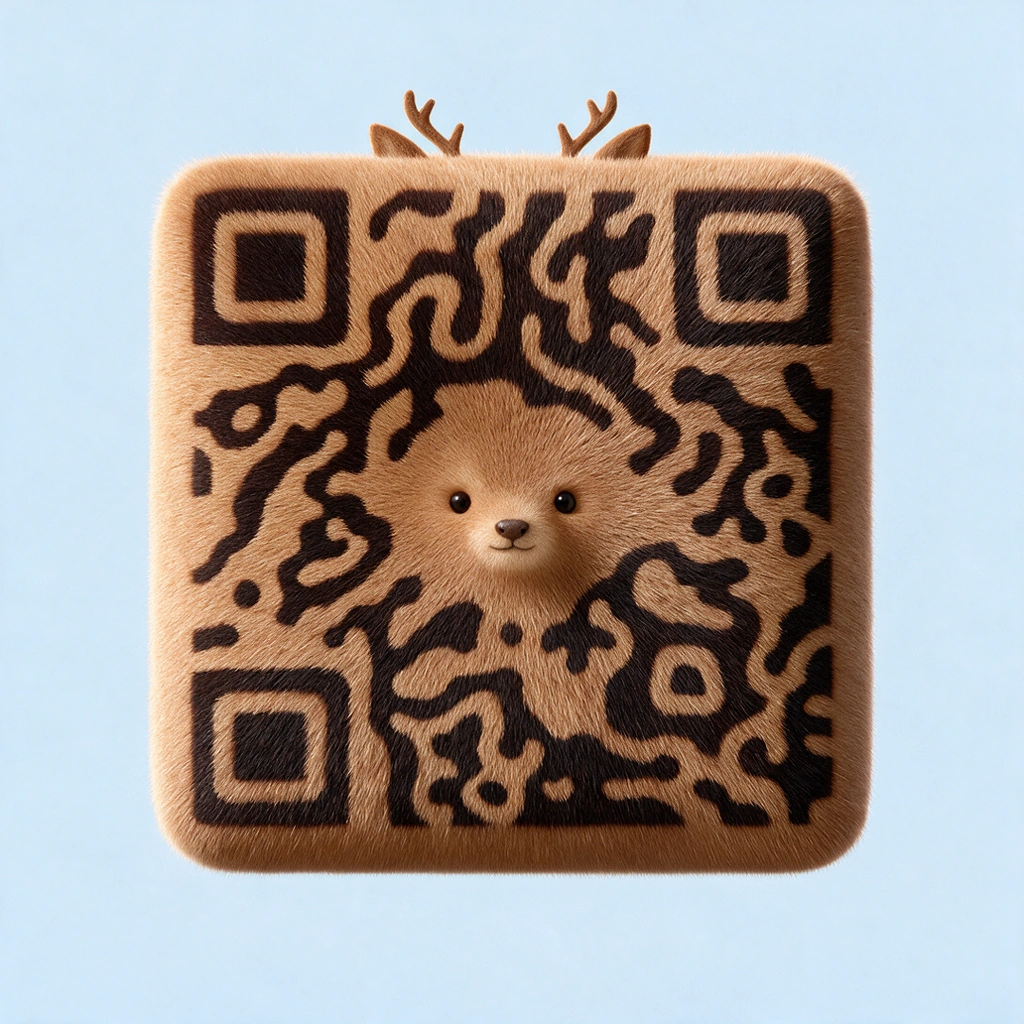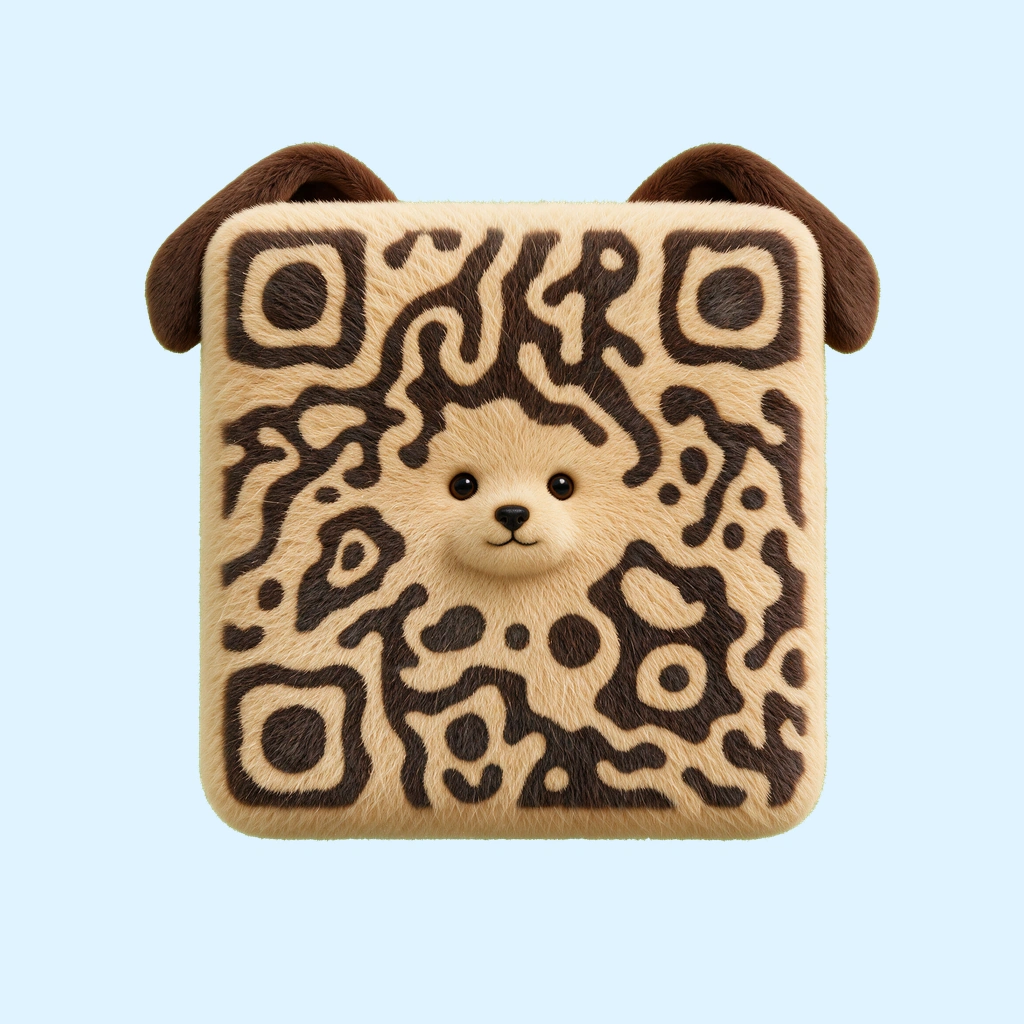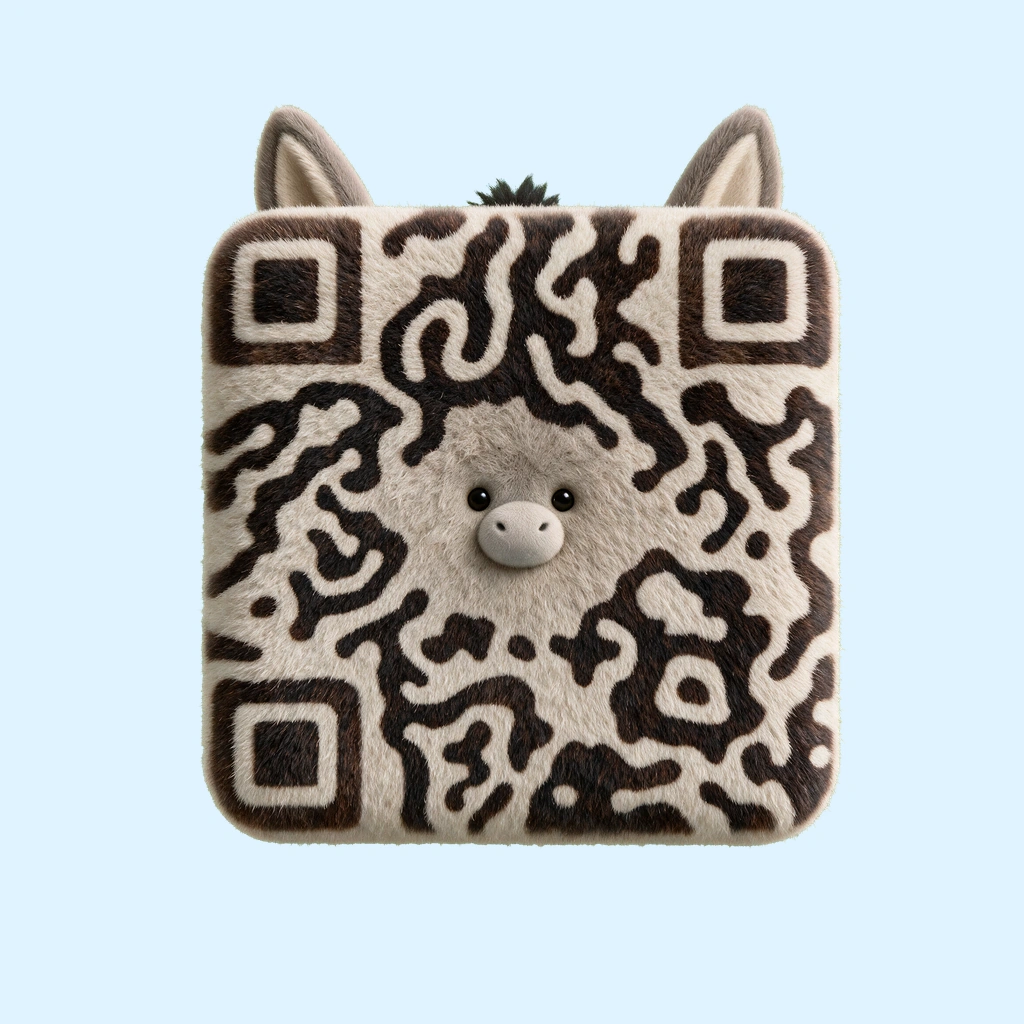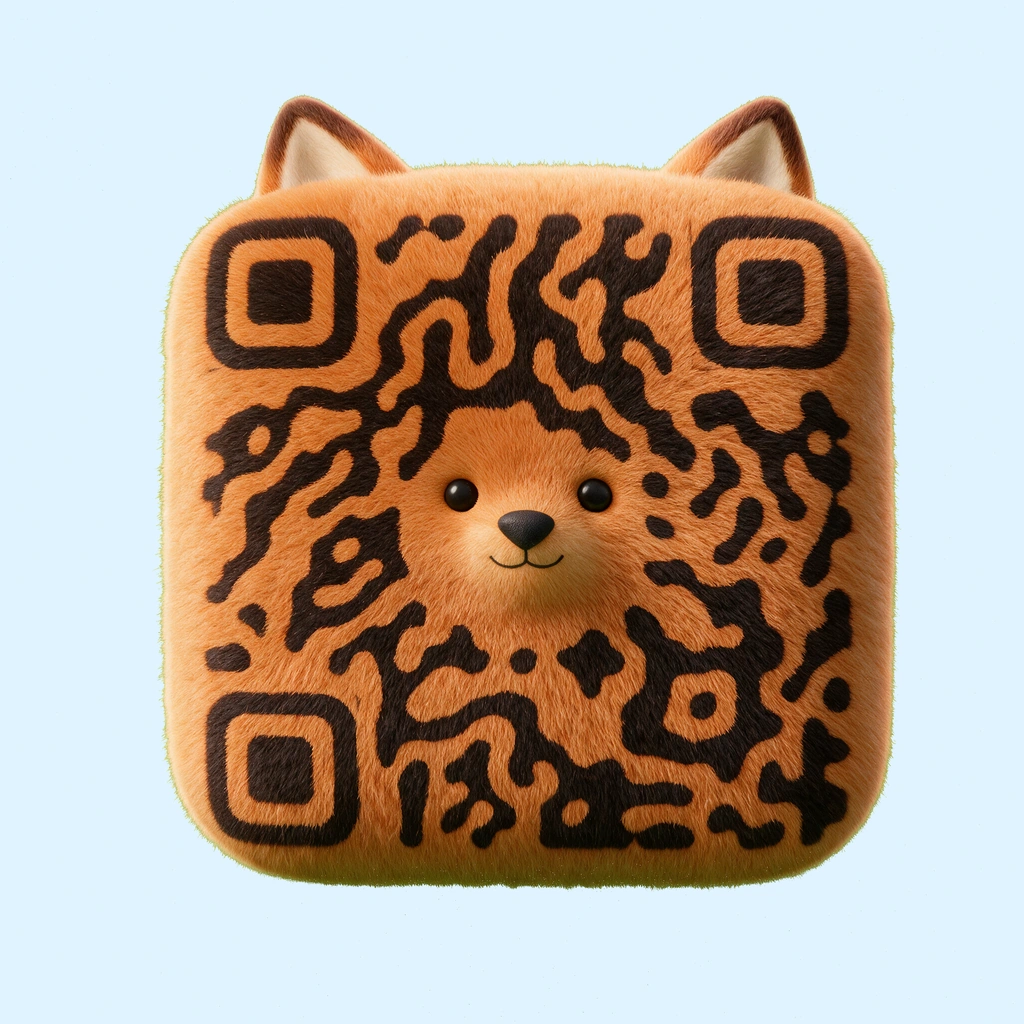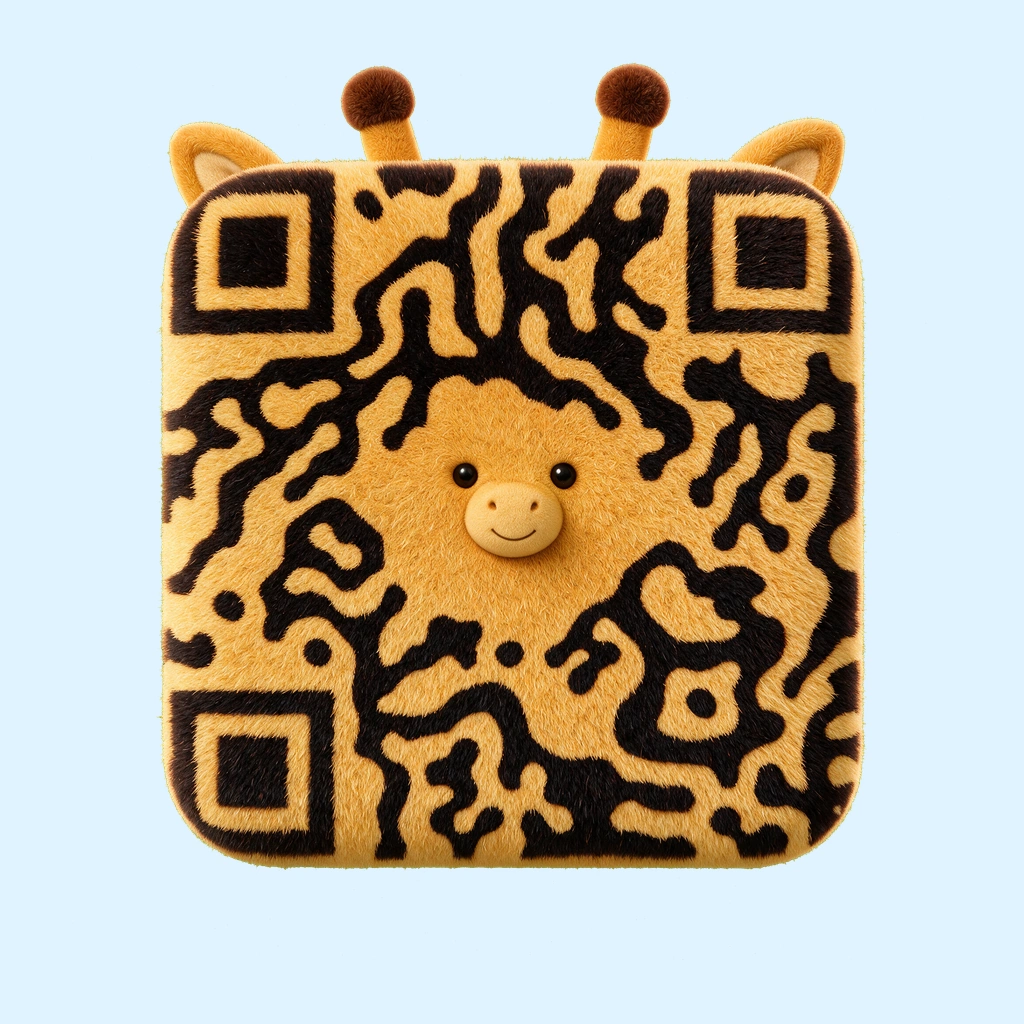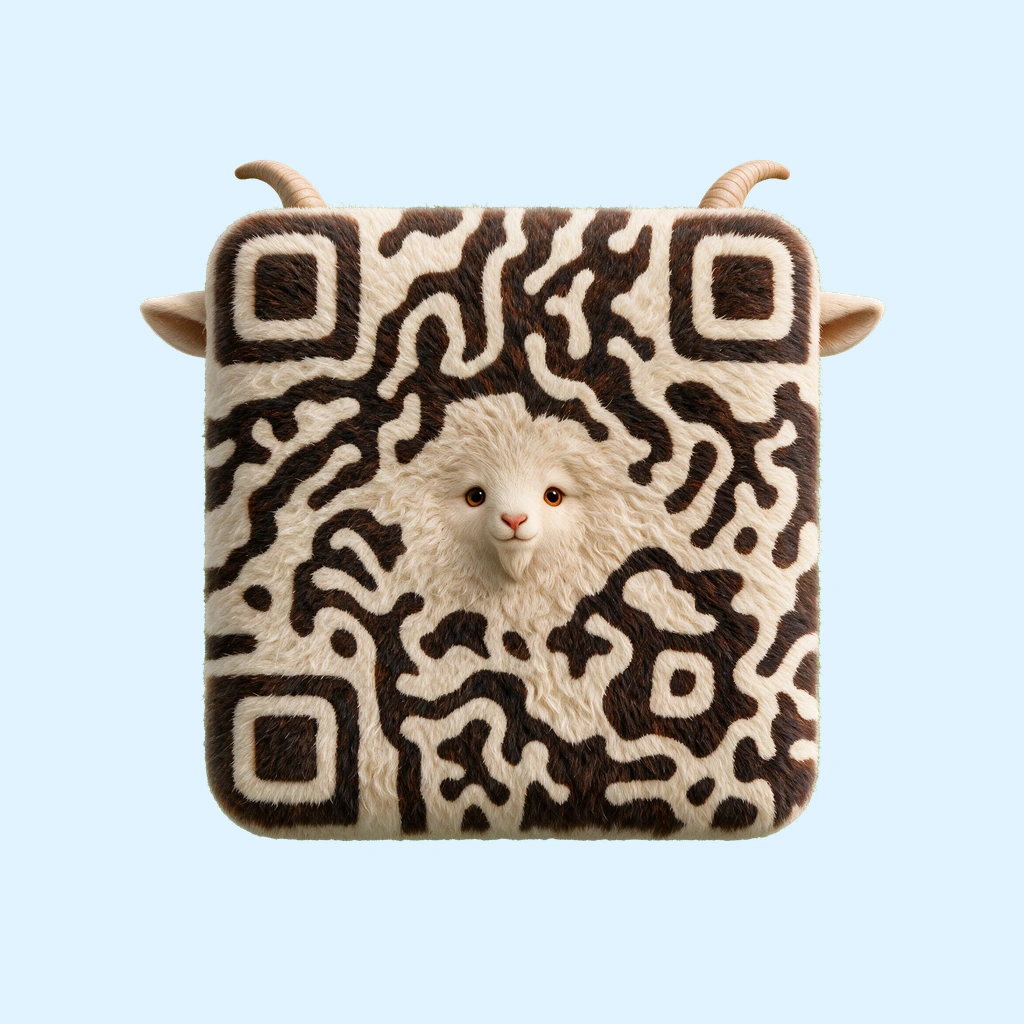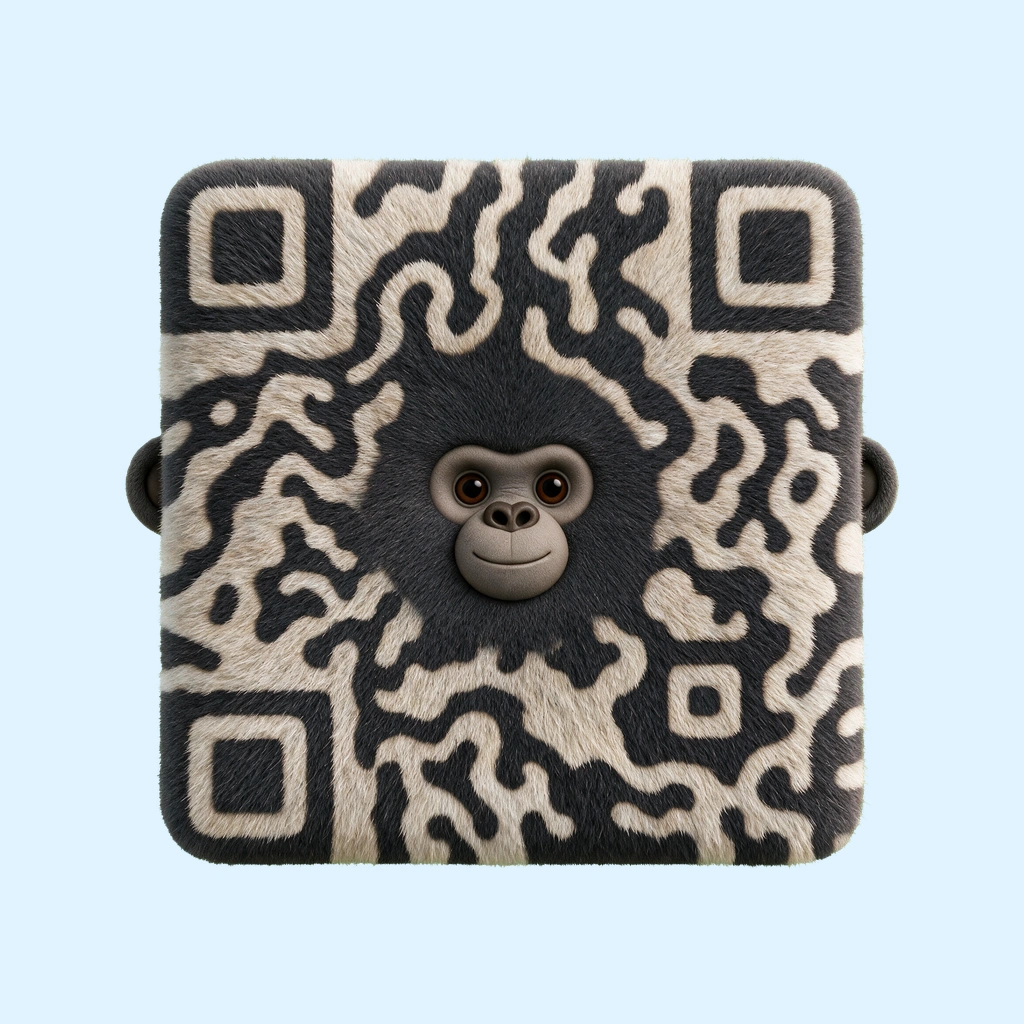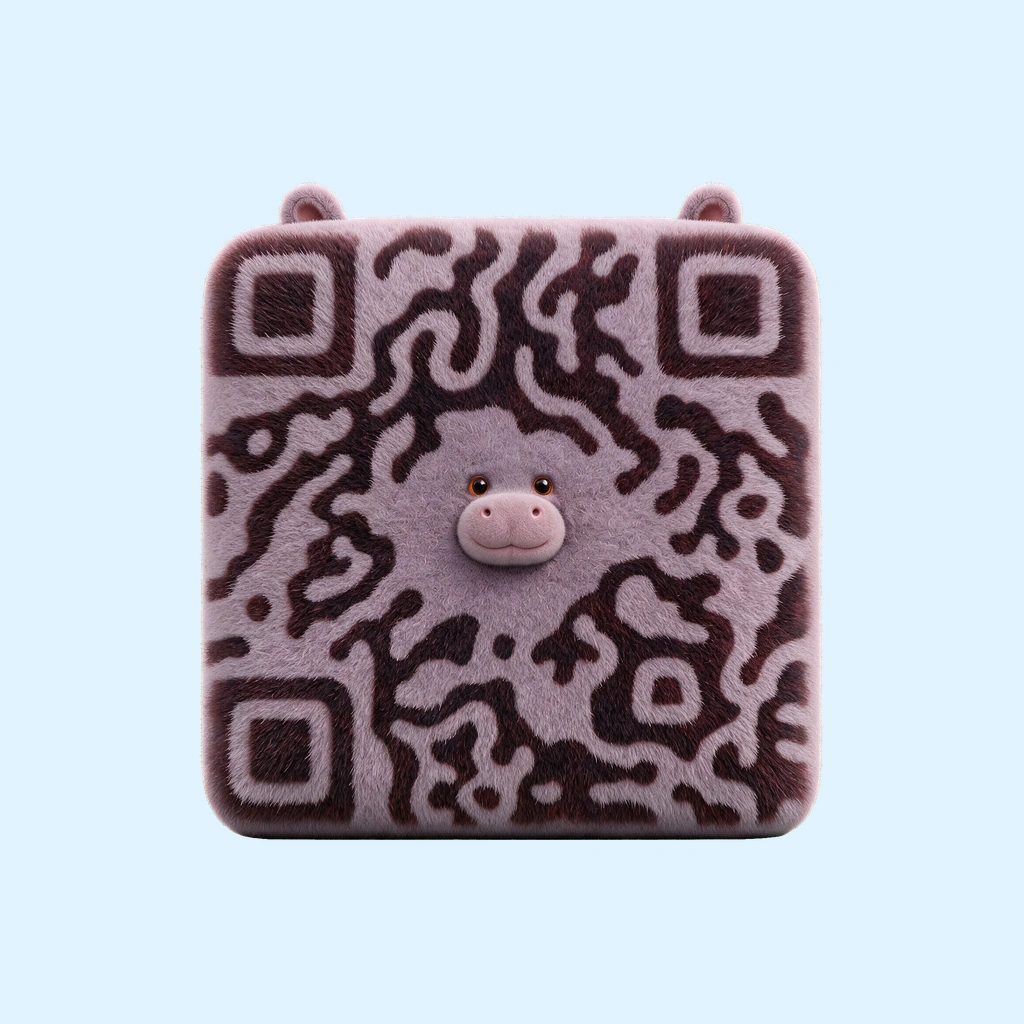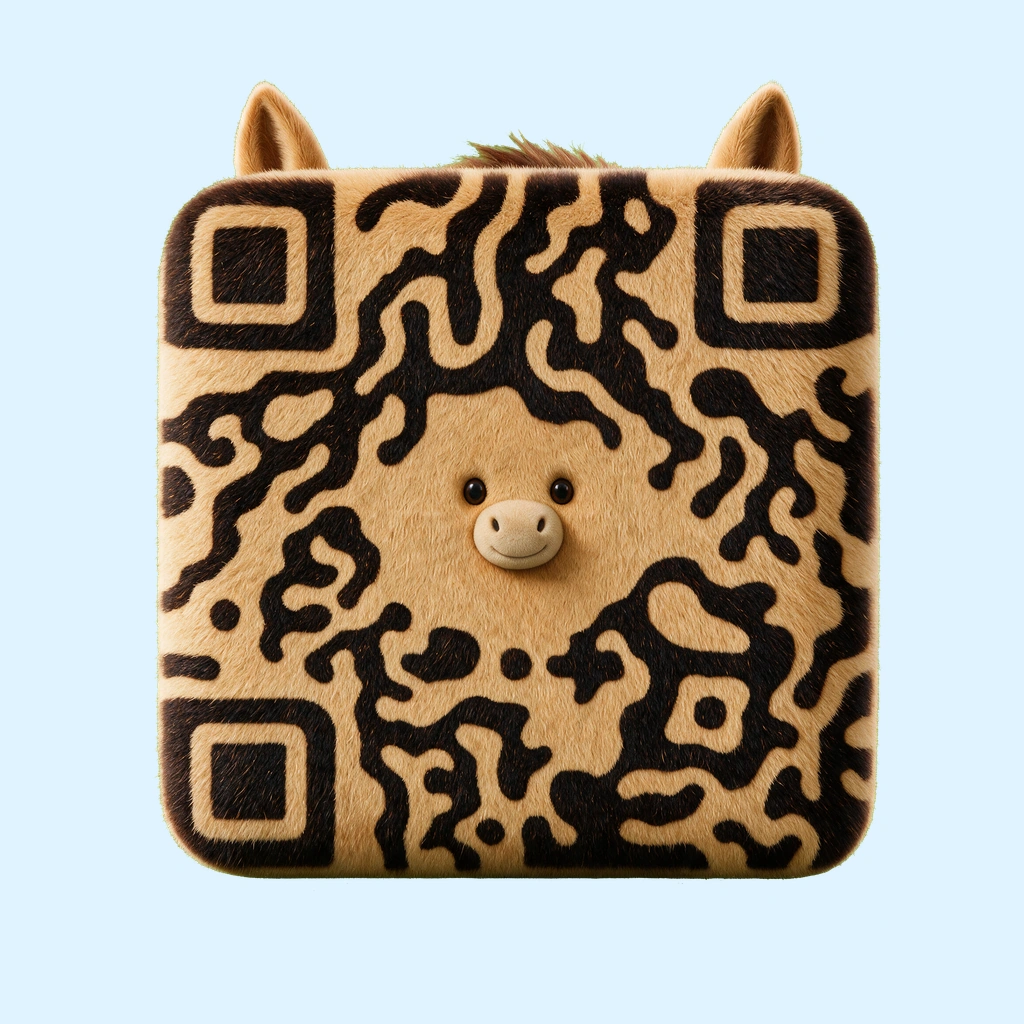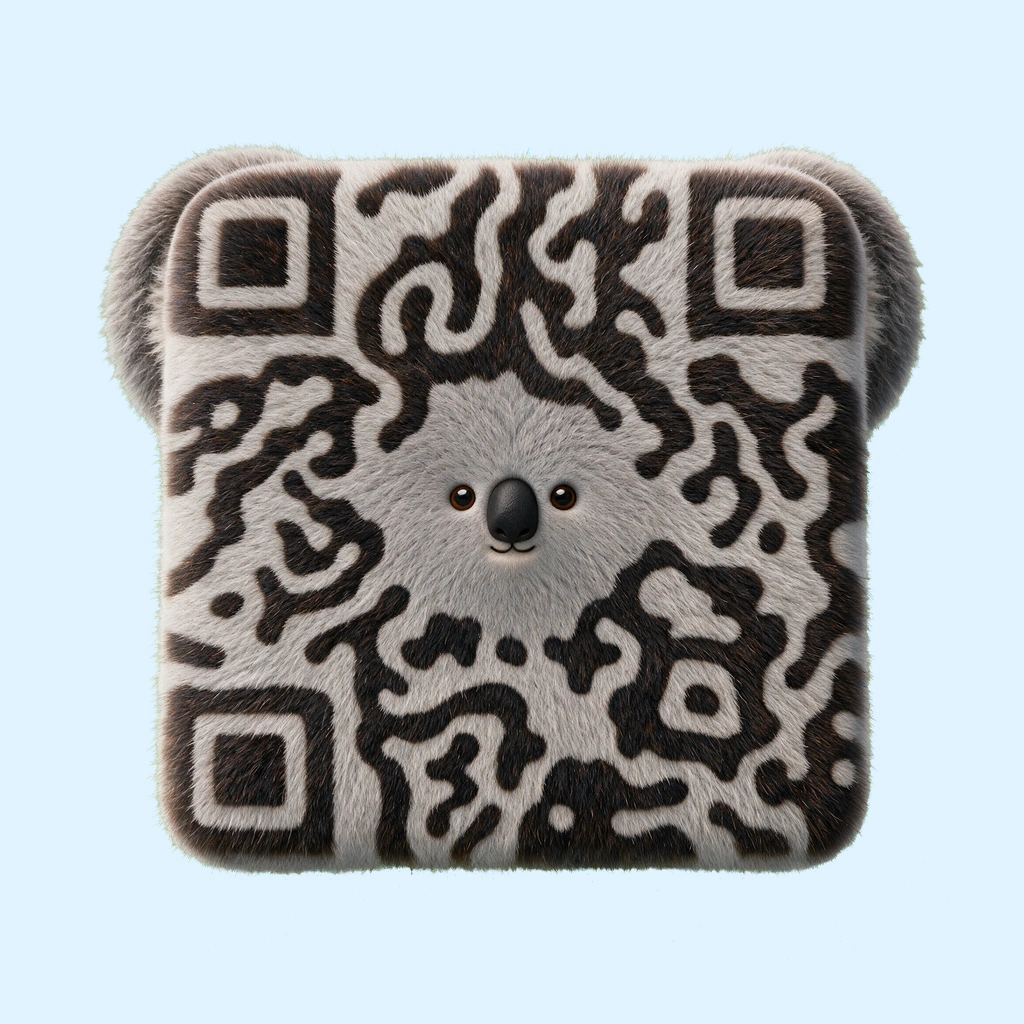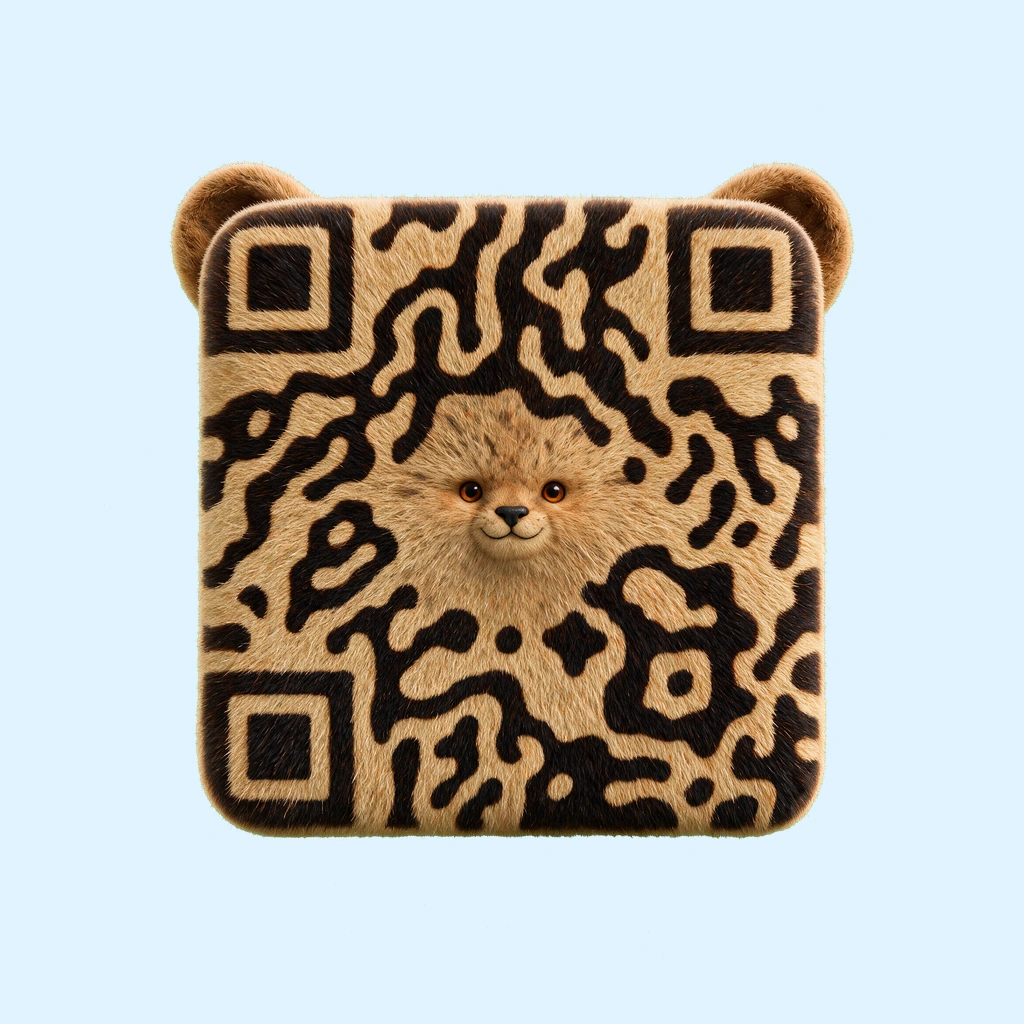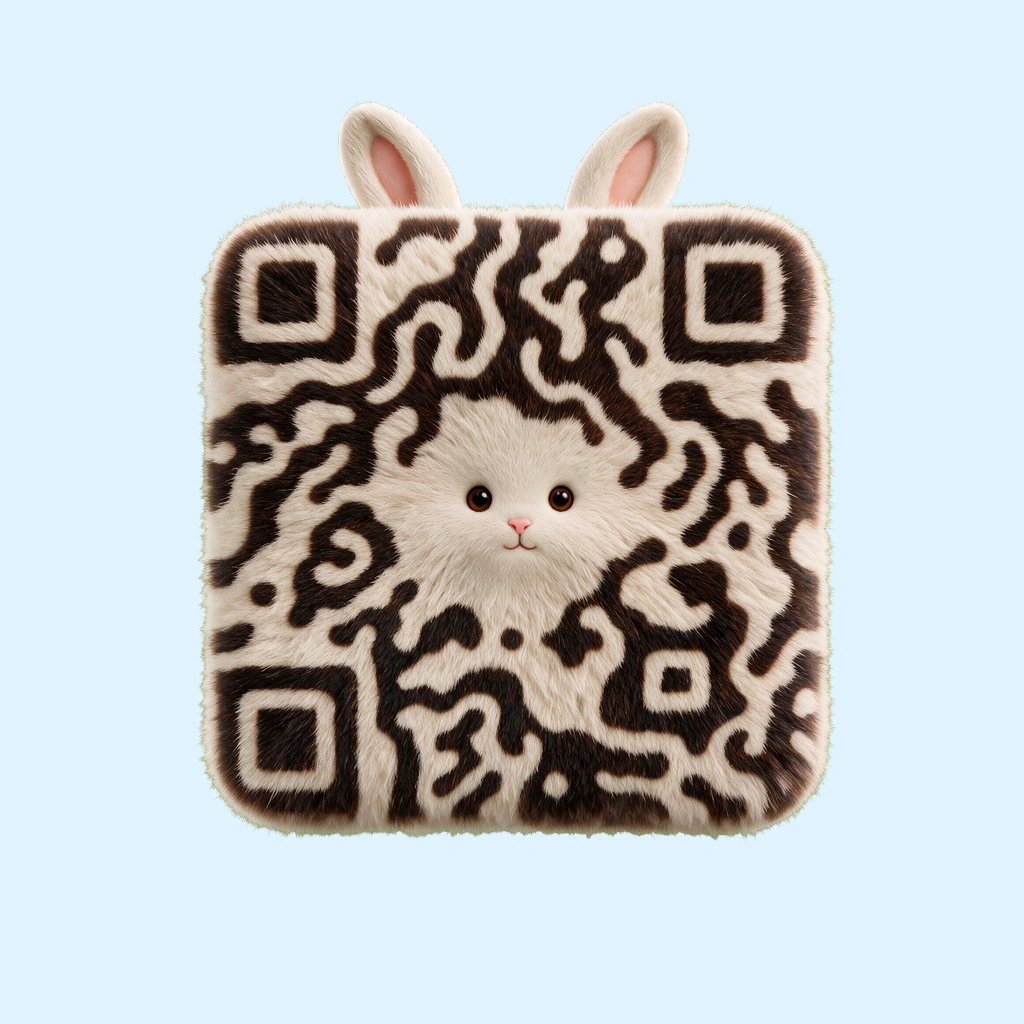
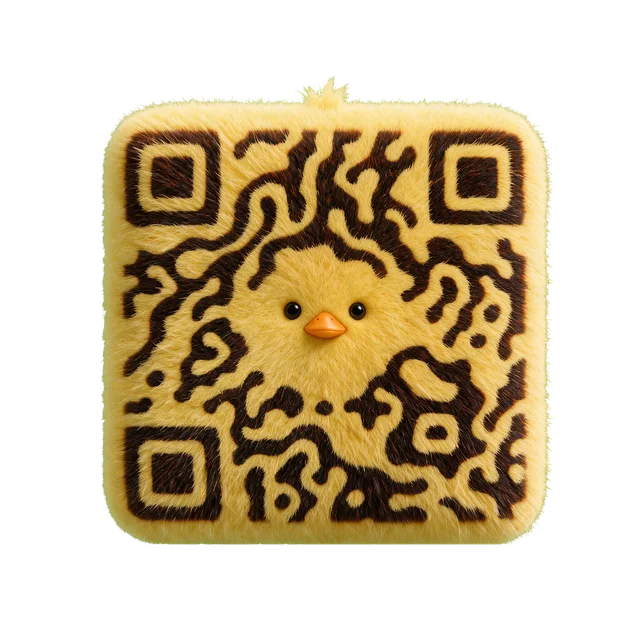
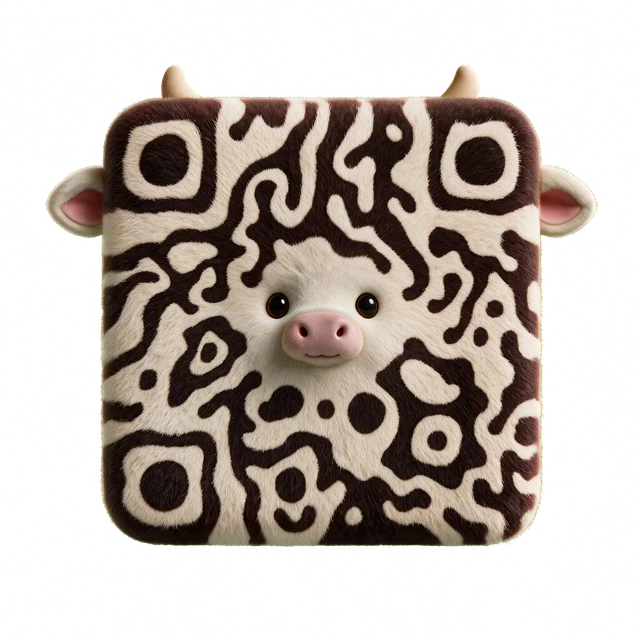
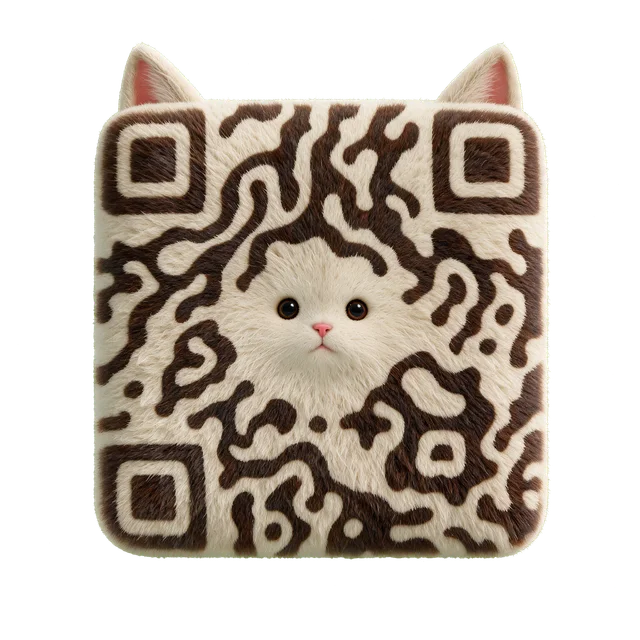
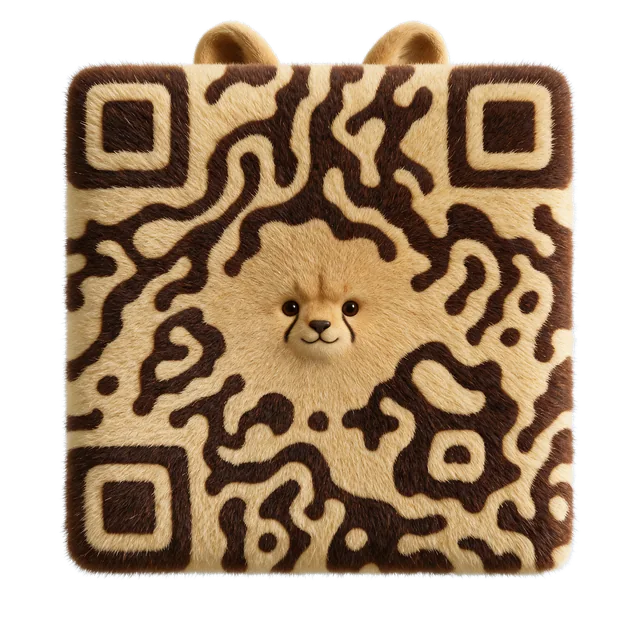
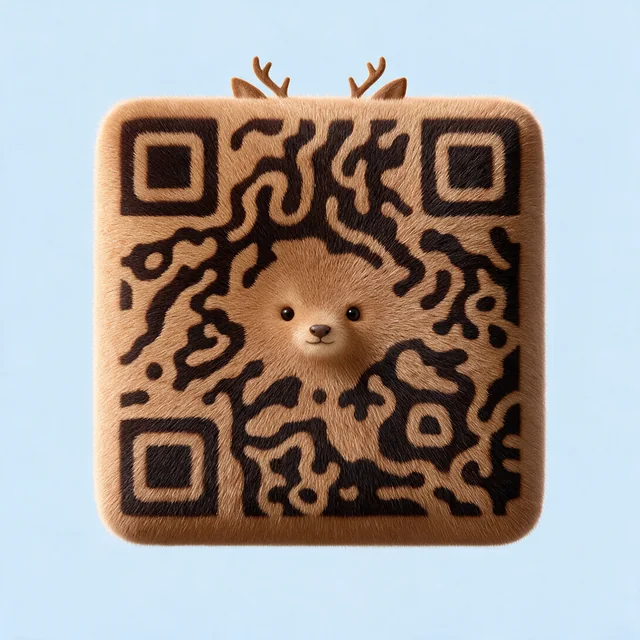
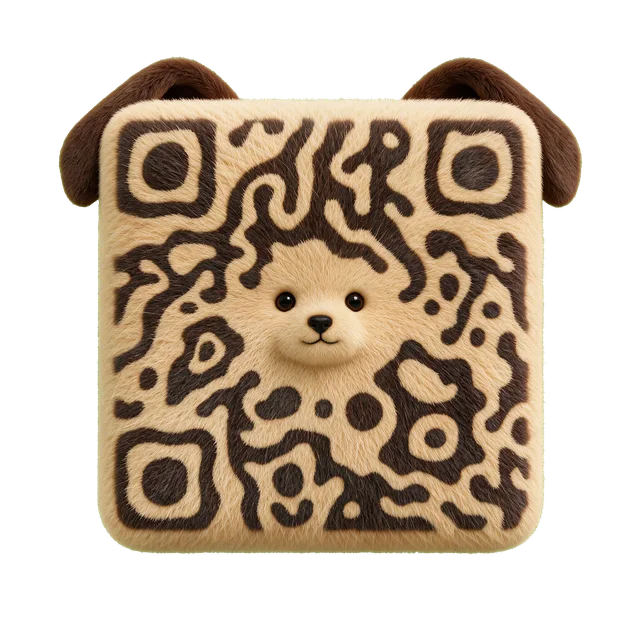
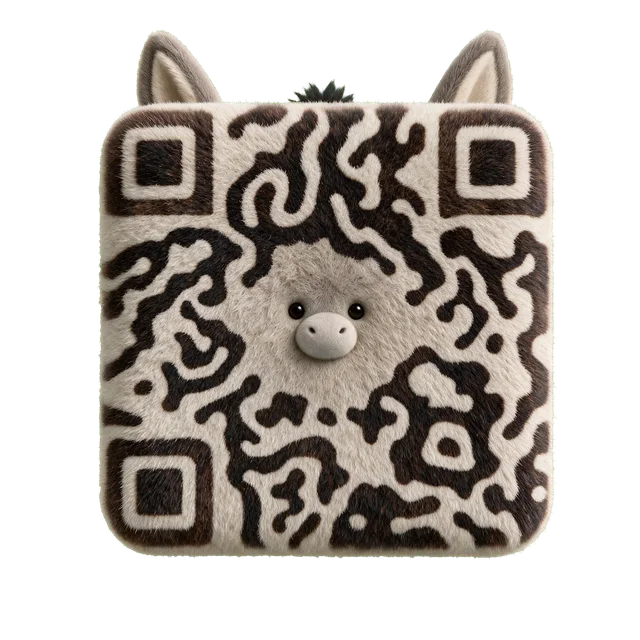
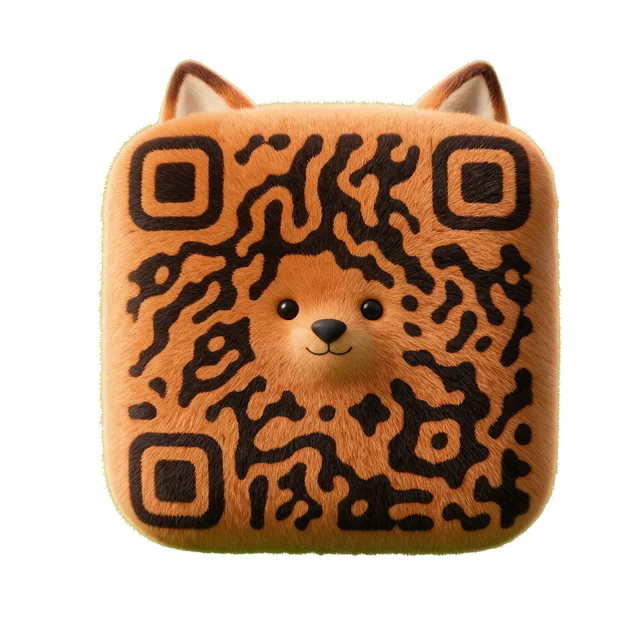
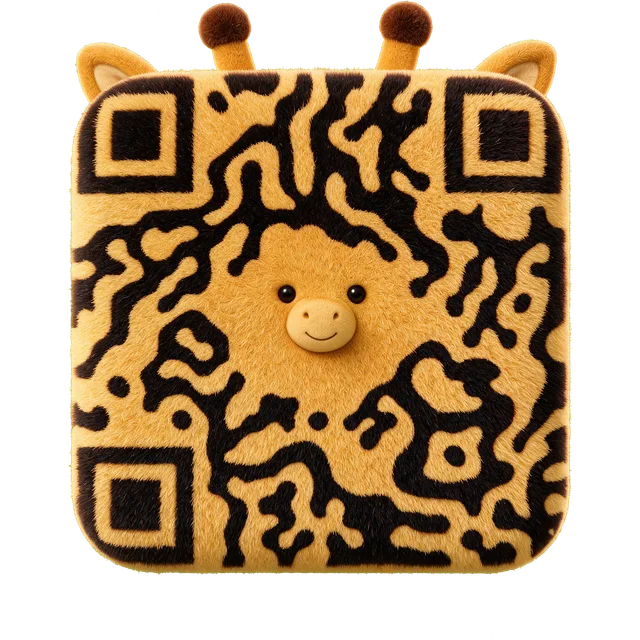
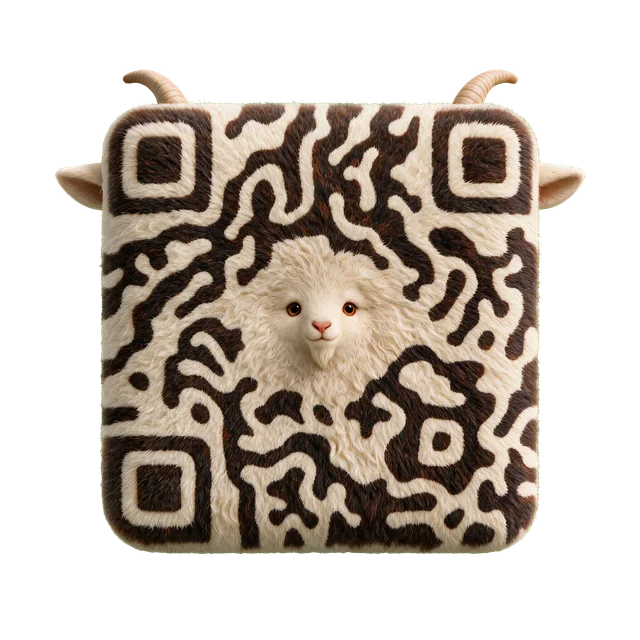
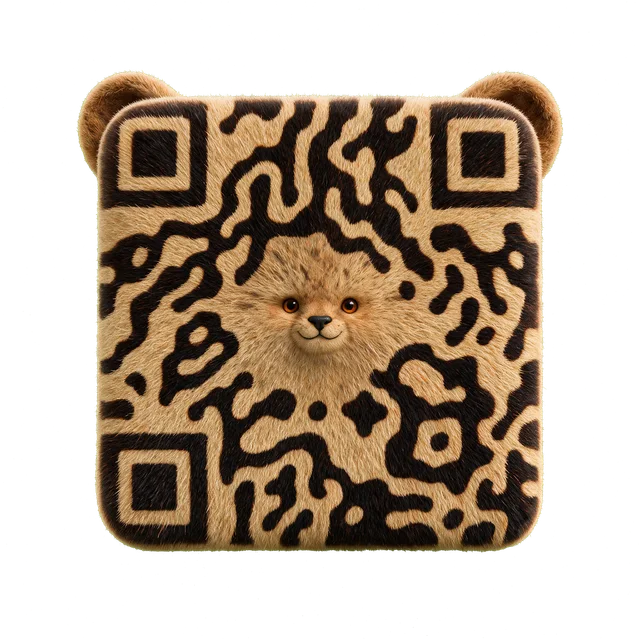
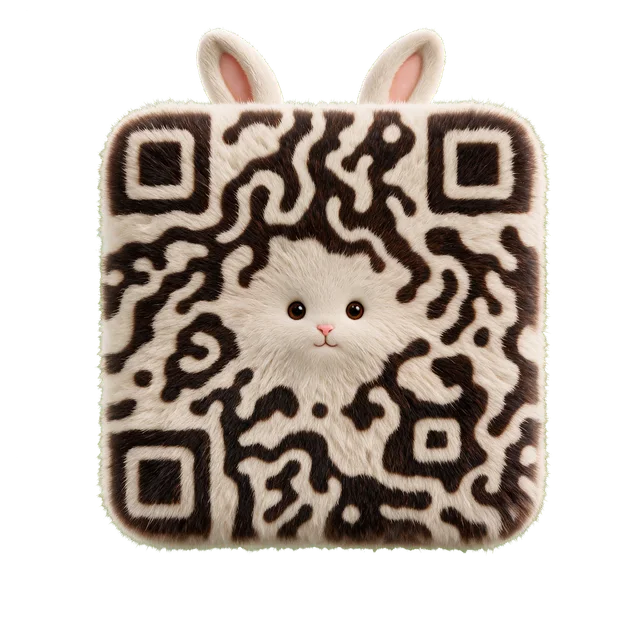
A gentle character
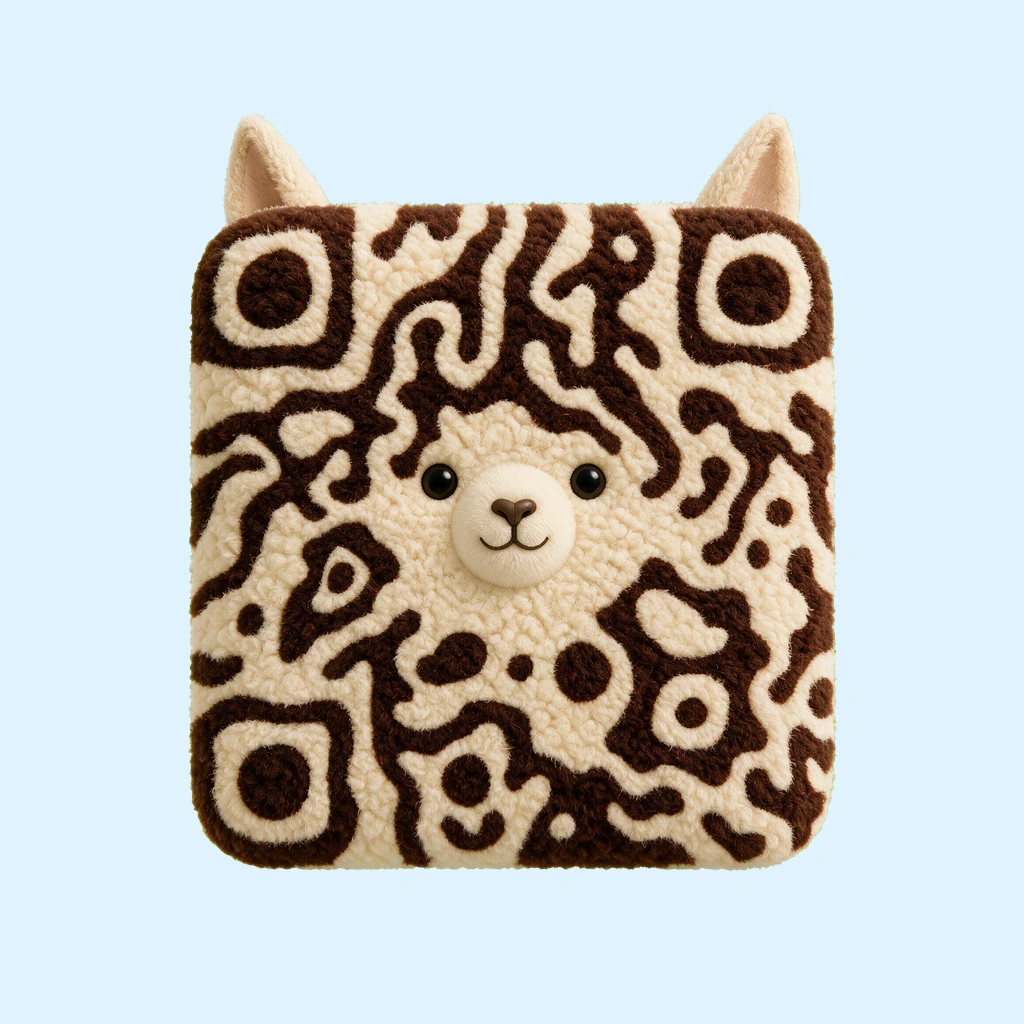
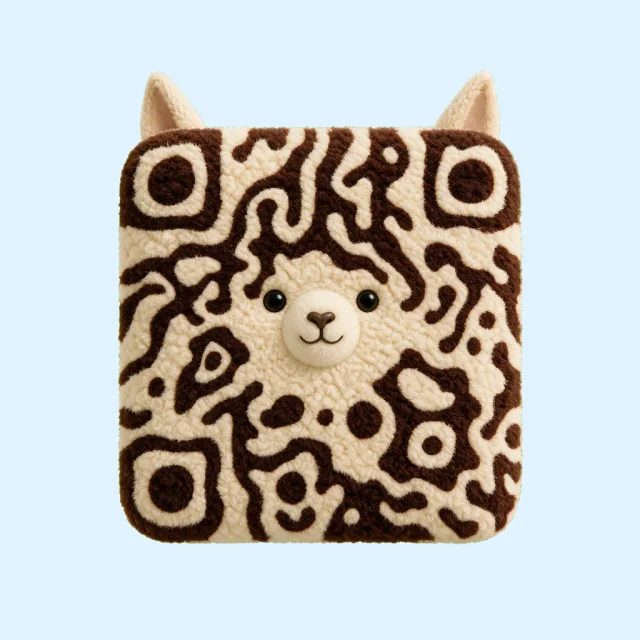
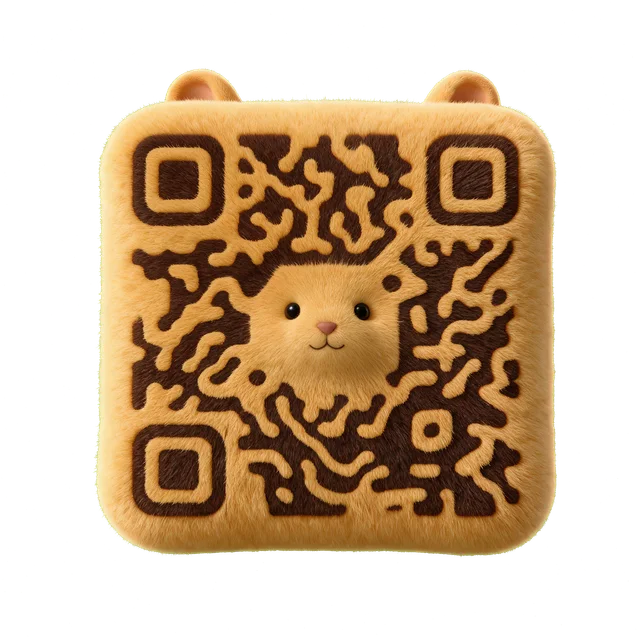
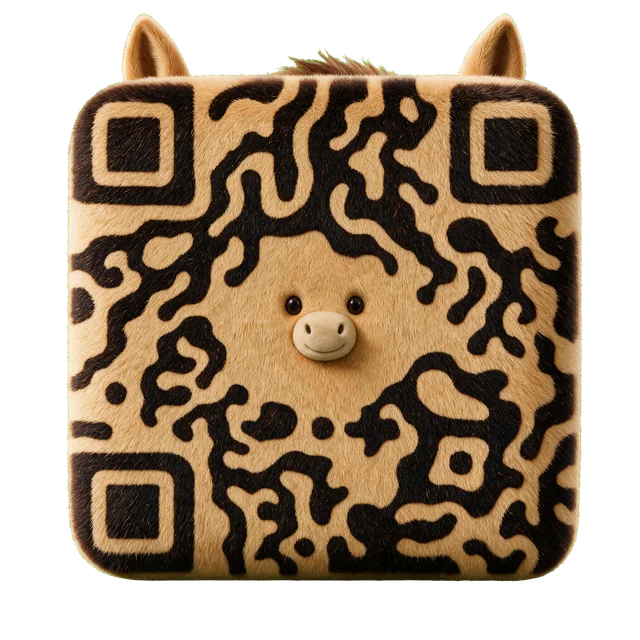
Try Alpaca for a friendly invitation or small-brand insert. Inspect the pattern options before deciding how much detail to keep.
Explore AlpacaChoose an animal that gives your link a recognizable character. Start with a species, then compare the available patterns in its Creative template before generating with your own content.
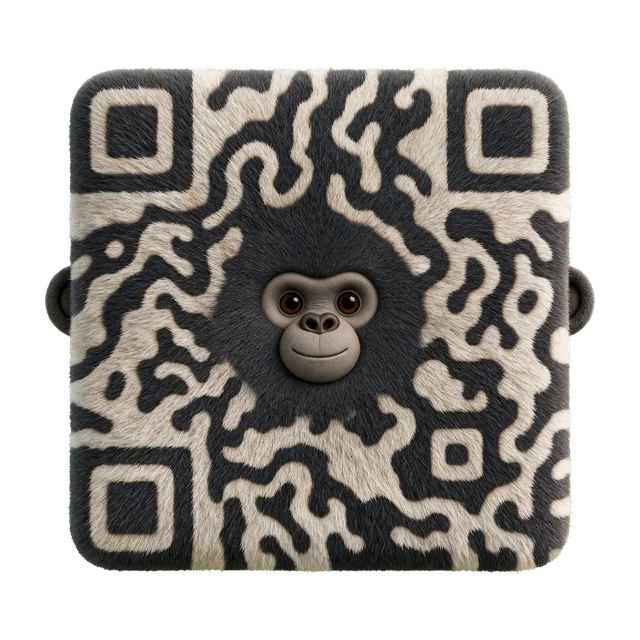
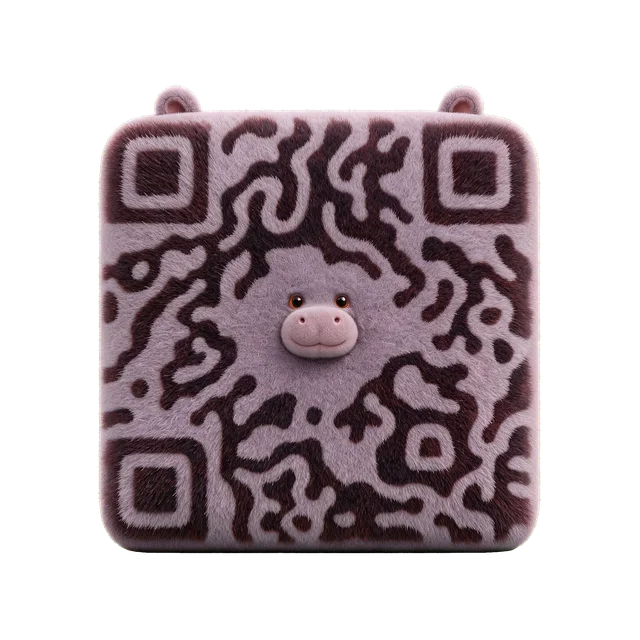
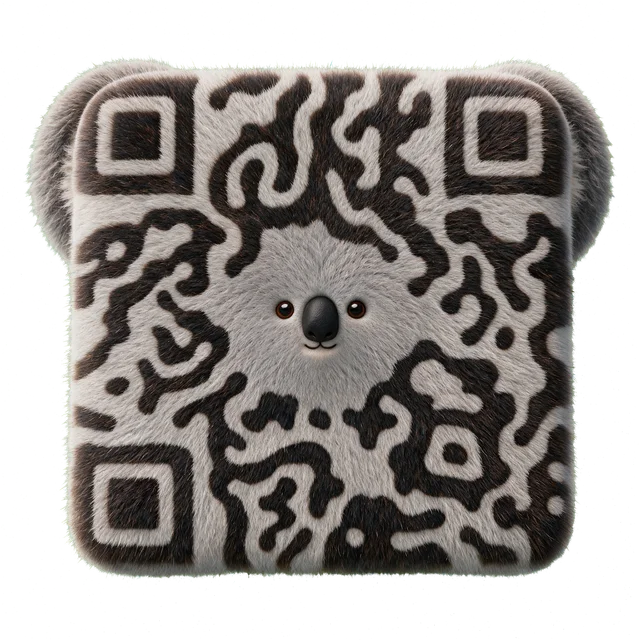
Animal designs use a recognizable silhouette and character details to make the QR the subject of the artwork. This collection ranges from domestic animals to wildlife; the best choice depends on the message around the code, rather than the species alone.
Try Alpaca for a friendly invitation or small-brand insert. Inspect the pattern options before deciding how much detail to keep.
Explore AlpacaUse Dog as a starting direction for a pet profile, community page, or care-information link. Keep the destination and owner information current.
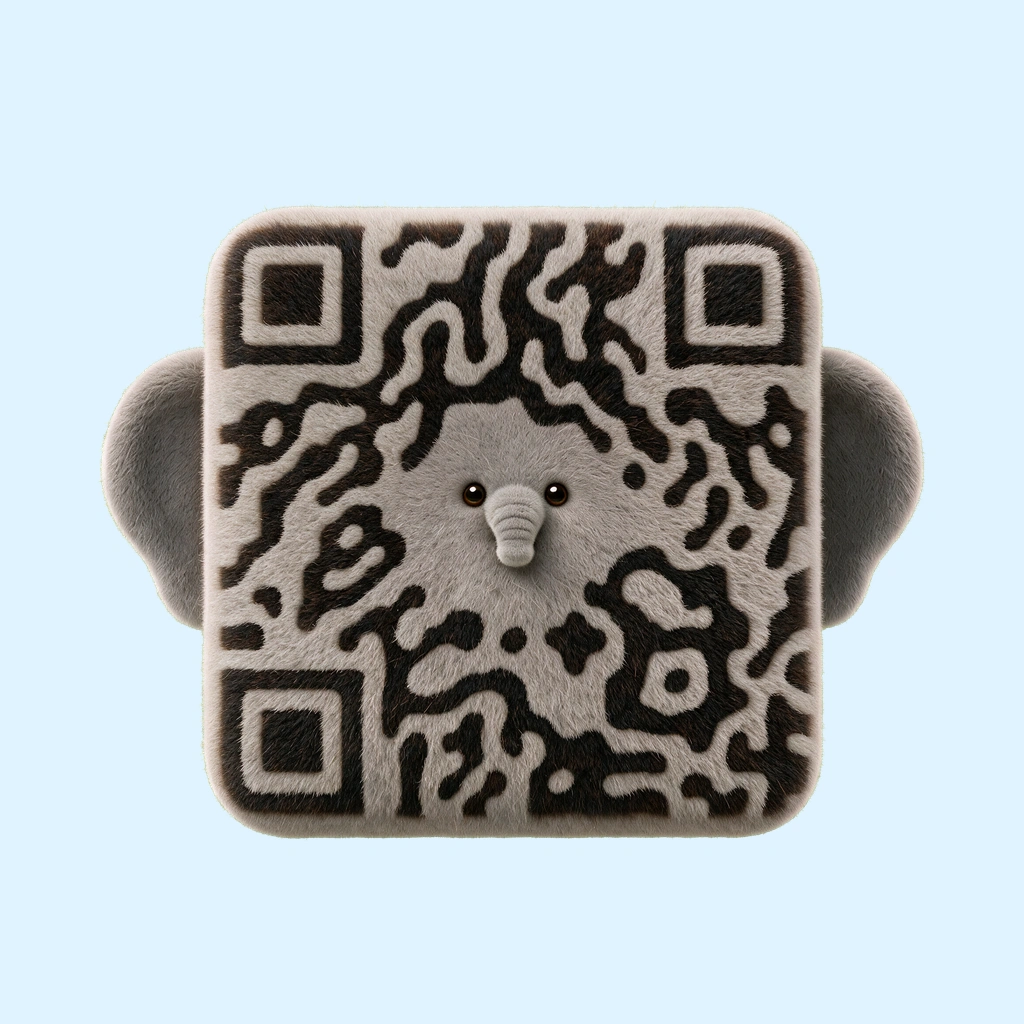
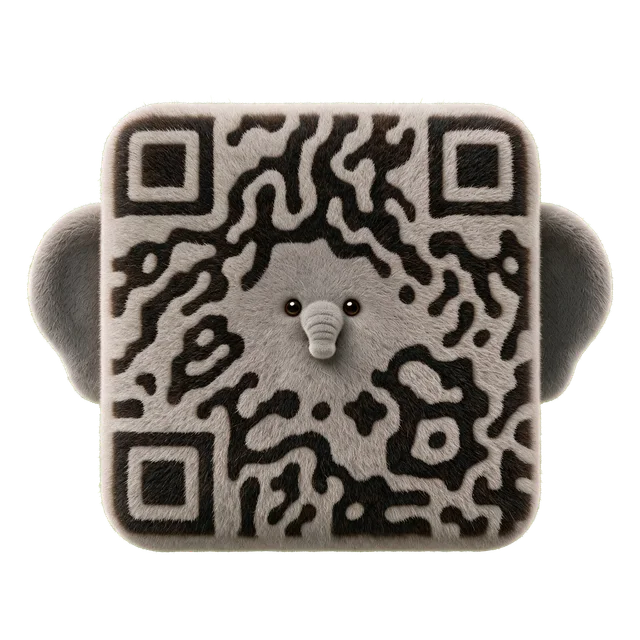
Explore DogExplore Elephant for an educational page or an event with an animal theme. Put a short explanation beside the QR so visitors know what they will open.
Explore ElephantOpen a species and compare its available pattern and background controls. Choose one focal character; keep nearby labels outside the QR image. If you need an ordinary contact or URL code rather than animal artwork, Standard is the simpler starting point.
Accepted templates have already passed admission scan checks. Each newly generated result is checked against its exact payload before delivery. The preview is not your finished QR; check the returned artwork and scan your own file in the intended setting.
Yes. Open a template and enter your content in Creative. The catalog image is a preview; your destination is applied when the result is generated.
Choose the character for your message, then test your own generated file in its intended setting. The preview represents a different payload and is not a substitute for checking your result.