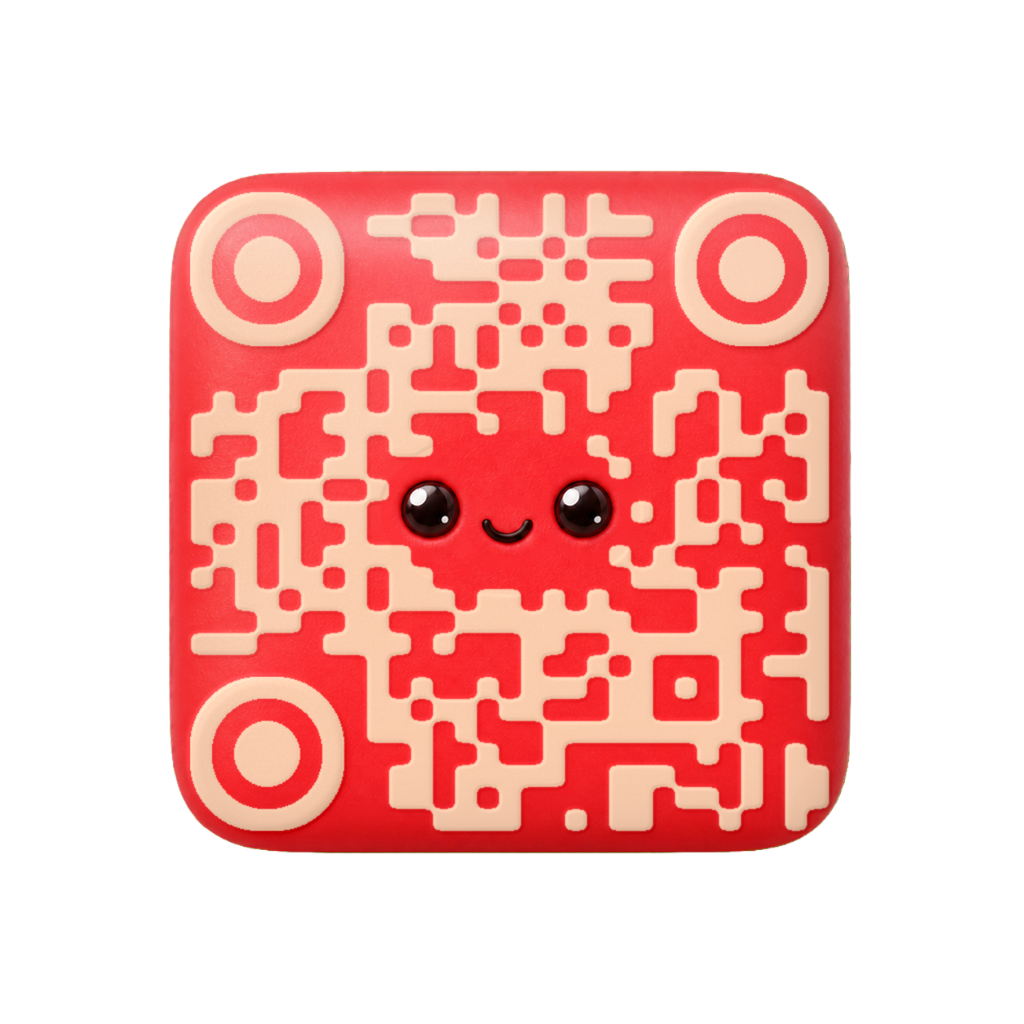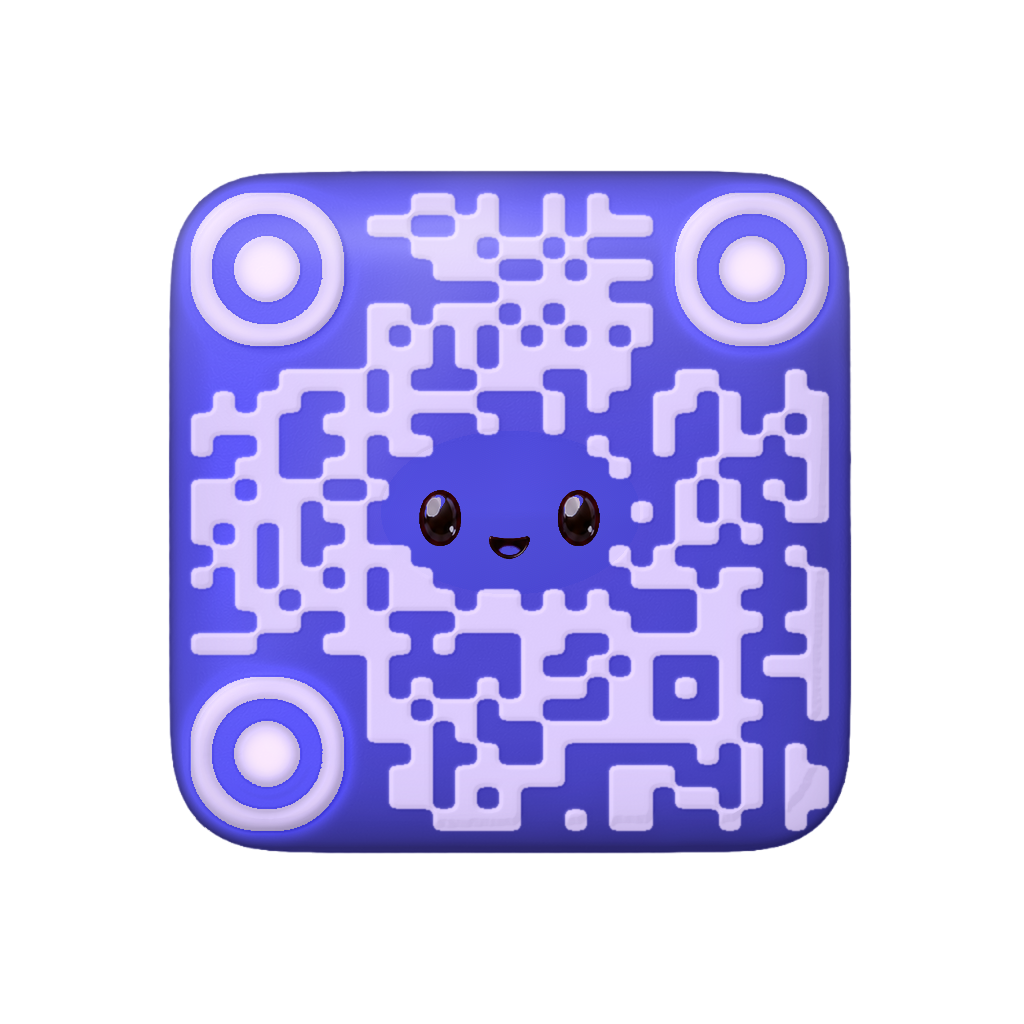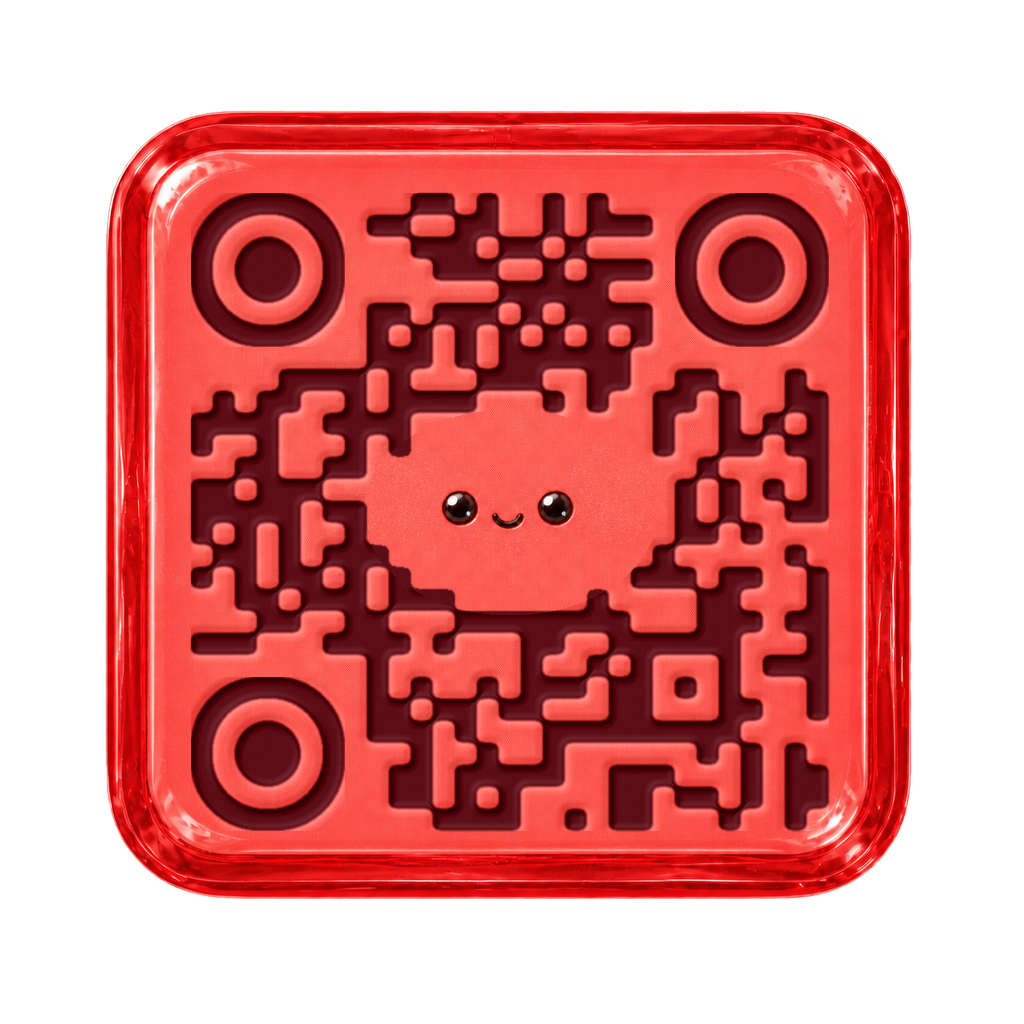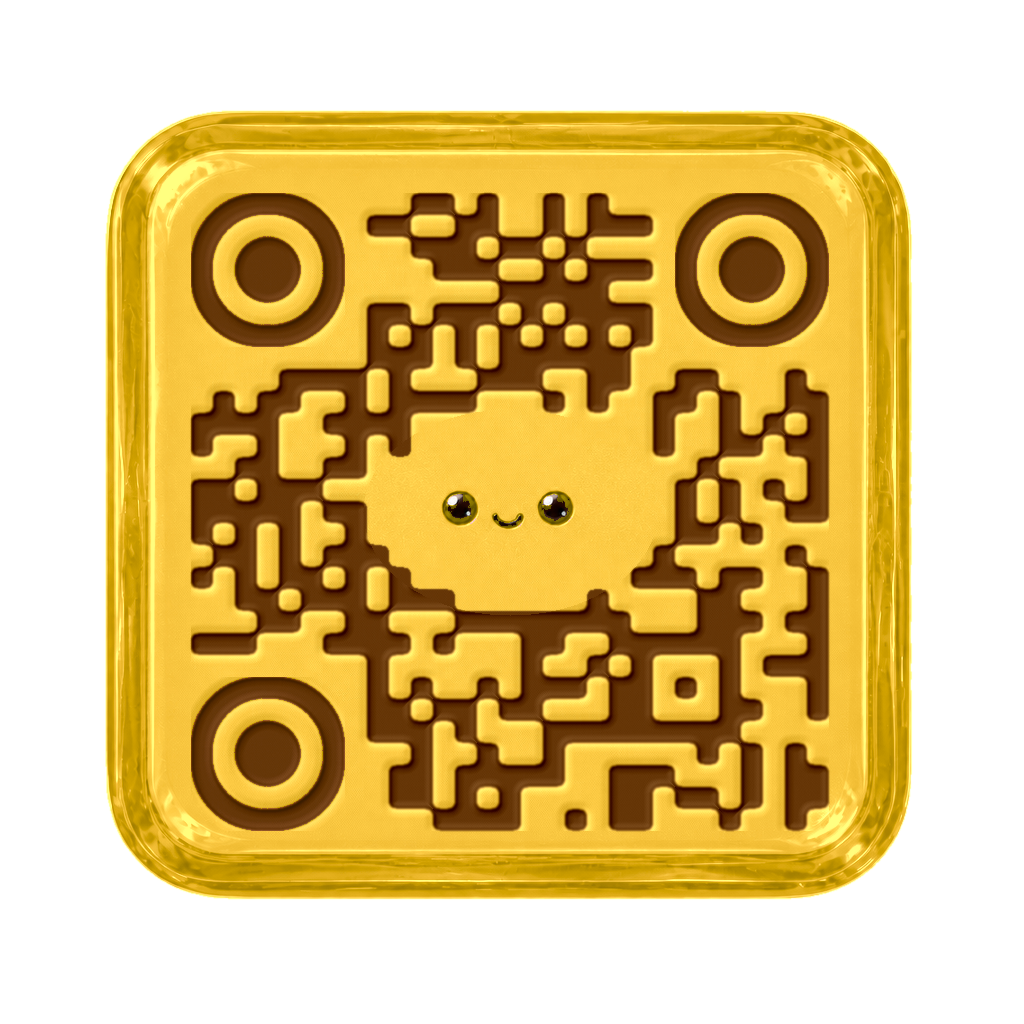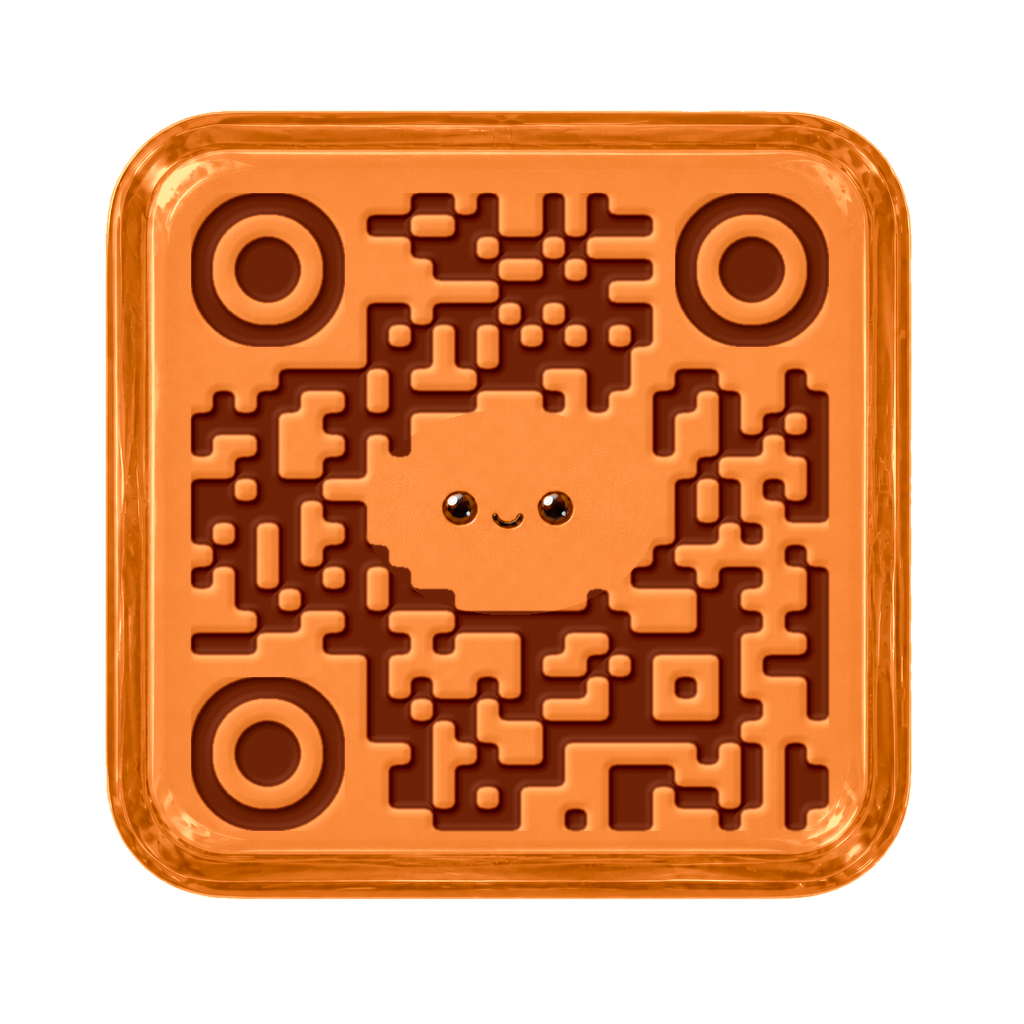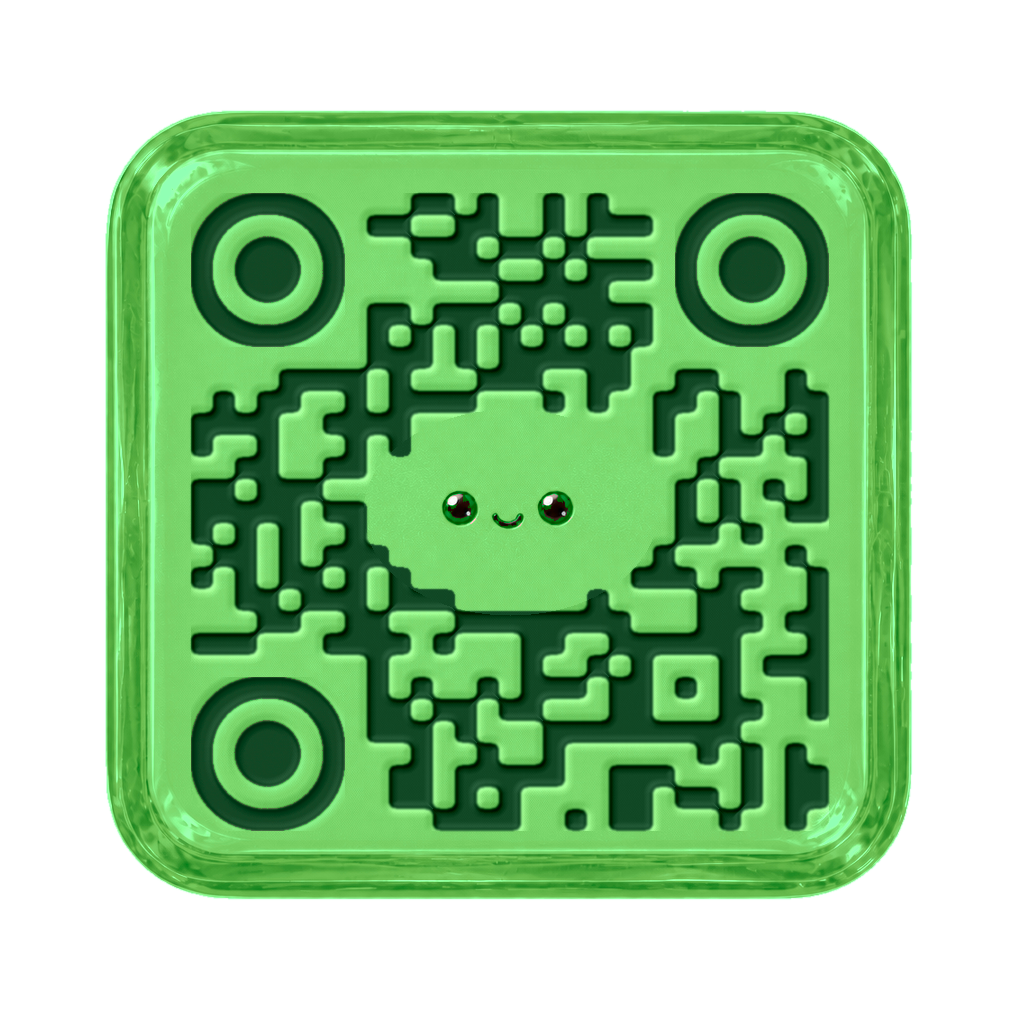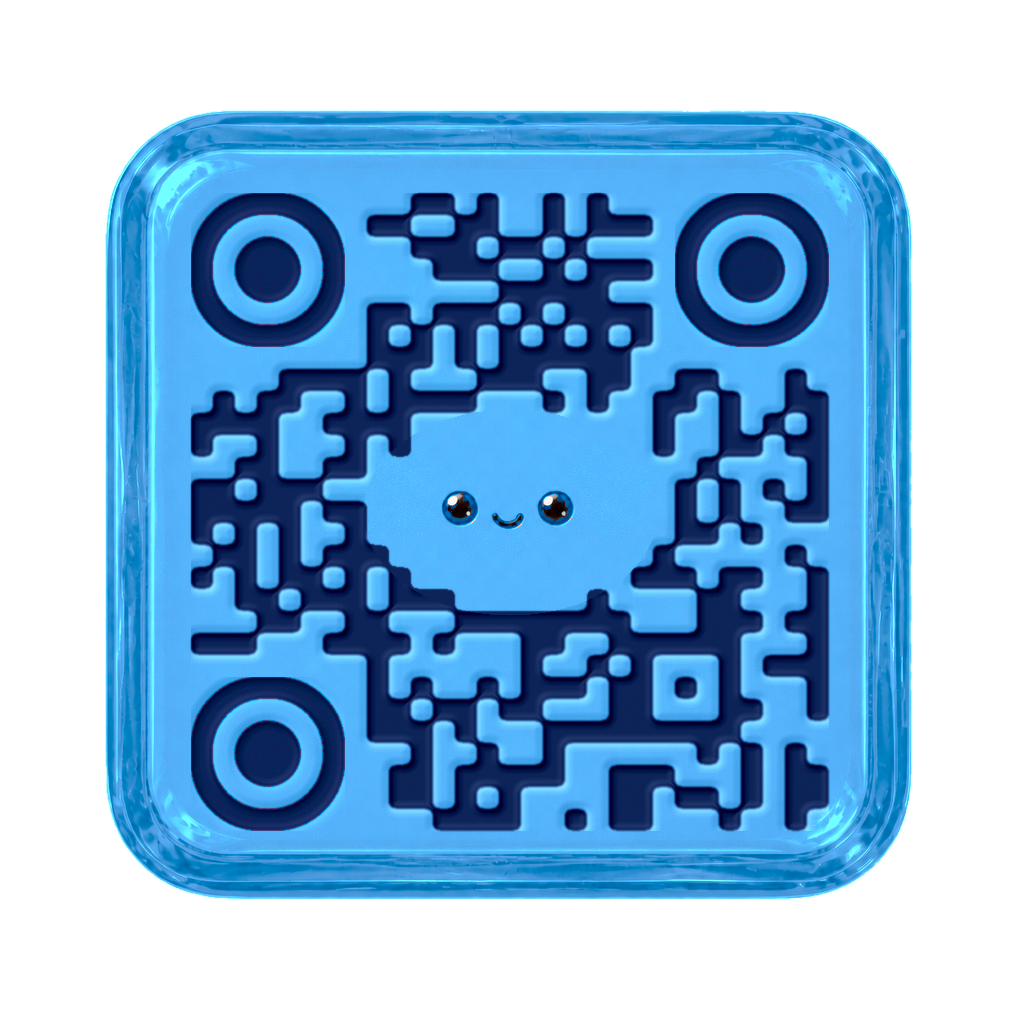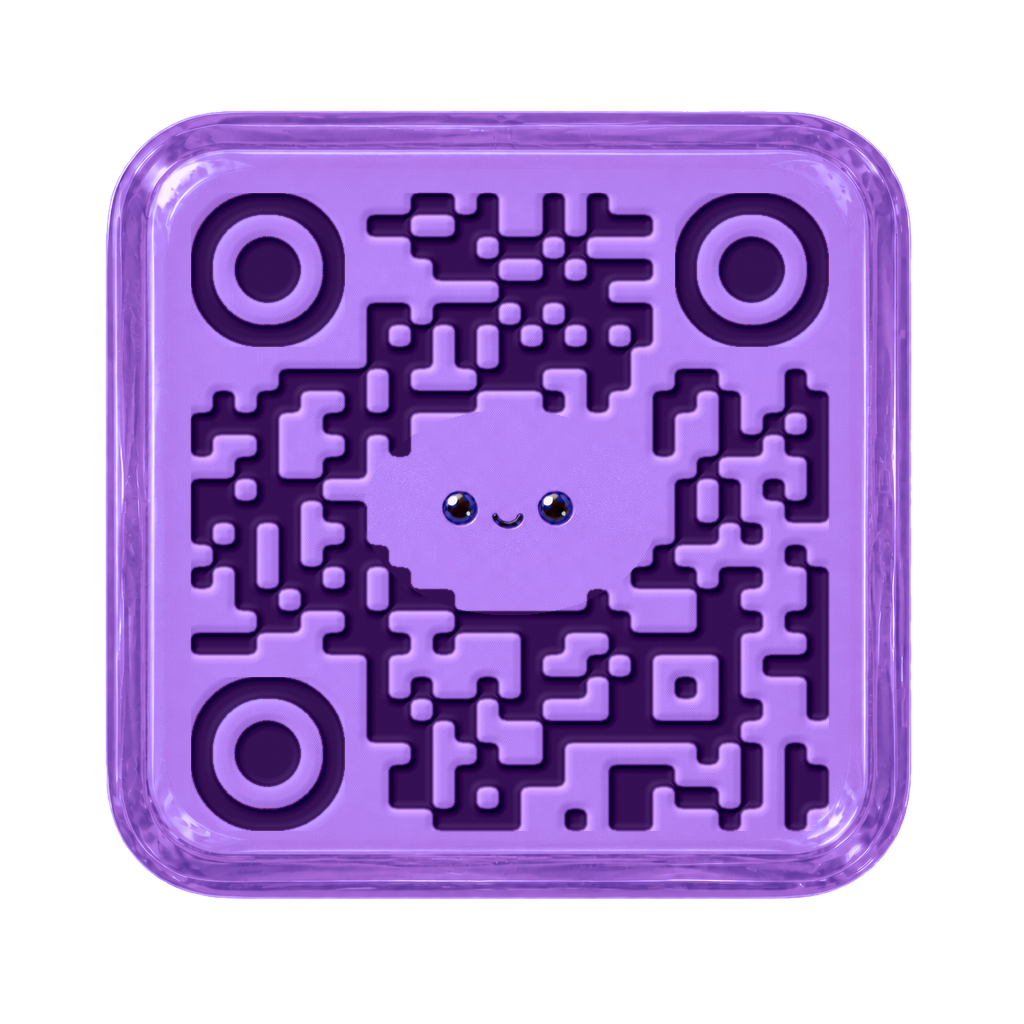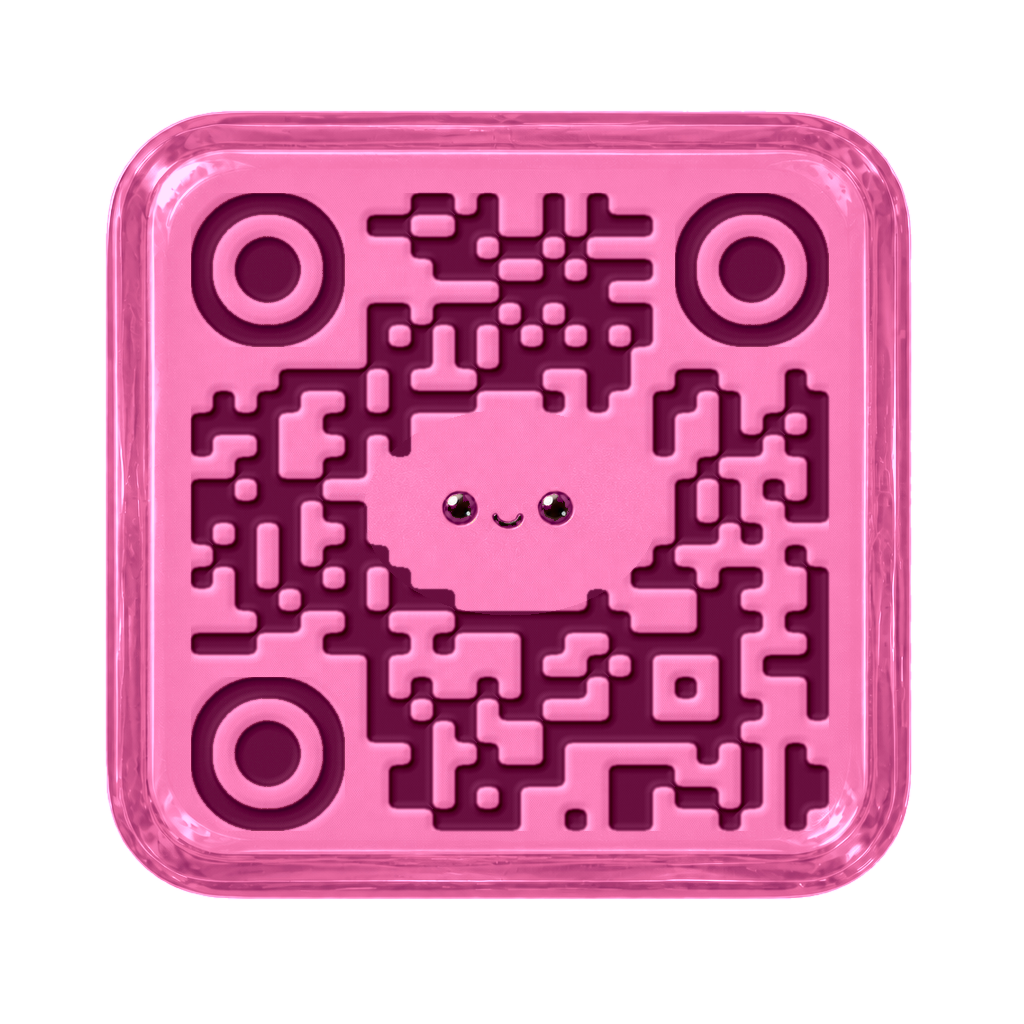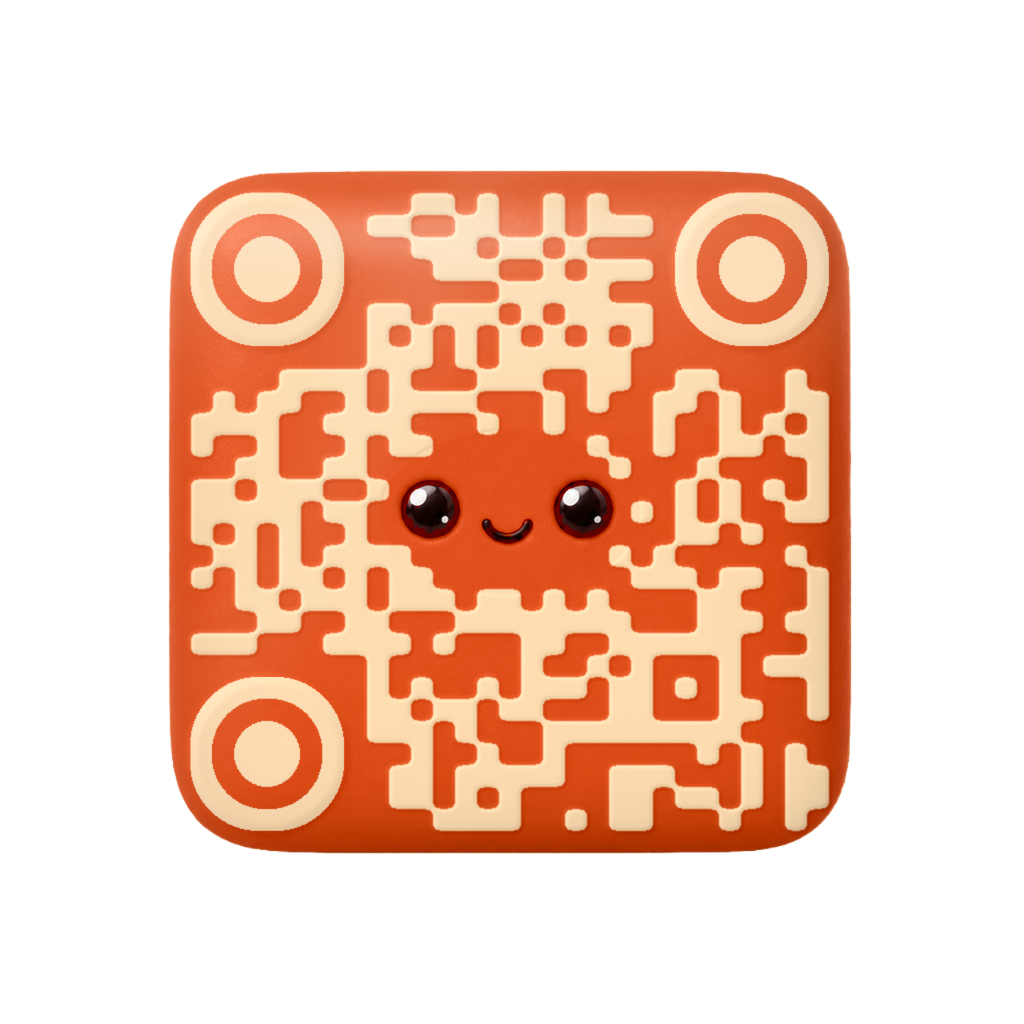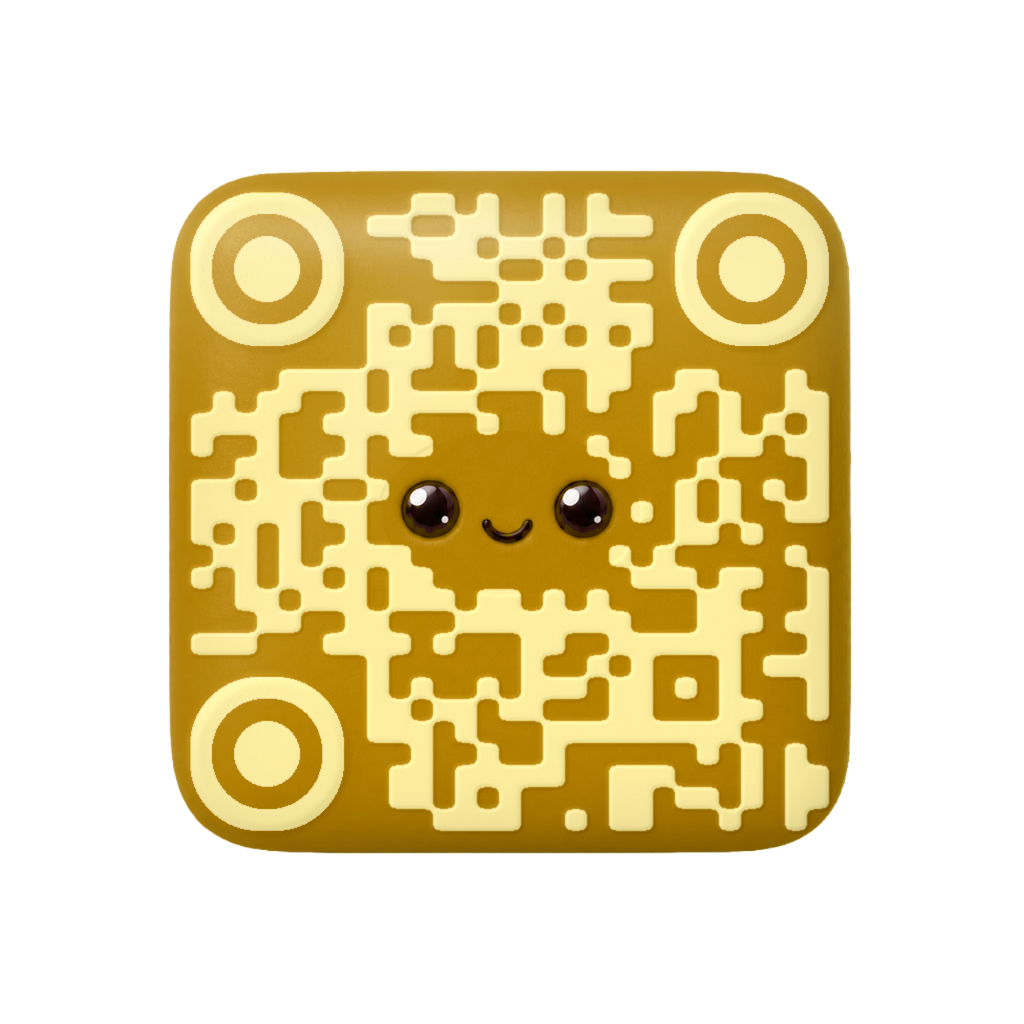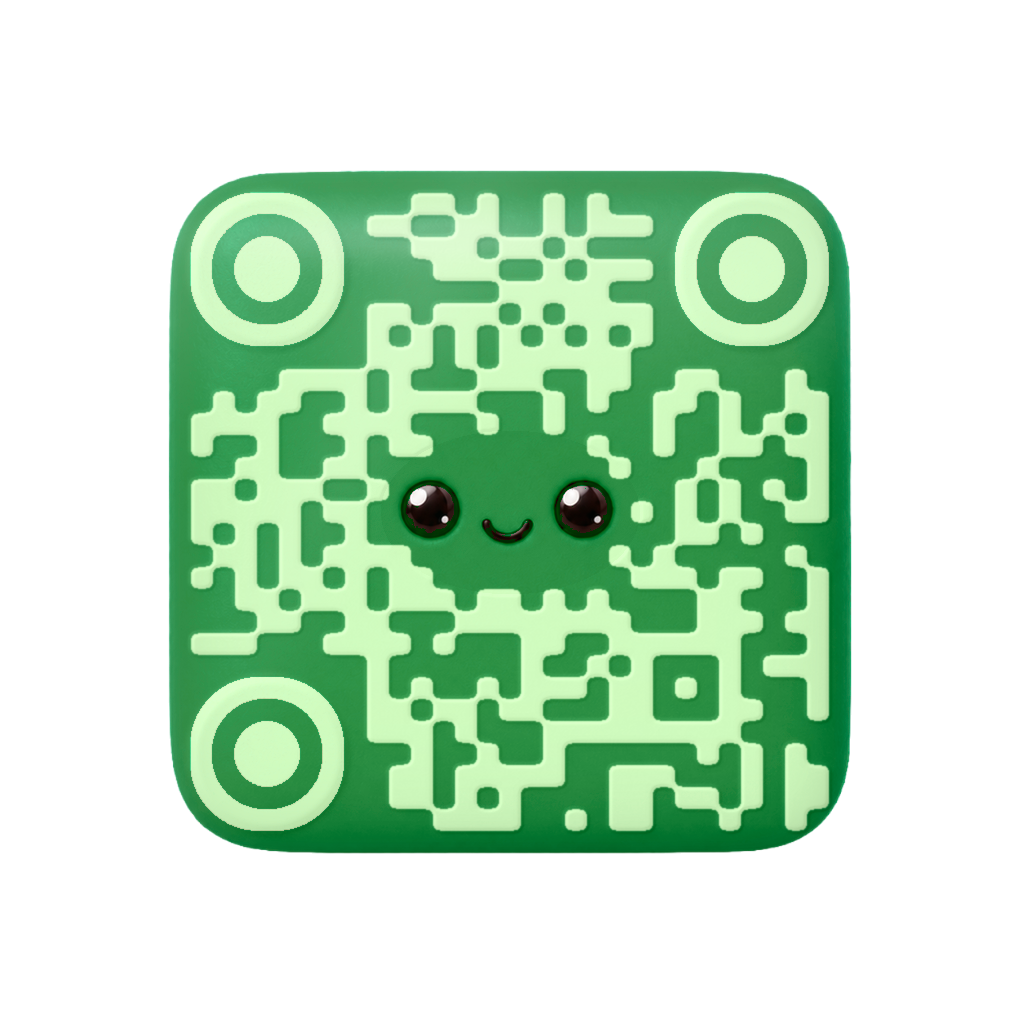
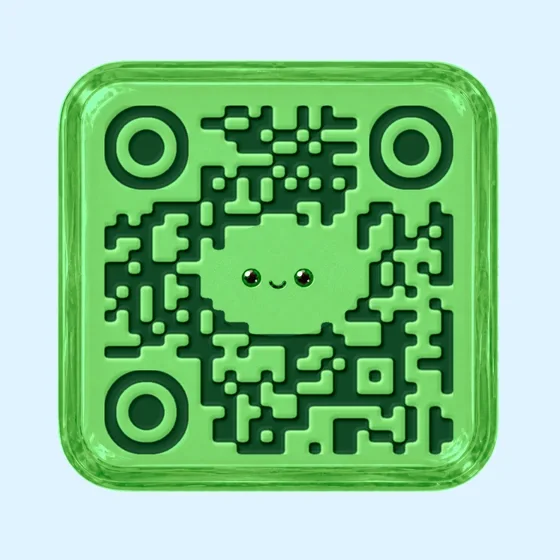
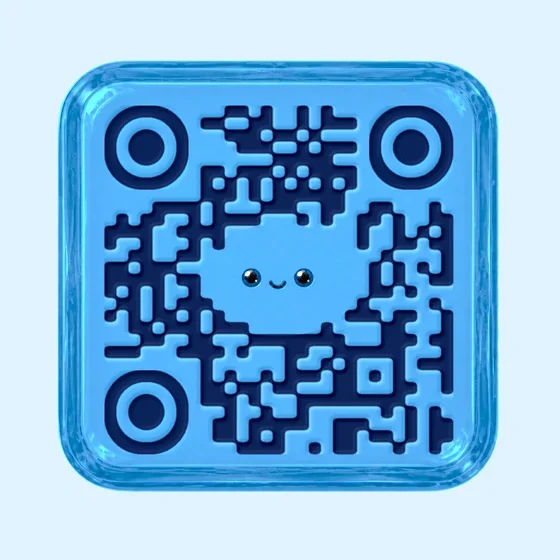
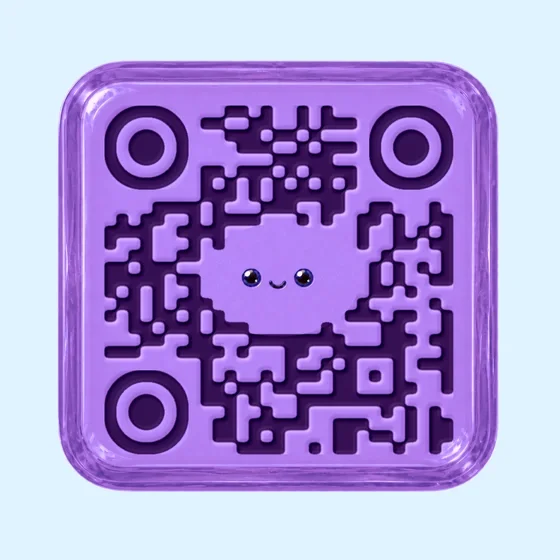
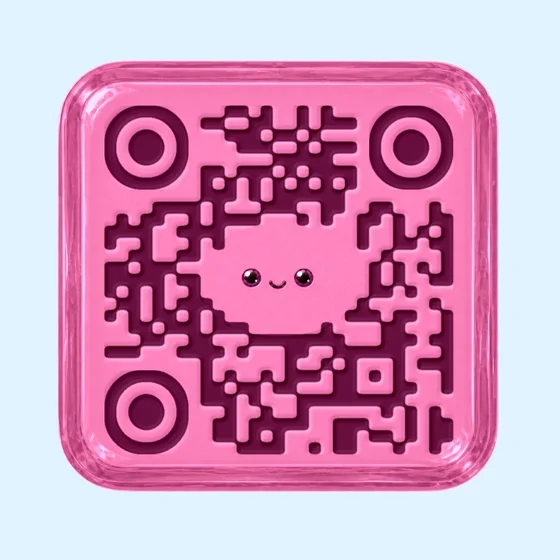
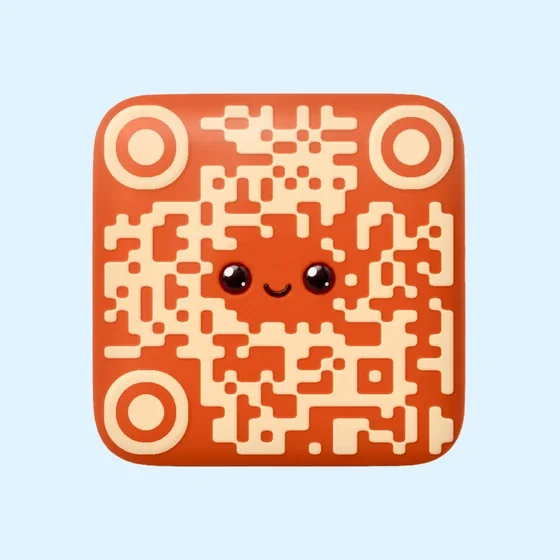
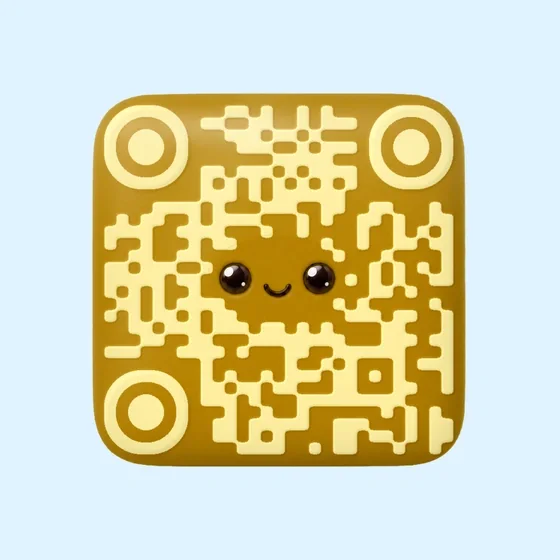
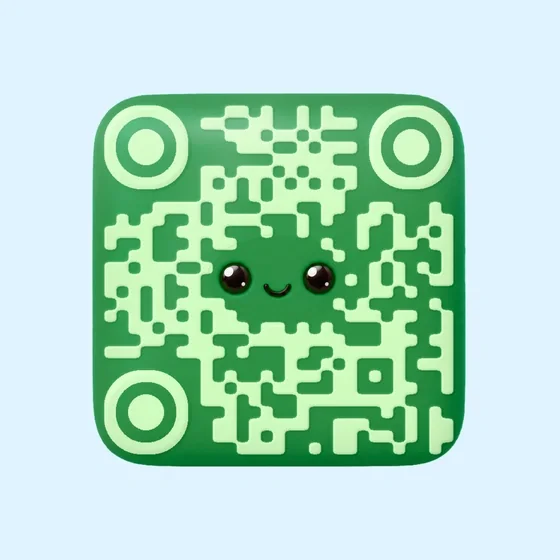
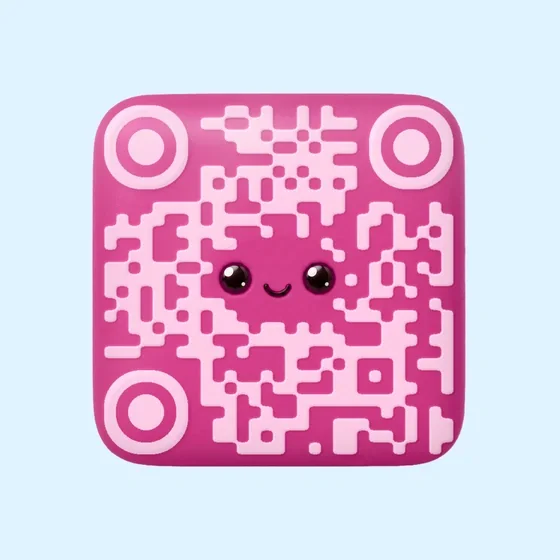
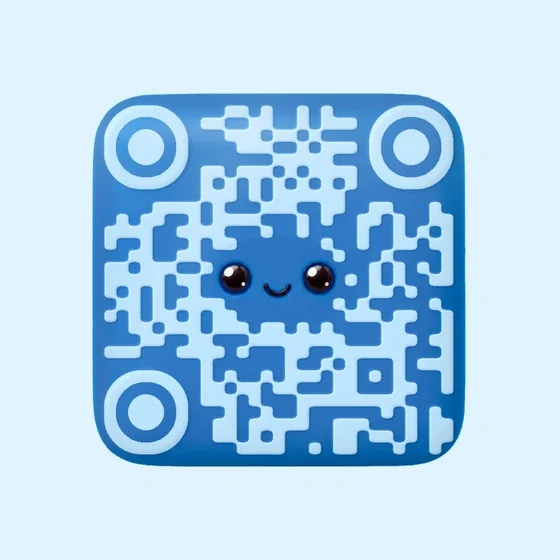
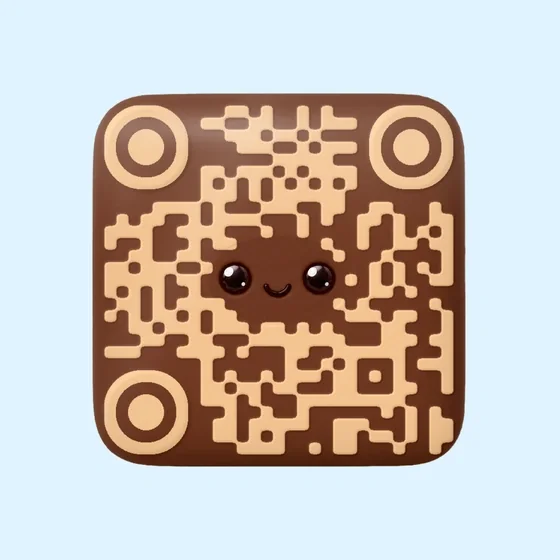
Glossy and bright
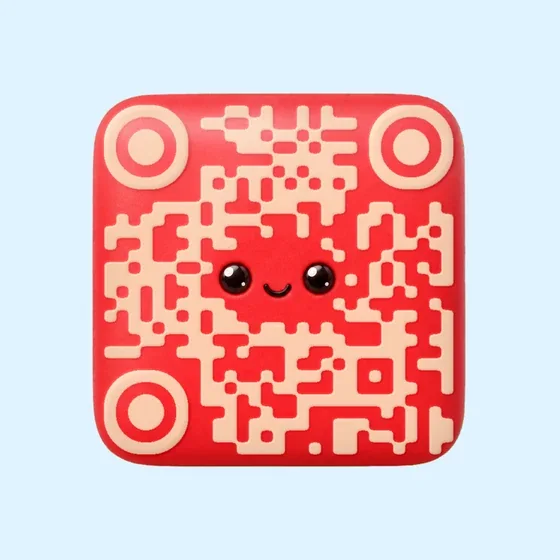
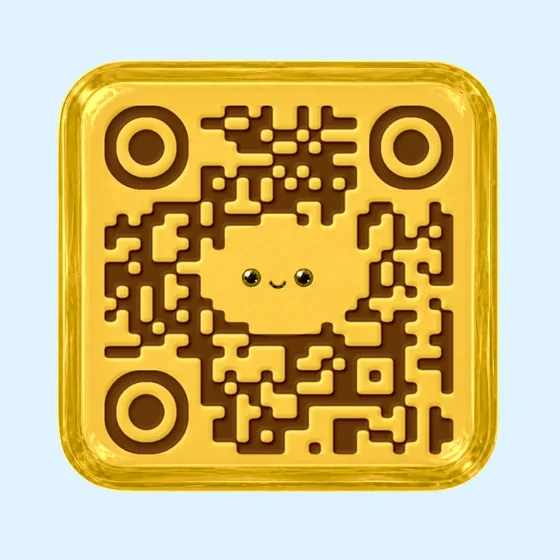
Lemon Drop is a starting point for a citrus-colored invitation or promotional insert.
Explore Lemon DropCANDY COLLECTION
Polished candy characters in bright flavors and QR patterns.
Build a playful QR around a candy direction: a glossy drop or a softer gummy shape. Compare the finish and color with your packaging or invitation, then open that template in Creative.
Candy templates treat the QR as a small confection with a bright finish. Drops and gummies offer different visual moods: a crisp glossy surface versus a softer, rounded character. These are candy-inspired illustrations, not product photos or ingredient information.
Lemon Drop is a starting point for a citrus-colored invitation or promotional insert.
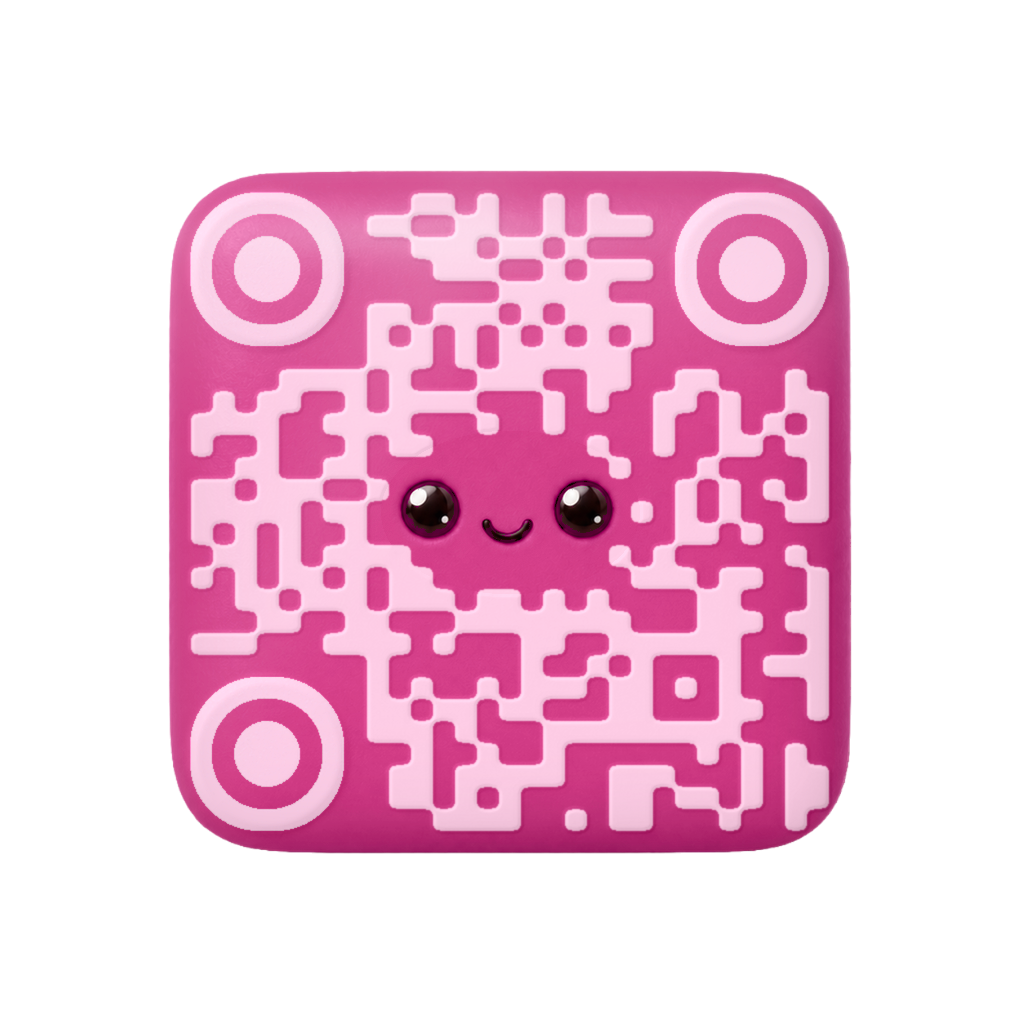
Explore Lemon DropCompare Bubblegum when the surrounding design uses a friendly pink palette and rounded forms.
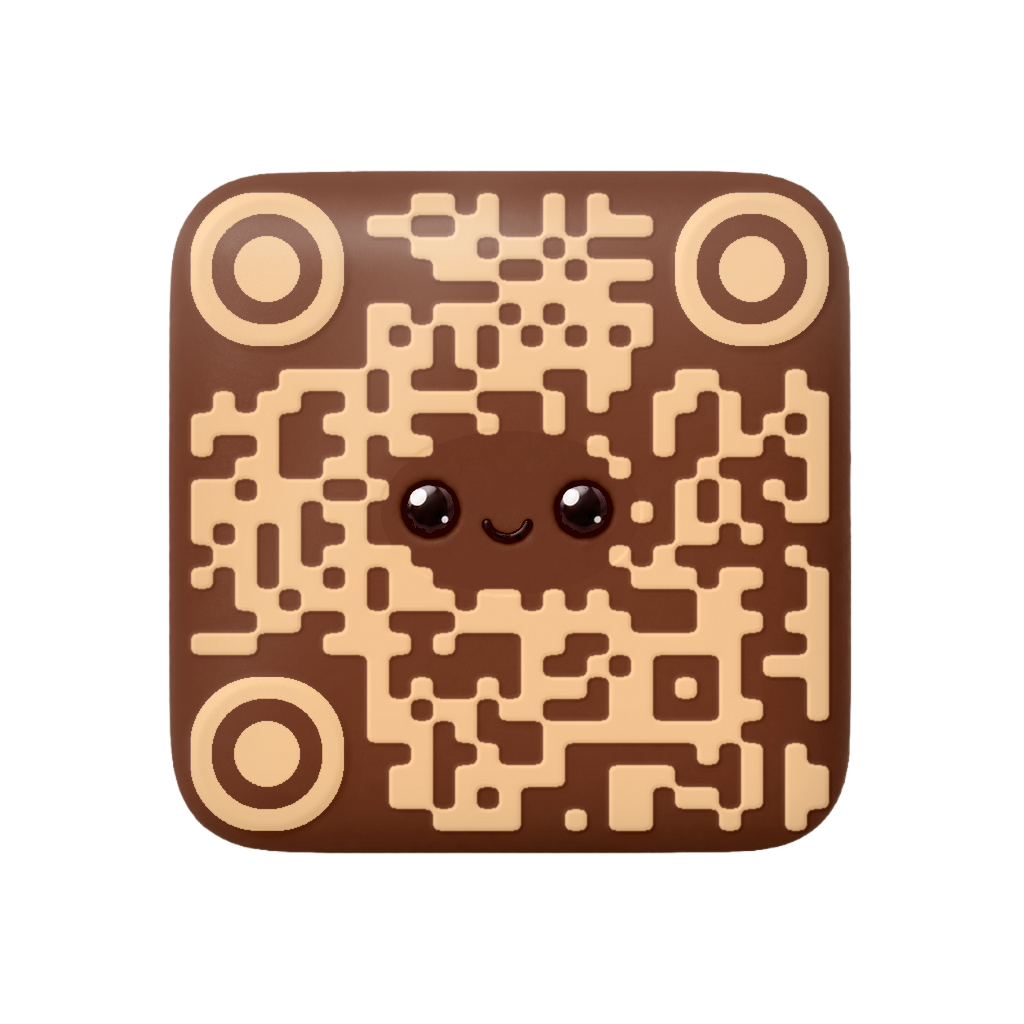
Explore BubblegumExplore Cola Gum when a deeper confectionery palette fits the surrounding layout.
Explore Cola GumCompare the candy finish as well as its color. Use the template controls that are available for the chosen design; a label such as Lemon Drop does not promise arbitrary flavor or shape editing. Food offers ingredient-led textures if you want fruit, nuts, coffee, or chocolate rather than a candy character.
Accepted templates have already passed admission scan checks. Each newly generated result is checked against its exact payload before delivery. The preview is not your finished QR; check the returned artwork and scan your own file in the intended setting.
Candy focuses on glossy drops and gummies. Food uses fruit, nuts, coffee, and chocolate as its visual material. Both open in Creative, but they communicate different design directions.
You can place your generated file in a packaging layout. Check the final printed size, material, lighting, and destination before distribution. Keep required product information readable outside the QR.