Paper and ink
Compare Indigo Washi for an editorial insert or a restrained printed composition.
Explore Indigo WashiABSTRACT COLLECTION
Flowing generative forms shaped by the QR itself.
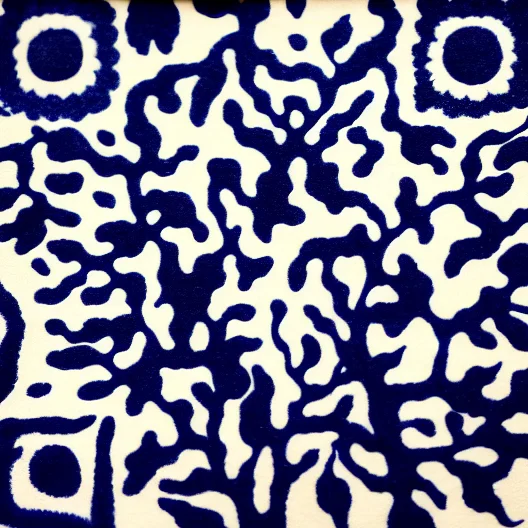 Indigo Washi
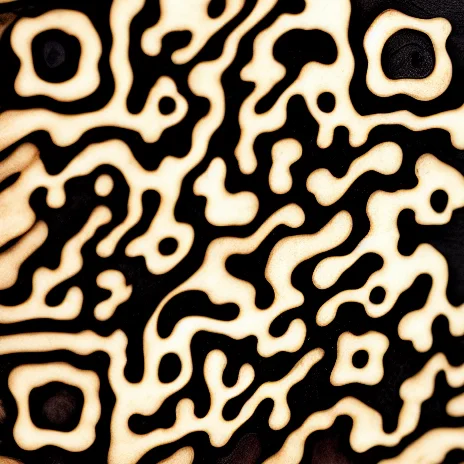 Charred Current
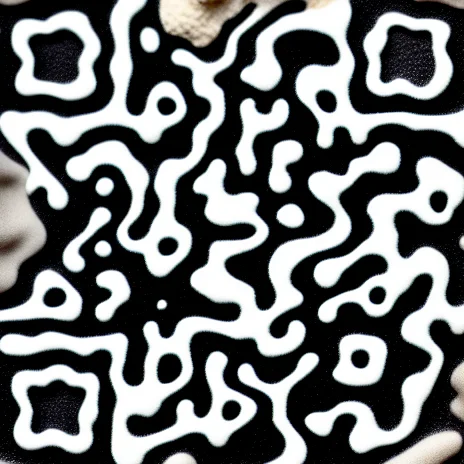 Basalt Veins
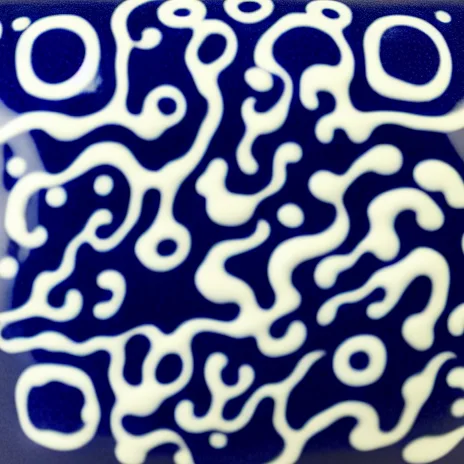 Cobalt Melt
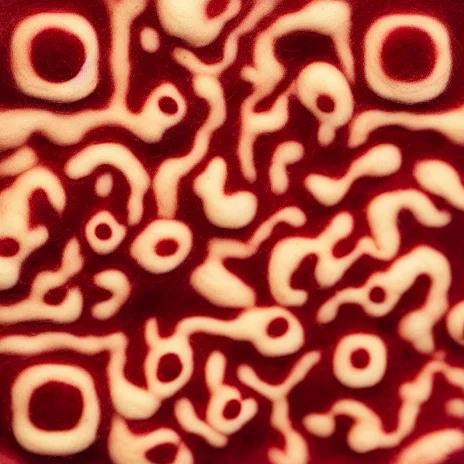 Burgundy Bloom
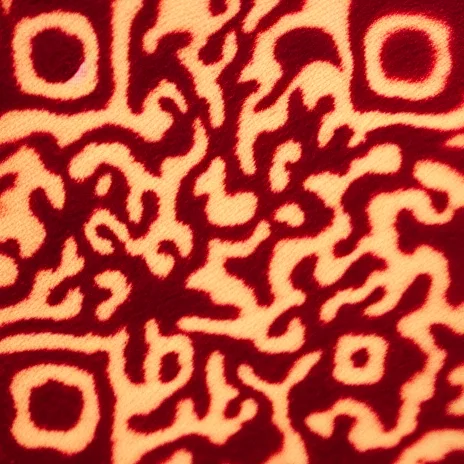 Oxblood Print
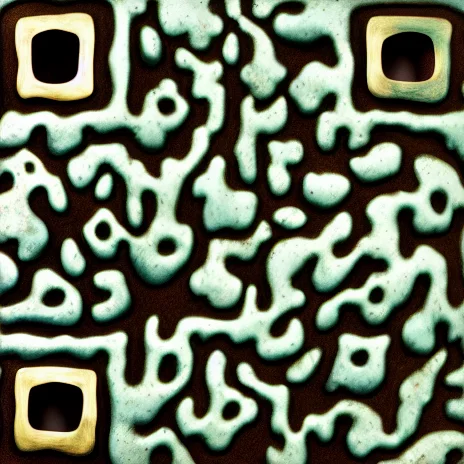 Verdigris Field
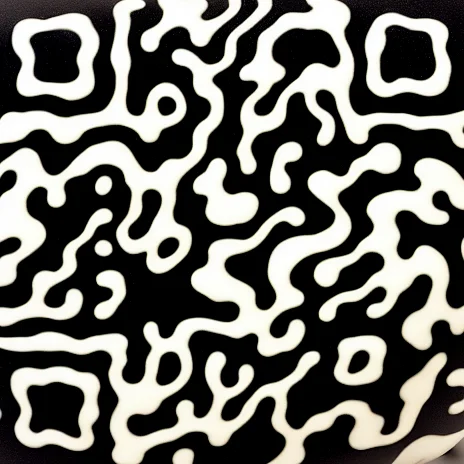 Obsidian Current
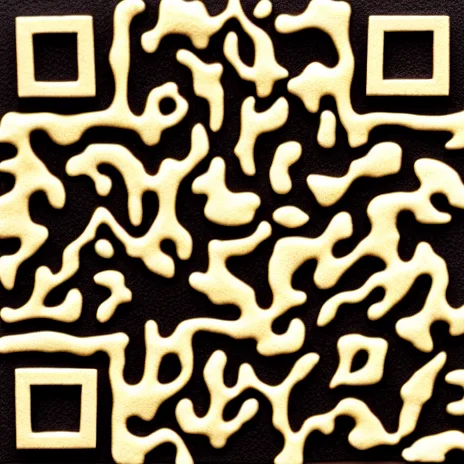 Gilded Leather
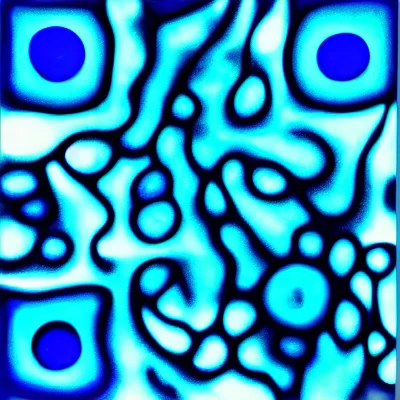 Smoked Glass
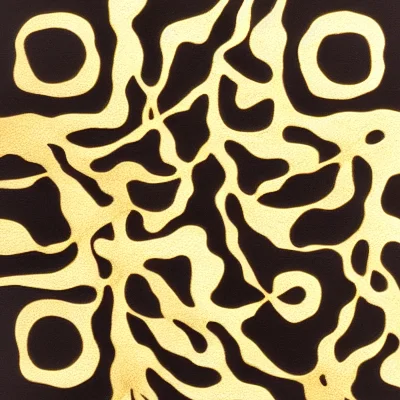 Kintsugi River
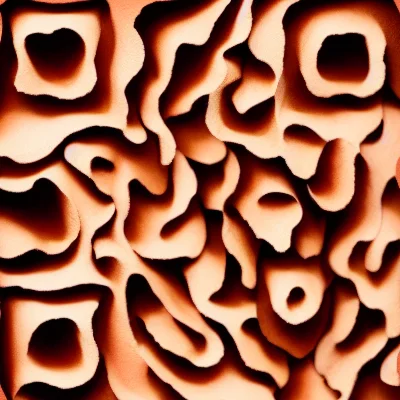 Coral Strata
 Pearl Resin
 Sumi Marble
 Celadon Relief
 Saffron Weave
 Mycelium Network
 Copper Aurora
 Salt Ink Bloom
 Ultramarine Blocks
 Rose Quartz Ink
 Ochre Sandstone
 Graphite Foam
 Turquoise Cloisonné
 Midnight Velvet
 Tangerine Riso
 Charcoal Ice
 Jade Paper Pulp
 Sienna Wax
 Silver Mica
Use an abstract QR when the code should read as a material, pattern, or visual identity rather than a literal character. Compare paper, ink, stone, and flowing forms, then choose the direction that complements your layout.
Abstract designs let the QR structure carry a material-like composition. Some directions emphasize layered paper or ink; others suggest dark stone, metallic surfaces, or flowing pigment. They are useful starting points when an animal or object would distract from the identity around the code.
Compare Indigo Washi for an editorial insert or a restrained printed composition.
Explore Indigo WashiExplore Basalt Veins when a darker material reference fits the surrounding identity.
Explore Basalt VeinsStart with Cobalt Melt for a color-led composition where a literal subject is unnecessary.
Explore Cobalt MeltChoose the material and contrast before committing to a specific texture name. View the QR at its intended size: details that look attractive enlarged may be less distinct in print. Keep layout decoration away from its border. Botanical is the alternative when you want recognizable natural subjects rather than an abstract material.
Accepted templates have already passed admission scan checks. Each newly generated result is checked against its exact payload before delivery. The preview is not your finished QR; check the returned artwork and scan your own file in the intended setting.
Controls vary by template. Open the design and use the available options; its name is a visual direction, not a promise of unrestricted editing.
It is still a functional QR image. Preserve its proportions and border, add a clear instruction nearby, and test the exported result before treating it as part of a printed layout.